Scope & Eligibility
Define which employees and vehicle types qualify, including limits on personal vehicle use, fleet vehicles, and travelers versus local staff.
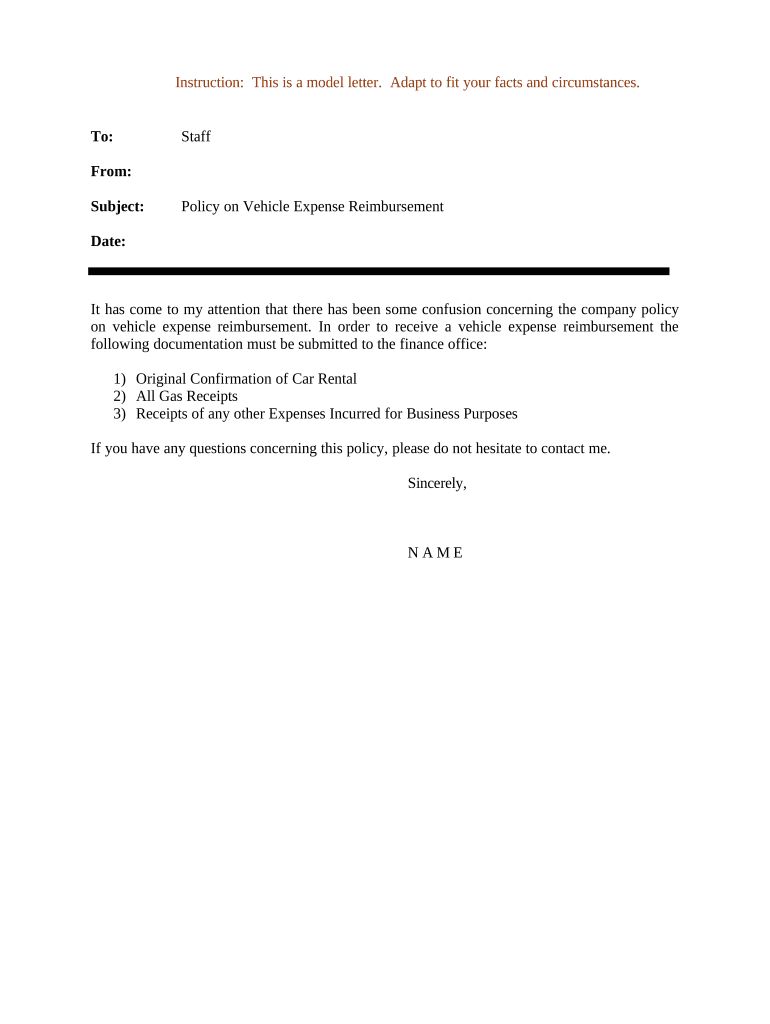
A clear policy reduces disputes, ensures consistent tax treatment, speeds reimbursement processing, and documents employer expectations for auditors and payroll. It protects both staff and the organization by setting documentation standards and aligning reimbursements with federal substantiation rules.

Several roles rely on or complete vehicle reimbursement claims; the policy clarifies responsibilities for each role.
Clear role definitions reduce processing delays and help maintain an auditable trail for tax and internal review purposes.
| Field | Configuration |
|---|---|
| Approval chain | Direct manager | Finance reviewer |
| Authentication | Email link with optional SMS code |
| Submission format | PDF/A or structured web form |
| Attachments required | Receipt image(s) | Mileage log |
Choose file formats, integrations, and authentication appropriate to your organization’s security and workflow requirements.
Ensure your platform preserves an audit trail and stores submitted records securely; integrate with HR/payroll systems to automate posting and reduce manual entry.
Submit claims within 30 days of the expense date unless policy specifies otherwise.
Managers should approve or return claims within 5 business days of receipt.
Claims approved by payroll cutoff are included in the next pay cycle.
Conduct annual review of reimbursements for tax reporting and policy adherence.
Maintain records supporting business use per IRS substantiation guidance.
HR issues official policy and communicates changes to staff.
Digital claim form published and integrated with payroll systems.
Employees submit claims with required receipts and logs.
Finance processes payment and retains records for review.
Define which employees and vehicle types qualify, including limits on personal vehicle use, fleet vehicles, and travelers versus local staff.
State the per-mile rate or table used, whether it follows IRS standard mileage or a fixed internal rate, and when rates are updated.
List covered expenses such as fuel, tolls, parking, and per-diem allowances, and specify caps or exceptional approvals.
Specify required receipts, mileage logs, and any preapproval forms; provide acceptable file formats and retention expectations.
Describe approver hierarchy, timelines for approval, and escalation paths for disputes or exceptions.
Clarify whether reimbursements are treated as accountable plan payments and the documentation needed to avoid taxable wages.
A regional sales team requires per-mile reimbursement and a weekly mileage log submitted every Monday
A nonprofit set a a fixed per-trip stipend for short local visits with receipt submission for fuel over a threshold
| Feature | Fixed-Rate | Actual-Cost |
|---|---|---|
| Tax-friendly | depends | |
| Documentation required | mileage log only | receipts + log |
| Complexity | low | high |
| Best for | consistent mileage | irregular expenses |
| signNow | DocuSign | Adobe Sign | PandaDoc | HelloSign | |
|---|---|---|---|---|---|
| Starting Price | $8/user/mo | $15/user/mo | $14/user/mo | $19/user/mo | $15/user/mo |
| Free Trial | 7-day free trial, no credit card | Varies by plan | Varies by plan | Varies by plan | Varies by plan |
| Bulk Send | Yes (Business Premium) | Yes | Yes | Yes | No |
| Audit Trail | Yes | Yes | Yes | Yes | Yes |
| HIPAA Compliant | Yes | Yes | Yes | No | No |
| Envelope Cap | No cap | 100 envelopes/user/year | Varies | Varies | Varies |
Typically a direct manager or delegated approver with budget authority. Their signature or electronic approval confirms business purpose and triggers payment processing.
A finance or accounts-payable officer verifies totals, tax treatment, and completeness before issuing payment and retaining records for audit.