Decedent Details
Full legal name, last known address, date of death, and any identification numbers needed to match records; accuracy prevents delays when holders compare records.
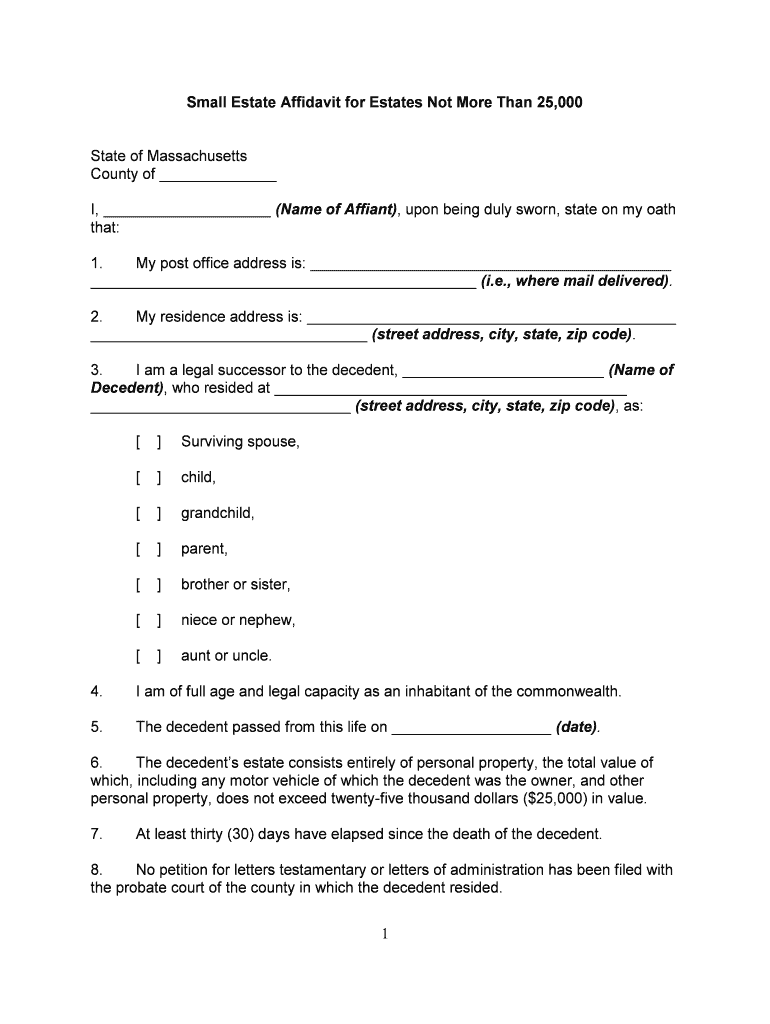
A properly completed affidavit can avoid formal probate for low-value estates, speed asset transfer, and reduce attorney and court costs compared with a full estate administration. It creates a clear, sworn record for banks and other holders to rely on when releasing property.

The form is most often completed by heirs, surviving spouses, or other successors who will receive estate assets without formal probate.
The person who signs the affidavit under oath asserting their right to the decedent’s assets. The affiant must describe relationship, provide identifying details, and swear to the truthfulness of the statements; some institutions require additional identity proof.
Banks, insurers, title companies, or other custodians who review the affidavit, check identification and documentation, and decide whether to release funds or transfer title consistent with their policies and applicable state law.
Full legal name, last known address, date of death, and any identification numbers needed to match records; accuracy prevents delays when holders compare records.
A clear sworn statement by the claimant describing their relationship to the decedent and the legal basis for the claim under Massachusetts law or intestacy rules.
Itemized list of assets to be collected or transferred (account numbers, descriptions, locations); include current estimated values and holder contact information.
A declaration about known debts and whether a formal administration has been opened; some affidavits require notice or waiting periods for creditors.
Affiant signature, printed name, and execution date. Initials on each page may be requested by some institutions to confirm completeness.
Notary block or court clerk certification when required. Remote notarization availability varies by state and custodian acceptance.
| Field | Configuration |
|---|---|
| Required Fields | Make Decedent Name, Date of Death, Affiant Signature required |
| Conditional Fields | Show creditor notice only if estate exceeds thresholds |
| Signer Authentication | Use email + SMS code or stronger ID verification for institutions |
| Save as Template | Create reusable template for repeat filings and team use |
Choose a platform that supports PDF/Word uploads, notarization workflows, and secure signer authentication to meet institutional requirements.
Gather death certificate and account records as soon as possible after death.
Complete notarization prior to presenting the affidavit to holders.
Expect banks to take several business days to verify documentation.
Certain creditor notice periods may affect whether affidavit use is appropriate.
Keep executed copies until all transfers are finalized and any tax reporting is complete.
| Criteria | Affidavit | Probate Petition |
|---|---|---|
| When used | limited transfers | full administration |
| Estate value | limited | any value |
| Court filing | typically no | yes required |
| Timeline | weeks | months or longer |
A small property owner used a sworn affidavit to transfer personal property quickly to an heir
A medical practice used a signed affidavit to collect patient account balances after a practitioner’s death
| signNow | DocuSign | Adobe Sign | PandaDoc | HelloSign | |
|---|---|---|---|---|---|
| Starting Price | $8/user/mo | $15/user/mo | $14/user/mo | $19/user/mo | $15/user/mo |
| Free Trial | 7-day trial | Varies | Varies | Varies | Varies |
| Bulk Send | Yes | Yes | Yes | Yes | No |
| Audit Trail | Yes | Yes | Yes | Yes | Yes |
| HIPAA Compliant | Yes | Yes | Yes | No | No |