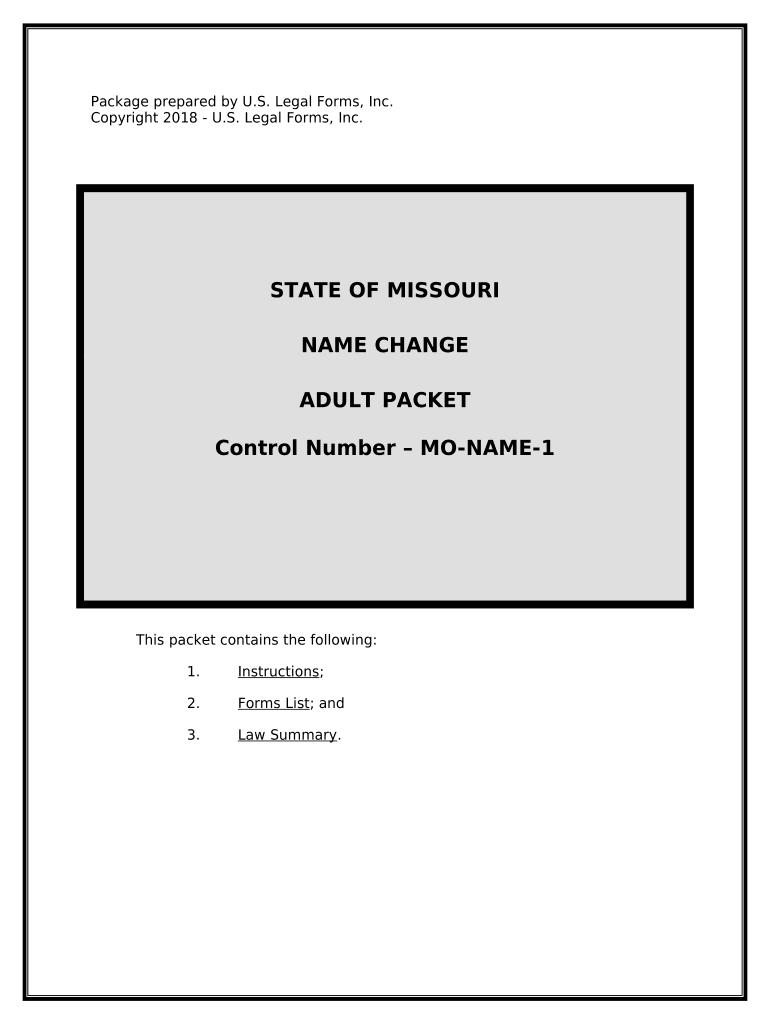
Missouri Adult Name Change Packet
What the Missouri Adult Name Change Packet Is
Why this packet matters for a smooth legal name change
A complete packet reduces filing delays and hearing issues by ensuring the court has required identification, a clear reason for the change, and properly formatted orders. It also documents the record trail needed for updating government and private records after the court signs the order.
Who typically prepares and files the packet
This packet is used by adults petitioning the court to legally change their name, and by professionals who assist them.
- Individuals petitioning for a name change for personal, marriage/divorce, or gender-marker reasons.
- Attorneys, paralegals, and legal aid staff preparing filings and representing petitioners.
- Court clerks, notaries, and third-party publication vendors coordinating notice and docketing.
Petitioners should confirm county clerk instructions and local forms; some counties require additional local cover sheets, specific wording, or publication arrangements.
Step-by-step: Completing the Missouri Adult Name Change Packet
-
01Prepare petition: Complete petition form with full current and proposed names.
-
02Attach ID: Include government ID and proof of residence copies.
-
03File packet: Submit to circuit court clerk and pay filing fee.
-
04Notice & hearing: Arrange publication if required and attend hearing if scheduled.
Configuring the packet for online completion and review
| Field | Configuration |
|---|---|
| Signature Field | Allow either in-person notarized signature or eSignature with audit trail |
| Date Field | Restrict to MM/DD/YYYY and auto-fill the current date option |
| ID Attachment | Require upload of government-issued ID (JPEG, PNG, PDF) |
| Publication Checkbox | Toggle if publication is required or if waiver is requested |
Where to file and how the packet moves through the court
-
Circuit Court Clerk: File the packet in the county where you reside with the clerk of court.
-
Service / Notice: Complete any required publication or provide service to interested parties as ordered.
-
Court Hearing: Attend any scheduled hearing; bring original ID and proof documents.
-
Signed Order: Obtain certified copy of the signed order to update records and IDs.
Digital submission and eSignature compatibility
Many Missouri courts accept electronically prepared packets and may allow e-signing for preparers and petitioners under ESIGN and state rules.
- File Formats: PDF, DOCX accepted
- Integrations: Supports major systems like NetSuite and Google Workspace
- Notary Options: In-person or RON where permitted
Confirm the local circuit court’s e-filing rules and whether the clerk requires an original ink signature or allows a notarized electronic signature; when using an eSignature provider, ensure audit trails, retention, and any required notarization features are available.
eSignature vendor comparison for handling packet signatures
| signNow | DocuSign | Adobe Sign | PandaDoc | HelloSign | |
|---|---|---|---|---|---|
| Starting Price | $8/user/mo | $15/user/mo | $14/user/mo | $19/user/mo | $15/user/mo |
| Free Trial | 7-day free trial, no credit card | Varies by plan | Varies by plan | Varies by plan | Varies by plan |
| Bulk Send | Yes | Yes | Yes | Yes | No |
| Audit Trail | Yes | Yes | Yes | Yes | Yes |
| HIPAA Compliant | Yes | Yes | Yes | No | No |
Risks and consequences of an incorrect packet
Common mistakes people make when preparing the packet
- Using an informal or shortened name rather than the exact legal name on ID, causing delays and verification failures.
- Failing to attach required proof of identity, certified birth certificate, or government ID, which leads to clerk rejection.
- Neglecting publication or not following the clerk’s publication instructions, resulting in the petition being returned or set aside.
- Signing without notarization when the county requires an original notarized signature or failing to use an accepted RON process.
Practical tips to reduce errors and speed processing
Frequently asked questions and troubleshooting
-
Can I sign the packet electronically?
Yes, many fields and preparer signatures can be electronically signed under the ESIGN Act (15 U.S.C. §7001) and UETA where adopted. Confirm with the local circuit court whether an original ink signature or notarized original is required for the petition or order.
-
Is notarization always required?
Notarization requirements vary by county and by document within the packet. Some courts accept a notarized petition or require an in-person signature before a notary; others permit remote online notarization (RON) where the state allows it.
-
When is publication required?
Publication rules differ by jurisdiction; some courts require newspaper notice to notify creditors or interested parties. If your situation presents a safety risk, petition the court for a publication waiver and document the basis for the request.
-
How long does the process typically take?
Processing time depends on county workload, publication schedule, and whether a hearing is required; allow several weeks to several months. Confirm timelines with the circuit court clerk at filing.
-
What supporting documents should I include?
Include government-issued photo ID, proof of residence, certified birth certificate if requested, any previous court orders related to name or gender, and the required filing fee or waiver request.
-
How do I correct errors after filing?
If clerks return the packet for corrections, amend and refile per clerk instructions. If an order is signed with an error, petition the court for a corrective order or nunc pro tunc entry to rectify the record.