Scope of Work
Define measurable deliverables, acceptance tests, timelines, reporting frequency, and any optional services that require separate change orders to avoid scope disputes and unexpected fees.
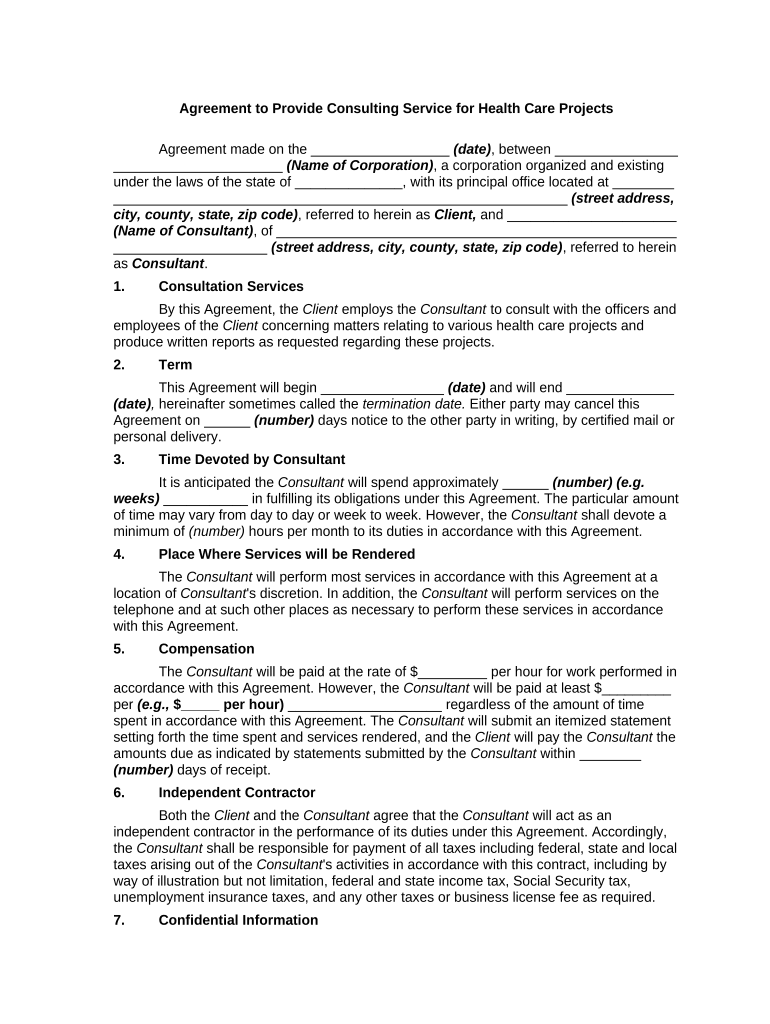
A clear, project-specific agreement reduces ambiguity about deliverables, limits liability exposure related to protected health information, and establishes billing and acceptance criteria that support timely payment and regulatory compliance.

Typical parties include independent consultants, consulting firms, clinical leaders, procurement or legal teams at hospitals, outpatient networks, and specialty clinics.
The agreement should be executed by authorized signatories who can bind their organization and who understand HIPAA and procurement or contracting rules.
The consultant or an authorized officer of the consulting firm should sign. That signer must have authority to accept payment terms, subcontracting limits, and intellectual property assignments on behalf of the consulting entity.
A hospital administrator, contracting officer, or legal designee should sign for the health care organization. The signer must be able to commit the organization to HIPAA safeguards, BAA execution, and budgetary obligations.
Define measurable deliverables, acceptance tests, timelines, reporting frequency, and any optional services that require separate change orders to avoid scope disputes and unexpected fees.
Specify hourly or fixed fees, invoicing intervals, payment due dates, reimbursable expenses, late payment interest, and conditions for withholding payment pending cure of defects.
Detail PHI protections, permitted disclosures, employee/subcontractor obligations, and duration of confidentiality beyond contract termination with cross-reference to BAA provisions.
Attach a HIPAA-compliant BAA that sets permitted uses, security safeguards, breach notification timelines, and liability limits for protected health information handling.
Clarify ownership of deliverables, background IP retained by each party, licensing rights, and any assignment or work-for-hire expectations for software or reports.
State termination for convenience and for cause rights, notice periods, obligations on termination, and final accounting for fees and return of data.
| Field | Configuration |
|---|---|
| Signature Field | Required; set signer role and disable edits after signing |
| Initials Field | Optional; place on each page for version control |
| Date Field | Auto-fill on signature to capture execution date |
| Authentication | Use email + SMS code or higher assurance for PHI access |
Choose a platform that supports secure audit trails, BAAs for HIPAA, and integrations with your document management system.
Ensure the chosen platform can execute a BAA, provide tamper-evident signed PDFs, and retain audit logs to support compliance and future audits.
The Effective Date triggers obligations and retention timelines.
List delivery dates and acceptance review periods here.
Set payment terms such as NET 30 to calculate late fees.
HIPAA requires timely reporting of PHI breaches per internal policy.
Retention begins at creation or final effective date of the record.
Brian Fitzgibbons described streamlined execution as essential to customer experience.
John Butler noted responsiveness and API integration were decisive factors.
| signNow | DocuSign | Adobe Sign | PandaDoc | HelloSign | |
|---|---|---|---|---|---|
| Starting Price | $8/user/mo | $15/user/mo | $14/user/mo | $19/user/mo | $15/user/mo |
| Free Trial | 7-day trial | Varies by vendor | Varies by vendor | Varies by vendor | Varies by vendor |
| Bulk Send | Yes | Yes | Yes | Yes | No |
| Audit Trail | Yes | Yes | Yes | Yes | Yes |
| HIPAA Compliant | Yes | Yes | Yes | No | No |