Applicant ID
Unique identifier or application number to link submissions with records, checks, and attachments across systems and follow-up workflows.
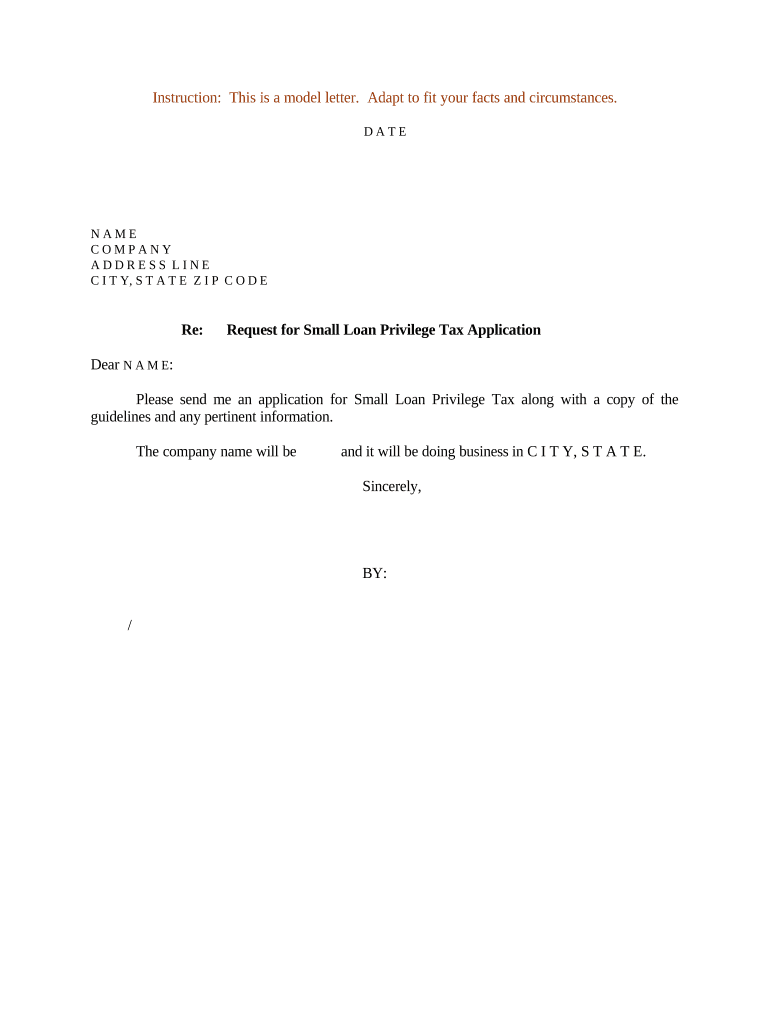
A consistent form reduces processing errors, speeds review cycles, and creates an auditable record for compliance and dispute resolution. Standardized fields make it easier to validate identity, verify eligibility, and integrate data into downstream systems for approvals or onboarding.

Organizations and administrators use the Sample Application Form to gather standardized applicant information for decision-making, verification, and recordkeeping.
Unique identifier or application number to link submissions with records, checks, and attachments across systems and follow-up workflows.
Clear fields for street address, city, state, ZIP, phone, and email to ensure reliable communication and delivery of notices.
Targeted yes/no and short-answer items that determine initial qualification and trigger conditional review or required documentation.
Attachment placeholders for IDs, transcripts, certifications, or licenses. List required file types and maximum sizes for electronic submission.
Statements for applicant attestations, conflict-of-interest disclosures, or consent to background checks and data processing.
Signer name, title, signature area, and date. Include witness or notary sections when the jurisdiction or program requires them.
| Field | Configuration |
|---|---|
| Authentication Method | Email link | SMS code | Knowledge-based verification |
| Signature Type | Click-to-sign | Drawn | Typed name | Digital certificate |
| Notifications | Email reminders | Escalation to supervisor after X days |
| Attachments | PDF, DOCX, JPEG allowed; specify max file sizes |
Confirm supported file formats, authentication options, and integration points before enabling electronic submissions.
Within 3 business days of receipt; confirm submission status
Typically 7–14 business days depending on volume and verification needs
Commonly issued within 30 calendar days of completed file
Varies by program; often 7–30 days following decision
Allow 3–5 business days after approval to update downstream systems
The interface is simple and easy-to-use for our team; more importantly, it is just as easy for our customers.
I can process and execute all of these documents online with 100% compliance and built-in security.
| signNow | DocuSign | Adobe Sign | PandaDoc | HelloSign | |
|---|---|---|---|---|---|
| Starting Price | $8/user/mo | $15/user/mo | $14/user/mo | $19/user/mo | $15/user/mo |
| Free Trial | 7-day free trial | No | No | Yes, limited | Yes, limited |
| Bulk Send | Yes | Yes | Yes | Yes | No |
| Audit Trail | Yes | Yes | Yes | Yes | Yes |
| HIPAA Compliant | Yes | Yes | Yes | No | No |
| Envelope Cap | No envelope cap | 100 envelopes/user/year | Varies by plan | Varies by plan | Varies by plan |