Establishing secure connection…Loading editor…Preparing document…

Letter Regarding Cable Regulation Changes

This template is fully customizable. Edit the text, fill out the fields, and send it for signature. Give it a try!
Letter Regarding Cable Regulation Changes

What the Letter Regarding Cable Regulation Changes Is and When to Use It

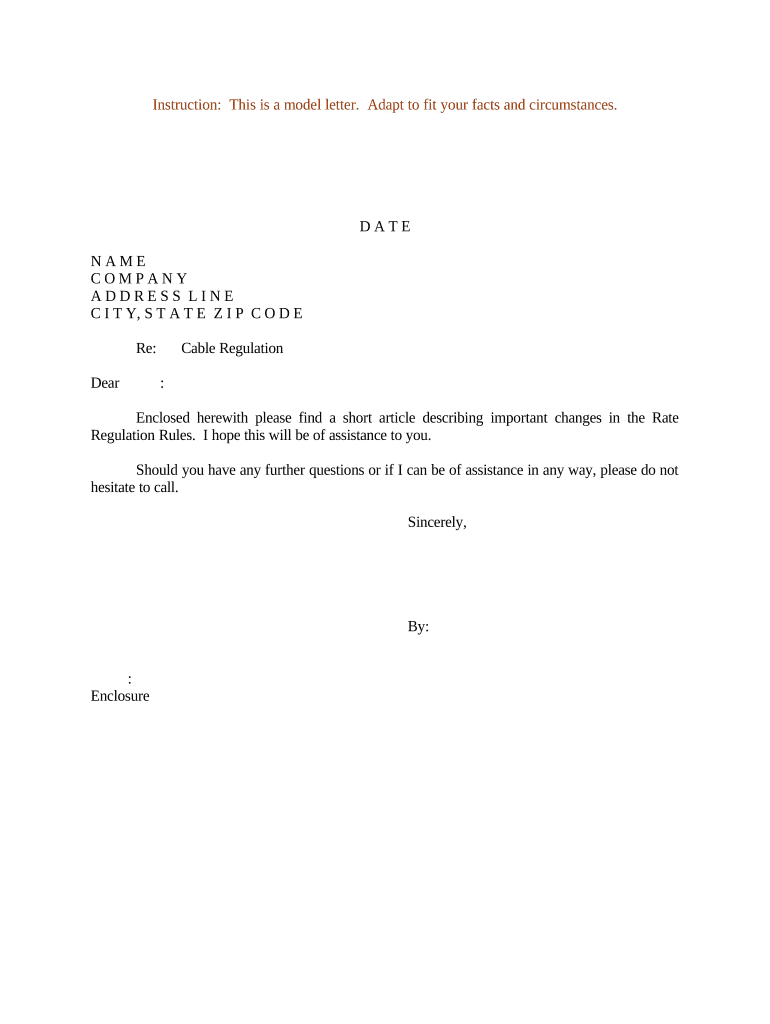
A Letter Regarding Cable Regulation Changes is a formal written communication submitted to a regulatory body or stakeholder to comment on, request clarification of, or propose modifications to cable- or broadband-related rules and orders. It typically cites the specific docket or rule, summarizes the sender's position and supporting facts, and specifies the relief or action sought from the agency or franchising authority.

Why a Clear, Compliant Letter Matters

A well-crafted letter documents an official position, creates a docketed record, and helps regulators understand real-world impacts. Properly framed submissions increase the likelihood that factual concerns and proposed alternatives are considered during rulemaking.

Why a Clear, Compliant Letter Matters

Who Typically Prepares and Submits These Letters

Choose the appropriate signatory and format based on organizational authority and the agency’s submission rules; a clear chain of responsibility helps preserve standing and record integrity.

  • Telecommunications providers and broadband operators submitting technical or commercial impact analyses.
  • Regulatory or corporate counsel preparing legal arguments or formal petitions.
  • Consumer advocacy groups and local governments raising service or public-interest concerns.

Typical Signatories and Their Roles

Regulatory Counsel

An attorney or compliance lead who drafts legal arguments, cites regulatory texts, and certifies requests. They ensure the letter aligns with procedural rules and preserves any administrative remedies or appeal rights.

Corporate Officer

A senior company executive or compliance officer authorized to bind the organization, provide factual attestations, and approve any operational commitments described in the submission.

Step-by-step: Drafting and Submitting Your Letter

Follow a concise sequence to prepare a compliant letter and preserve the record.

  • 01
    Identify the docket: Locate and reference the exact rulemaking docket or citation.
  • 02
    State facts clearly: Summarize relevant data and operational impacts succinctly.
  • 03
    Cite legal basis: Reference applicable statutes, rules, or prior orders.
  • 04
    Request relief: Specify the action you want the regulator to take.

Key Components to Include in a Professional Submission

A concise, well-structured letter improves clarity for regulators and stakeholders reviewing the record.

Letter Heading

Include sender name, address, date, and recipient agency to ensure correct docketing and provide a clear point of contact for follow-up or procedural questions.
Docket Citation

Place the official docket number or rule reference near the top so clerks can immediately associate the letter with the correct proceeding.

Statement of Interest

Briefly describe the sender’s standing or operational role, explaining why the commenter is positioned to provide relevant facts or recommendations.

Factual Background

Summarize supporting facts, data, and any empirical analysis. Attach exhibits or technical reports as clearly labeled annexes or appendices.

Legal or Policy Argument

Concise statutory or regulatory analysis that explains how the rule affects the sender, with citations to controlling provisions where appropriate.

Requested Outcome

Specify the precise relief or regulatory change sought, and describe the practical implementation steps the agency could take.

Required Information and Security Considerations

Encryption: TLS 1.2/1.3, AES-256 at rest
Certifications: SOC 2 Type II, ISO 27001 available
Audit Trail: Timestamps, IP, action log
HIPAA BAA: Available upon request
Authentication: Email, SMS, or advanced options
File Formats: PDF, DOCX, HTML supported

How to Customize and Complete the Letter Online

Configure a simple online workflow to prepare, review, and submit the letter while preserving an auditable record.

Field Configuration
Delivery Method Email upload + certified mail archive
Authentication Email verification; SMS code optional
File Format Upload as PDF/A for long-term retention
Retention Store signed copy with audit trail

Digital Signing, Submission, and Platform Compatibility

Platforms with broad integrations (Salesforce, NetSuite, Box, Procore) simplify routing and archiving; ensure the provider supports the authentication level your agency requires.

  • File formats: Accept PDF, Word DOCX, HTML
  • Integrations: Connectors for Google Workspace and Microsoft 365
  • Signer options: Email link, SMS code, or advanced auth

Where to File, Send, or Submit the Letter

Choose the correct filing channel per agency guidance to ensure the letter is docketed and becomes part of the official record.

  • Federal filings: Submit via the agency docketing portal (e.g., FCC ECFS) where available
  • State authorities: Send to state public service or utility commission per their rules
  • Local franchising: Deliver to municipal franchising authority or clerk where required
  • Certified delivery: Keep certified mail receipt and electronic copy for the record

Typical Timelines, Deadlines, and Processing Expectations

Timelines vary by agency and proceeding type; observe published comment and reply windows to preserve influence in the record.

Comment window:

Varies by rulemaking; commonly 30-day comment periods

Reply comments:

Often shorter windows, commonly 10–15 days after comments close

Acknowledgement:

Agencies typically docket and acknowledge receipt within days to weeks

Decision timeframe:

Rulemaking decisions can take months to more than a year

Appeal or reconsideration:

Post-order remedies vary by statute and agency procedures

Key Milestones and Processing Stages

Track milestones from drafting through post-submission follow-up to preserve evidence and meet response windows.

01

Draft and internal review

Prepare letter and supporting exhibits; obtain internal approvals.

02

Submission and docketing

File via the correct portal and retain confirmation.

03

Monitor proceeding

Watch for replies, procedural updates, or correction requests.

04

Follow-up actions

Provide additional information or seek reconsideration if necessary.

Common Mistakes to Avoid

  • Omitting the docket number which can misfile the comment
  • Using vague impact statements without supporting data
  • Failing to designate an authorized signatory or contact
  • Neglecting to retain the confirmation or audit trail

Penalties and Risks of an Incorrect or Improper Letter

Record exclusion: Letter may not be docketed or considered
Procedural waiver: Missed deadlines may forfeit participation rights
Regulatory fines: Noncompliance exposures under agency rules
Reputational harm: Misstatements may damage credibility
Contract risk: Unapproved commitments can bind the organization
Evidence loss: Failure to retain audit trail weakens proof

Electronic Signature vs Digital (PKI) Signature: Key Differences

Understand the technical and legal distinctions so you can match authentication to regulatory or internal compliance needs.

Criteria Electronic Signature Digital Signature
Legal recognition yes under esign/ueta yes, subset of electronic
Technology audit trail based pki certificate based
Non-repudiation strength moderate with evidence strong via certificate
Typical use cases general filing and comments high-assurance legal/regulated

eSignature Vendor Pricing Overview for Filing and Signing Letters

Compare starting prices and core capabilities. signNow is listed first per vendor-comparison conventions; confirm details with each vendor before purchase.

signNow DocuSign Adobe Sign PandaDoc HelloSign
Starting Price $8/user/mo $15/user/mo $14/user/mo $19/user/mo $15/user/mo
Free Trial 7-day free trial Varies Varies Varies Varies
Bulk Send Yes Yes Yes Yes No
Audit Trail Yes Yes Yes Yes Yes
HIPAA Compliant Yes Yes Yes No No

Real-World Examples of eSigned Regulatory Submissions

These examples show how organizations used electronic tools to submit regulatory letters and preserve the record.

Tech Data

Tech Data streamlined comment submissions with an online signing workflow

  • used bulk routing for multiple departments
  • resulted in a cohesive, docketed record with preserved approvals and timestamps for audits and follow-up.

Martin Properties

A regional provider prepared coordinated responses across offices

  • applied consistent signature and contact blocks
  • retained a secure audit trail to support later compliance questions and franchise negotiations.

Frequently Asked Questions and Troubleshooting

Answers to common questions about validity, signing, filing, and retaining Letters Regarding Cable Regulation Changes.


Need help? Contact support

be ready to get more
Join over 28 million airSlate SignNow users