Heading
Include issuer name, reference to the solicitation or RFP number, and the date so the letter is plainly linked to the procurement record and searchable.
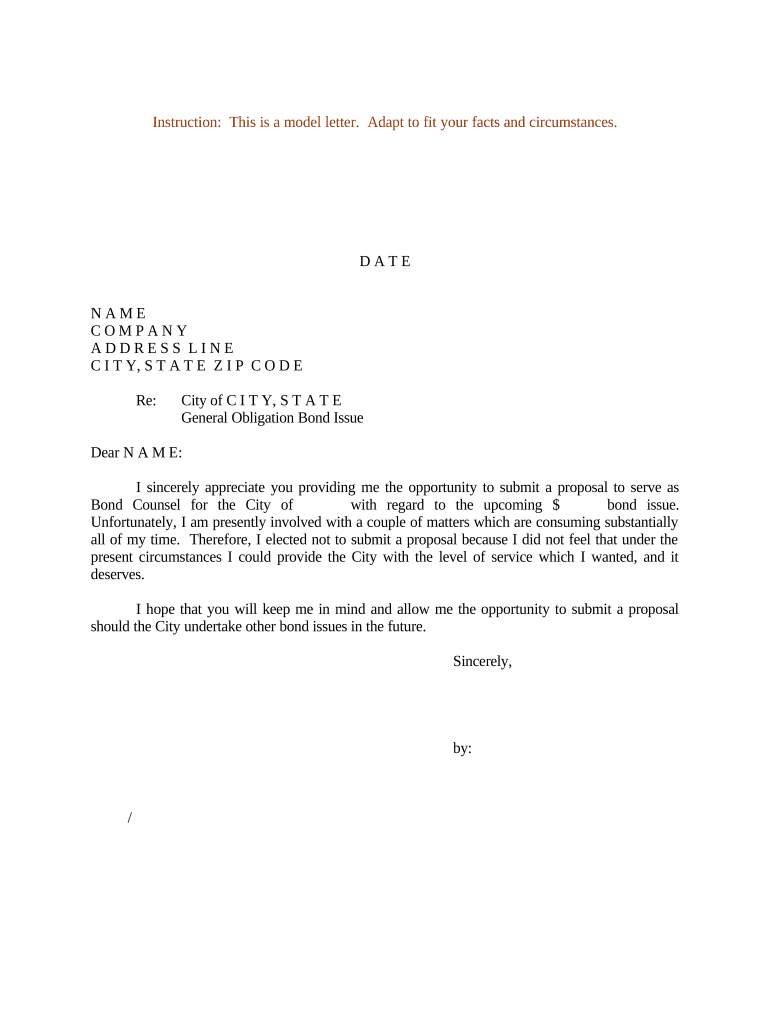
The letter documents the procurement decision, reduces follow-up inquiries, and preserves a clear administrative record. It supports compliance with procurement rules and provides a concise explanation to the declined proposer without creating contractual obligations.

Use the letter promptly after the decision to preserve timelines and prevent misunderstandings between parties.
Include issuer name, reference to the solicitation or RFP number, and the date so the letter is plainly linked to the procurement record and searchable.
A concise statement that the proposal is declined. Avoid detailed critique of the proposal; focus on the outcome and, if appropriate, a neutral reason such as selection of another proposer.
Explain next steps: whether original proposal copies will be retained, whether any confidential materials will be returned, and timelines for post-award debriefing or protest rights.
Provide name, title, phone, and email of the procurement contact for follow-up questions, debrief requests, or records inquiries.
Identify who authorized the decision—board resolution reference or official title—and include a signature block for an authorized signer to validate the record.
State that the letter becomes part of the procurement file and will be retained according to the issuer's records retention policy and applicable law.
| Field | Configuration |
|---|---|
| Template Name | Standardized decline letter template with locked header/footer |
| Auto-fill Fields | Populate issuer, RFP number, and proposer from procurement database |
| Signature Block | Require typed name, title, and date; optional digital signature field |
| Retention Setting | Export signed PDF/A and save to procurement folder automatically |
Ensure the chosen platform complies with ESIGN and UETA and that the issuer documents the vendor choice and retention method in procurement policy.
| signNow | DocuSign | Adobe Sign | PandaDoc | HelloSign | |
|---|---|---|---|---|---|
| Starting Price | $8/user/mo | $15/user/mo | $14/user/mo | $19/user/mo | $15/user/mo |
| Free Trial | 7-day free trial, no card | Varies by vendor | Varies by vendor | Varies by vendor | Varies by vendor |
| Bulk Send | Yes (Premium tier) | Yes | Yes | Yes | No |
| Audit Trail | Yes | Yes | Yes | Yes | Yes |
| HIPAA Compliant | Yes | Yes | Yes | No | No |
Send within a few business days after final authorization to reduce proposer inquiries.
State or local procurement rules often specify a timeframe for debriefing requests; check the solicitation for exact timing.
Protest periods may run from the date of notice; reference the solicitation for the applicable protest deadline.
Retention usually begins on the decision date; preserve all related documents from that date forward.
Do not finalize decline communications until any award is formally approved to avoid premature notices.
The procurement director, finance director, or general counsel typically signs. The signer should be authorized by board resolution or procurement policy to issue formal notices and bind the procurement record.
Representatives of proposers receive the notice; they typically include a named partner or business contact to log receipt and to request debriefing if allowed by the solicitation.
A city issues the decline after selecting another firm
A district notifies unsuccessful proposers after competitive selection