Caption
Court name, case number, estate title, and party identification to ensure the filing is associated with the correct probate docket and judge.
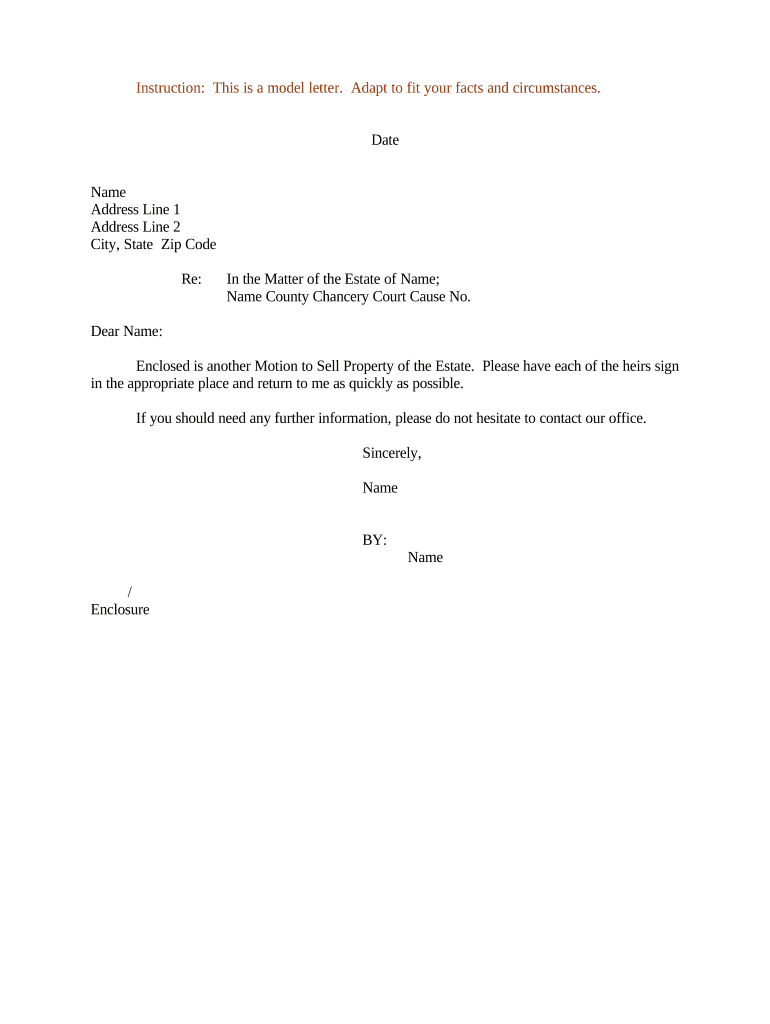
A properly drafted letter speeds court review, reduces objections, and clarifies sale terms for buyers and title companies. It creates a concise record for the judge and supports the required findings for authorization to sell estate property.

The Letter Regarding Motion to Sell Property of Estate is most often prepared by the personal representative or their probate attorney when estate real property must be sold during probate.
Clear roles and accurate service help the court resolve requests efficiently and limit post-sale disputes.
Court name, case number, estate title, and party identification to ensure the filing is associated with the correct probate docket and judge.
Full name and appointment details for the executor or administrator, including date of appointment or letters testamentary reference.
Complete legal description, street address, parcel ID, and any assessor information needed for title, escrow, and recording.
Sale price, buyer identity (if known), broker commission, conditions, contingencies, and proposed allocation of sale proceeds.
Appraisal, title report, marketing summary, purchase agreement, creditor notice, and proof of service attached as numbered exhibits.
Clear request for court authorization to sell, approval of terms, authority to execute documents, and direction for proceeds distribution.
| Field | Configuration |
|---|---|
| Document Template | Use locked sections for caption; editable fields for price, property, and exhibits |
| Signature Fields | Place signature and date fields for the PR and attorney with MM/DD/YYYY format enforcement |
| Authentication | Require email verification or SMS code for non-attorney signers |
| Storage Location | Save completed PDF/A to secure case folder with audit trail |
Courts and title companies increasingly accept electronic documents and eSignatures; verify local court e-filing rules before e-submitting.
Often 14–30 days' notice to interested parties before hearing
Parties typically have 14–21 days to object after service
Court sets hearing date weeks to months ahead depending on calendar
Judge signs order at hearing or shortly after, then clerk files it
Record transfer promptly after closing to protect purchaser title
Prepare letter, exhibits, appraisal, and proposed order for filing
Submit documents to the probate clerk and obtain a hearing date
Serve beneficiaries, creditors, and potential purchasers per local rule
Judge reviews, considers objections, and issues authorization or denial
| signNow | DocuSign | Adobe Sign | PandaDoc | HelloSign | |
|---|---|---|---|---|---|
| Starting Price | $8/user/mo | $15/user/mo | $14/user/mo | $19/user/mo | $15/user/mo |
| Free Trial | 7-day free trial, no credit card required | Varies by plan | Varies by plan | Varies by plan | Varies by plan |
| Bulk Send | Yes (Business Premium) | Varies by plan | Varies by plan | Varies by plan | Varies by plan |
| Audit Trail | Yes | Yes | Yes | Yes | Yes |
| HIPAA Compliant | Yes | Yes | Yes | No | No |