Confidentiality
Remind the recipient of continuing confidentiality obligations and reference any signed NDAs or proprietary information clauses in the contract.
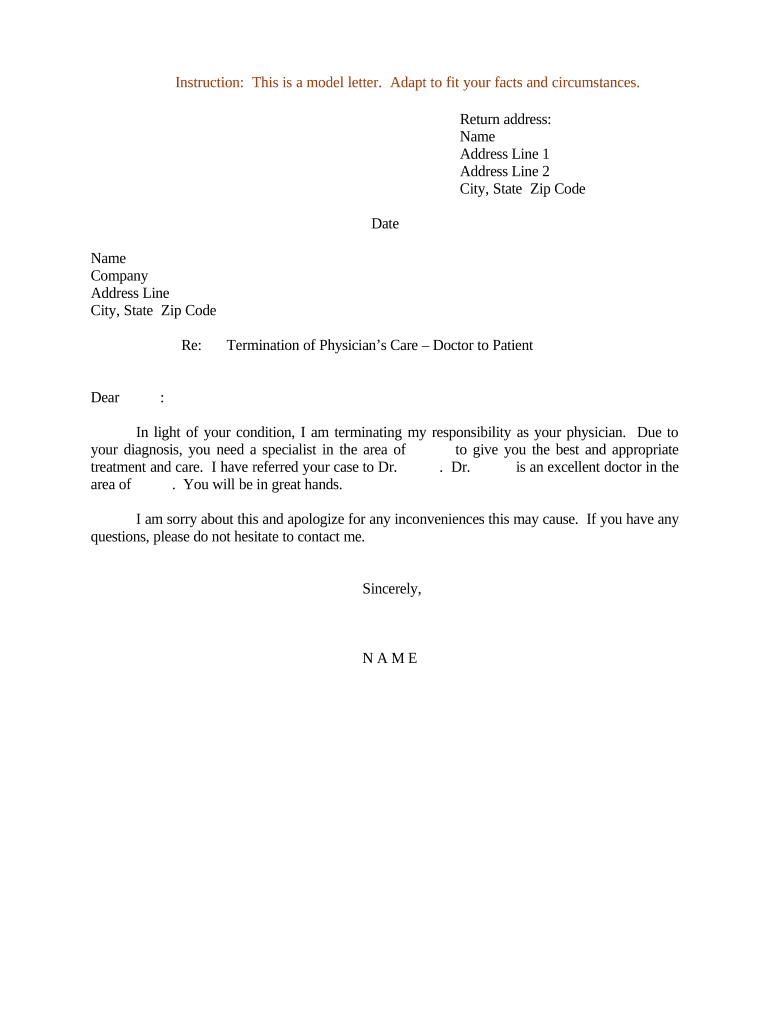
A concise Sample Termination Letter ensures procedural fairness, reduces litigation risk, and documents employer obligations like final wages and benefits. It supports consistent application of company policy and provides evidence of notice and timing if disputes arise.

Employers, HR professionals, outside counsel, and contracting managers commonly prepare Sample Termination Letters to document separation events and preserve evidence of notice.
Recipients include the employee or contracting party, payroll, benefits administration, and the relevant manager or legal file for retention.
HR Managers often draft and send the letter on behalf of the employer, ensuring final pay, benefits, and return-of-property steps are accurately stated and routed to payroll and benefits teams for processing and retention.
Legal counsel may prepare or review termination letters in sensitive matters, including layoffs, reductions in force, or terminations for cause, to confirm compliance with federal and state employment statutes and contractual terms.
Identify the parties and state that the employment or contract will end, including the effective termination date and whether the termination is voluntary, involuntary, or by mutual agreement.
Provide a brief, objective reason when appropriate and legally safe; avoid inflammatory or subjective language that could be used in litigation.
Detail final pay, accrued vacation or PTO payout (if applicable), payroll deductions, and the method and expected timing of payment.
List return-of-property, benefits contacts, COBRA information, non-compete or confidentiality reminders, and a contact for questions or appeal processes.
Remind the recipient of continuing confidentiality obligations and reference any signed NDAs or proprietary information clauses in the contract.
Specify dates and locations for returning company property, access badges, keys, and required condition of returned items.
Note whether COBRA or other continuation coverage options will be provided and who to contact for enrollment details.
Explain whether the company will provide employment references and the point of contact for reference requests.
If applicable and lawful, include any non-disparagement terms agreed to as part of a separation arrangement or release.
Outline severance payments, conditions for receipt, and any release of claims required in exchange for severance.
A manager sends a dated termination letter for performance reasons, stating the final date and final pay details.
A procurement lead issues a contract termination with the effective date and final invoice instructions.
| Field | Configuration |
|---|---|
| Signer Sequence | Sender → Recipient → HR approver |
| Authentication | Email link or SMS code |
| Audit Trail | Enable IP, timestamp, and certificate |
| Storage | Auto-save to personnel folder |
Choose an eSignature platform that supports secure audit trails, common file formats, and your identity requirements.
Verify the platform supports legal requirements in your jurisdiction and preserves a reproducible record that meets ESIGN/UETA standards.
| signNow | DocuSign | Adobe Sign | PandaDoc | HelloSign | |
|---|---|---|---|---|---|
| Starting Price | $8/user/mo | $15/user/mo | $14/user/mo | $19/user/mo | $15/user/mo |
| Free Trial | 7-day free trial | Varies by plan | Varies by plan | Varies by plan | Varies by plan |
| Bulk Send | Yes | Yes | Yes | Yes | Varies |
| Audit Trail | Yes | Yes | Yes | Yes | Yes |
| HIPAA Compliant | Yes (BAA) | Yes (BAA) | Yes (BAA) | No | No |