Headline
A single-line value proposition that sets recipient expectations and ties to the promoted offer or call-to-action.
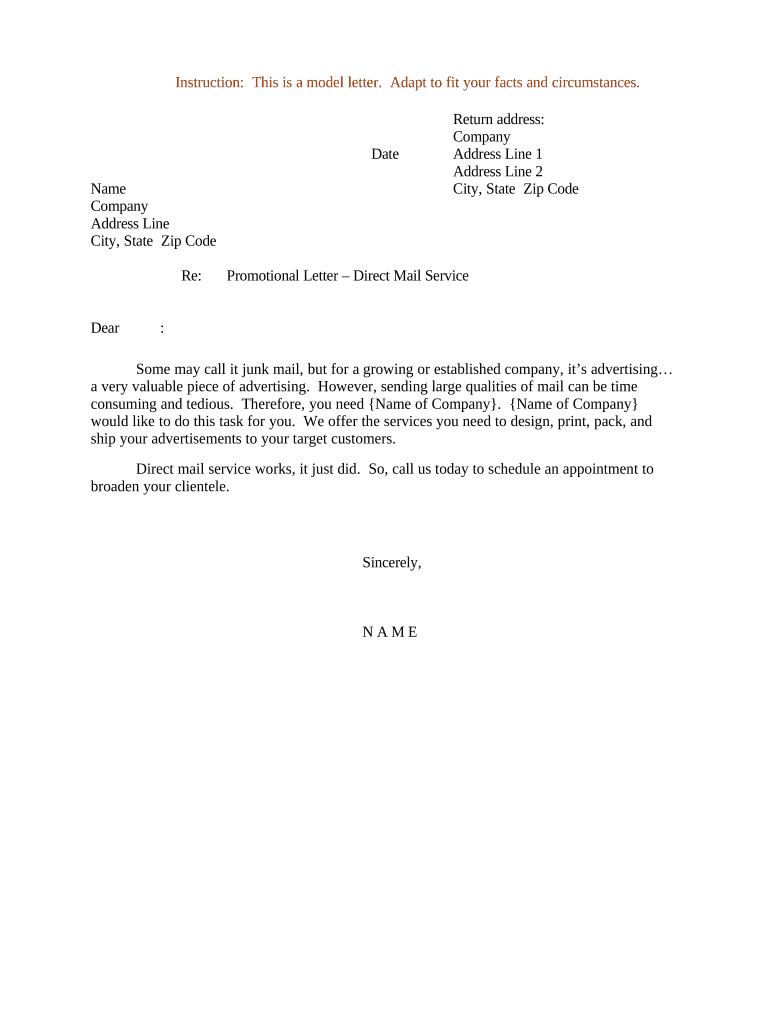
A concise, accurate letter reduces delivery mistakes, supports compliance with mailing and advertising rules, and improves response rates through clearer recipient instructions.

Marketing teams, fulfillment vendors, in-house mailrooms, and compliance officers commonly prepare promotional letters for direct mail campaigns.
A single-line value proposition that sets recipient expectations and ties to the promoted offer or call-to-action.
Concise terms including expiration date, exclusions, minimums, and any dollar amounts so recipients understand obligations and limitations.
Required regulatory or industry-specific disclaimers and opt-out language presented clearly and not buried in fine print.
Complete phone number, email, business address, and return instructions for inquiries or returned items.
Paper stock, fold style, addressing format, and postal permit or indicia details to align with vendor production.
Signature line with printed name, title, and date verifying final authorization to print and mail.
| Field | Configuration |
|---|---|
| Approval Order | Sequential signer routing with role-based steps |
| Authentication | Email or SMS code for signer verification |
| File Types | Accept PDF/X and tagged PDF for print |
| Retention | Enable audit trail and long-term storage |
Select tools that support printed output requirements and secure signer verification for production authorization.
Allow 2–5 business days for legal and creative sign-off
Proof review and corrections typically 24–72 hours
Standard runs require 3–7 business days
NCOA and CASS processing often adds 1–2 days
Schedule with vendor according to required delivery window
Complete text and creative and freeze edits
Legal confirms disclosures and opt-outs
Vendor supplies proof for final sign-off
Vendor prints, addresses, and drops mailing
| signNow | DocuSign | Adobe Sign | PandaDoc | HelloSign | |
|---|---|---|---|---|---|
| Starting Price | $8/user/mo | $15/user/mo | $14/user/mo | $19/user/mo | $15/user/mo |
| Free Trial | 7-day free trial | Varies by vendor | Varies by vendor | Varies by vendor | Varies by vendor |
| Bulk Send | Yes | Yes | Yes | Yes | No |
| Audit Trail | Yes | Yes | Yes | Yes | Yes |
| HIPAA Compliant | Yes | Yes | Yes | No | No |