Caption
Full case caption with court name, party names, and docket number so the motion is properly associated with the case and accepted by clerk systems.
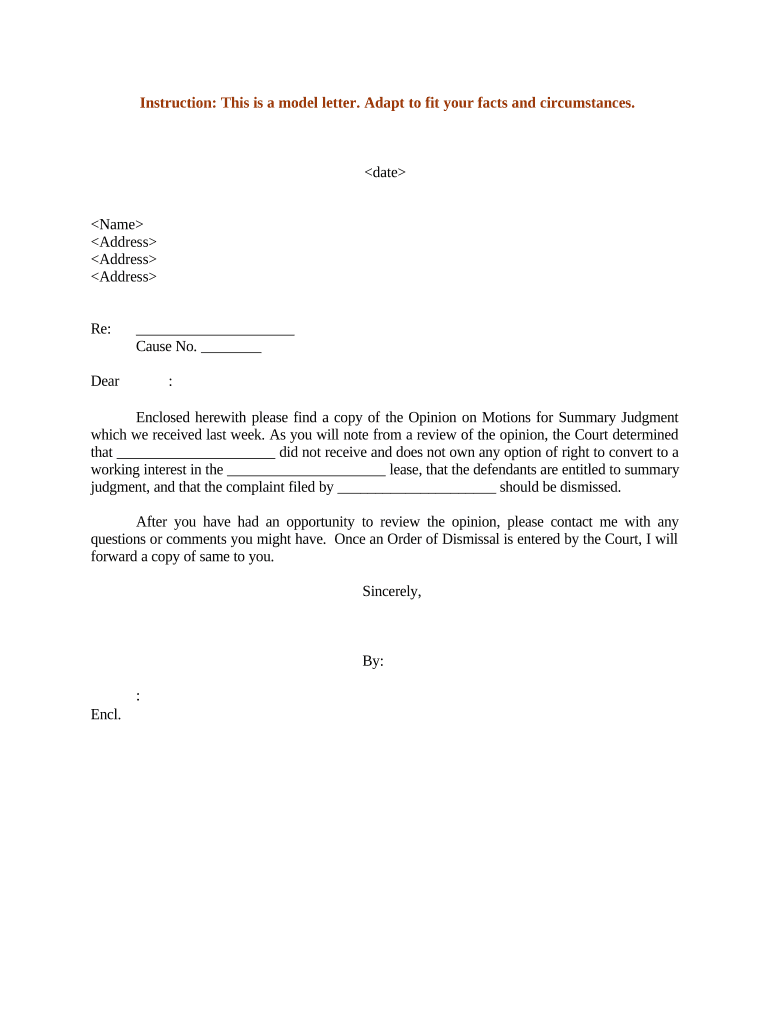
A well-prepared Summary Judgment Form focuses the court on undisputed facts and applicable law, shortens case timelines, and reduces trial expense. Where applicable, electronic signatures and filings are governed by ESIGN (15 U.S.C. §7001) and UETA; confirm local rules for e-filing and consent requirements.

Typical filers include litigators, paralegals, and self-represented parties who assemble factual statements, declarations, and exhibits for the court.
An attorney of record signs for a party to certify the truth of factual statements and compliance with local rules. Counsel must include bar identification and may be subject to sanctions for false certifications.
Paralegals prepare exhibits and verify supporting documents but typically do not sign on counsel’s behalf; they attach declarations from witnesses or clients who can attest to facts under penalty of perjury.
Full case caption with court name, party names, and docket number so the motion is properly associated with the case and accepted by clerk systems.
A concise title indicating relief sought (e.g., Motion for Summary Judgment) and whether it is partial or complete to guide the court's docketing.
Numbered, short factual statements citing specific record evidence and exhibit numbers to isolate undisputed material facts for judicial review.
Focused legal analysis citing statutes, rules, and controlling case law that explains why judgment should enter as a matter of law.
Signed witness or party declarations offering admissible evidence with exhibit cross-references and foundation laid for admissibility.
An organized list of exhibits with labels and brief descriptions so the court can match facts to documentary proof quickly.
| Field | Configuration |
|---|---|
| Caption Field | Locked template text to prevent edits |
| Facts List | Repeatable numbered text field |
| Exhibit Upload | File attachment required per signer |
| Signature Block | Role-based signer order and date field |
Choose delivery methods that satisfy court e-filing standards and opposing-party service requirements.
Verify format, signer authentication, and storage export options to preserve admissibility and create an audit trail.
See Fed. R. Civ. P. 56 and local rules; often after discovery closes
Follow court-specific briefing page limits and filing windows
Commonly 14–30 days to serve an opposition brief
Often 7–14 days after opposition is filed
Set by judge or scheduled after briefing closes
Complete motion, facts, and exhibits before meet-and-confer
Attempt to resolve disputes as required by many local rules
E-file or submit to clerk with certificate of service
Opposition, reply, and potential hearing or submission on papers
| signNow | DocuSign | Adobe Sign | PandaDoc | HelloSign | |
|---|---|---|---|---|---|
| Starting Price | $8/user/mo | $15/user/mo | $14/user/mo | $19/user/mo | $15/user/mo |
| Free Trial | 7-day trial | Trial options | Trial options | Trial options | Trial options |
| Bulk Send | Yes | Yes | Yes | Yes | No |
| Audit Trail | Yes | Yes | Yes | Yes | Yes |
| HIPAA Compliant | Yes | Yes | Yes | No | No |
A plaintiff organizes undisputed contract terms and payment records into numbered facts
A defendant relies on authenticated deposition excerpts and admissions
Save a flattened PDF/A copy to preserve layout and embedded signatures for the court and record retention.
Keep a DOCX version for internal edits, but file the PDF version with the clerk to avoid formatting issues.
Include signing timestamps, IP addresses, and certificate of completion to support electronic signature validity.
Store finalized documents in secure cloud storage tied to case management for retrieval and sharing.