Establishing secure connection…Loading editor…Preparing document…

Attorney Letter

This template is fully customizable. Edit the text, fill out the fields, and send it for signature. Give it a try!
Attorney Letter

What an Attorney Letter Is and When It's Used

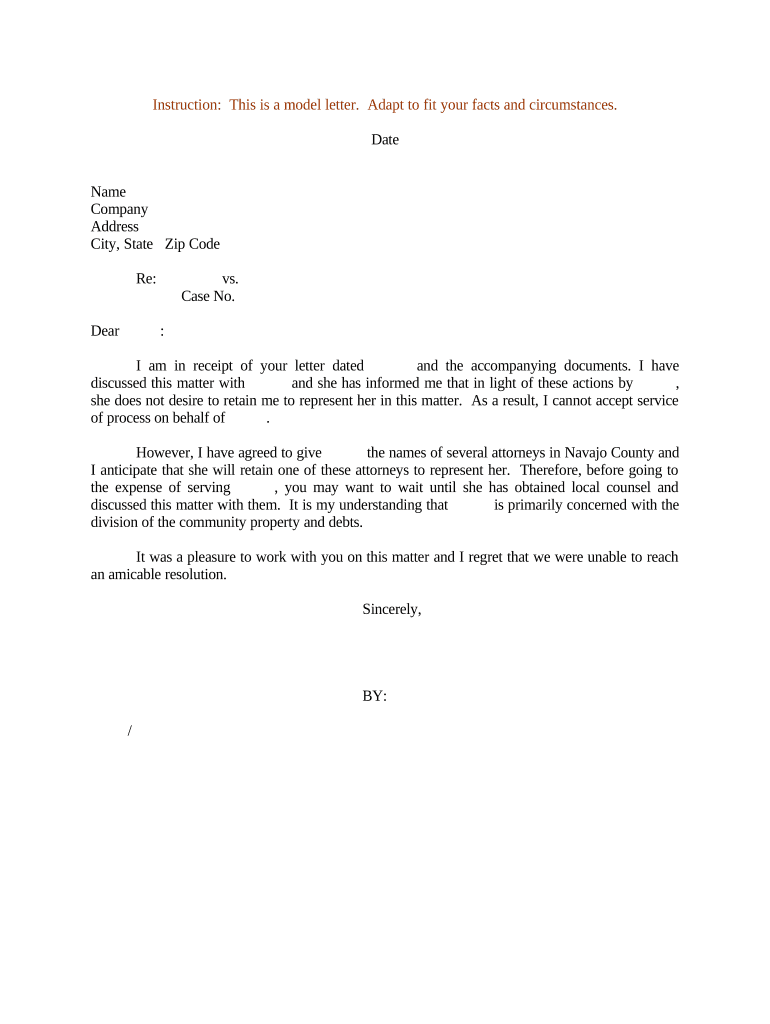
An Attorney Letter is a formal, written communication prepared by a licensed attorney to confirm representation, state legal positions, verify facts, or provide legal opinions for third parties. Typical uses include representation letters to opposing counsel, verification letters for lenders or trustees, engagement confirmations, and privilege or opinion letters for transactions. The letter generally sets out the attorney’s identity, client relationship, scope of representation, factual background, specific statements or certifications, and any limitations on reliance. Accuracy, signature authority, and provenance are essential for the letter to fulfill its intended legal or administrative purpose.

Why an Attorney Letter Matters

An Attorney Letter creates a clear, attributable record of counsel’s position, helps satisfy third-party due diligence, and can limit future disputes when carefully worded and properly executed under applicable rules.

Why an Attorney Letter Matters

Who Typically Prepares and Requests Attorney Letters

Common requesters and preparers include in-house counsel, outside law firms, lenders, escrow agents, and government agencies that need written confirmation of legal facts.

  • In-house legal teams requesting verification for transactions or compliance purposes.
  • Outside counsel drafting opinion or engagement letters on behalf of clients.
  • Financial institutions and escrow agents requiring formal confirmation during closings.

The formality and wording should match the recipient’s needs and any applicable regulatory or contractual standards to avoid ambiguity or unintended liability.

Who Can Sign and Deliver an Attorney Letter

Senior Counsel

A licensed attorney who is identified by name and bar jurisdiction. The letter should state the attorney’s firm, bar admission, and that the signer has authority to represent the client and make the certifications contained in the letter.

Managing Partner

When issued by a firm, the managing partner or an authorized partner may sign on the firm’s behalf; the letter should name the client, describe the attorney-client relationship, and clarify any limitations on the attorney’s statements.

Core Elements to Include in an Attorney Letter

A professional Attorney Letter is concise but thorough; include identification, authority, factual statements, qualifications, limitations, and execution details to ensure clarity and reliance.

Heading and Recipient

Identify the attorney or law firm, the recipient, and the matter or file number so the letter can be tracked and tied to the underlying matter for future reference.
Client and Representation

State the client’s legal name, the start date of representation, and the scope of representation to clarify who the attorney represents and for what purpose.

Factual Statements

Set out the specific facts or certifications being confirmed. Use precise dates, document titles, and references to exhibits or file documents to avoid ambiguity.

Legal Opinion or Position

If providing a legal opinion, state the legal basis, any assumptions relied on, and the jurisdiction under which the opinion is rendered.

Limitations and Reliance

Specify who may rely on the letter, any time limits on reliance, and express disclaimers or scope limitations to manage potential liabilities.

Execution and Authentication

Include the attorney’s signature block, printed name, bar admission details, date, and any notarization or witness information required for the recipient’s reliance.

Stepwise Completion Process for an Attorney Letter

Follow a clear sequence from drafting through authentication to preserve evidentiary value and support recipient reliance.

  • 01
    Draft: Prepare factual statements and legal position with client approval.
  • 02
    Internal Review: Have supervising counsel review for accuracy and scope.
  • 03
    Sign and Date: Signer executes the letter and adds bar admission details.
  • 04
    Authenticate: Notarize or use RON if required by recipient or jurisdiction.

Typical Routing and Delivery Workflow

An Attorney Letter often moves through drafting, client approval, signing, authentication, and delivery; the recipient’s requirements determine final routing methods.

  • Prepare Document: Assemble letter content and exhibits for review.
  • Obtain Client Consent: Confirm client authorizes issuance and any disclosures.
  • Sign and Authenticate: Execute and notarize or use RON where appropriate.
  • Deliver to Recipient: Send by secure email, courier, or through escrow per recipient instructions.

Digital Workflow Settings for eSigned Attorney Letters

Configure workflow fields and authentication to match the recipient’s reliance standard and any regulatory requirements.

Field Configuration
Authentication Email link, SMS code, or advanced signer verification; choose per recipient demands.
Template Create a reusable template that includes signature, date, notarization placeholders.
Reminders Set automatic reminders and expiry to prompt timely signing.
Integrations Connect to document management or CRM for tracking and retention.

Digital Signing and Platform Considerations

Choose an eSignature configuration that preserves audit trails, meets authentication needs, and supports required notarization or witness flows.

  • Authentication Options: Email, SMS, KBA, or advanced methods.
  • Document Formats: PDF, DOCX support for embedded signatures.
  • Integrations: CRM and storage connectors available.

Ensure the chosen platform supports exportable audit trails, retention policies, and any industry-specific compliance needs before completing and sending the Attorney Letter.

How an Attorney Letter Differs from Similar Documents

Compare this letter to other legal documents to choose the correct instrument for your purpose and to set appropriate reliance limits.

Document Type Typical Use Primary Reliance
Attorney Letter verification third parties
Engagement Letter scope of services client and counsel
Power of Attorney authority grant third parties
Affidavit sworn facts courts

eSignature Vendor Pricing and Compliance Snapshot

Compare basic pricing and core features that matter when sending Attorney Letters electronically; signNow is listed first for direct comparison.

signNow DocuSign Adobe Sign PandaDoc HelloSign
Starting Price $8/user/mo $15/user/mo $14/user/mo $19/user/mo $15/user/mo
Free Trial 7-day free trial Varies Varies Varies Varies
Bulk Send Yes (Business Premium) Varies Varies Varies Varies
Audit Trail Yes Yes Yes Yes Yes
HIPAA Compliant Yes Yes Yes No No

Security and Compliance Elements to Include or Verify

Encryption: TLS 1.2/1.3; AES-256 at rest
Audit Trail: Timestamps, IP, action log
HIPAA: BAA required for PHI
21 CFR Part 11: Required for FDA-regulated records
SOC 2: Controls and attestation available
Accessibility: WCAG 2.0 Level AA support

Common Preparation Errors to Avoid

  • Leaving ambiguous language about who may rely on the letter, which can create unintended third-party liability or reliance disputes.
  • Failing to verify signer authority or bar admission details, which can undermine enforceability and the recipient’s willingness to rely.
  • Omitting exhibit references or file identifiers, making it difficult for recipients to match statements to source documents during due diligence.
  • Using unsecured delivery or improper authentication for sensitive letters, increasing risk of interception or later non-attribution.

Consequences of Errors in an Attorney Letter

Invalid Reliance: May void recipient reliance
Professional Liability: Disciplinary or malpractice exposure
Contractual Breach: Triggers indemnities or damages
Regulatory Risk: Noncompliance penalties
Document Rejection: Recipient may refuse the letter
Data Exposure: Sensitive information leakage

Timing Considerations and Typical Deadlines

Plan deadlines around client review, recipient requirements, and any statutory or contractual timing obligations to avoid delays.

Client Approval:

Allow 3–5 business days for internal review and revisions

Signing Window:

Set a 7–14 day signing window for recipients in different time zones

Notarization Scheduling:

Book notary or RON session at least 3 business days ahead

Delivery Confirmation:

Obtain signed delivery receipt within 2 business days

Record Retention:

Archive final executed letter immediately after delivery

Key Milestones from Draft to Finalized Letter

Track milestones sequentially to ensure the letter is accurate, properly signed, authenticated, and received by the intended party.

01

Drafting Complete

Primary author prepares the initial version and compiles exhibits

02

Review and Approval

Supervising counsel reviews and client signs off on factual content

03

Execution and Authentication

Signer executes; notarize or use RON if required

04

Delivery and Archival

Send to recipient; store signed copy and audit trail

Practical Tips for Accurate and Efficient Attorney Letters

Follow these practices to reduce risk, speed processing, and make the letter suitable for third-party reliance.

Use Clear, Specific Language
Draft factual statements in plain, precise terms with dates and document references; avoid vague qualifiers that invite different interpretations or unintended liability.
Limit Reliance and Define Recipients
Specify who may rely on the letter and include an expiration or condition of reliance to control exposure and align expectations.
Preserve an Audit Trail
Use methods that record timestamps, signer attribution, and delivery receipts; save the audit trail with the final executed letter for evidentiary support.
Coordinate Authentication with Recipient
Confirm whether the recipient accepts electronic signatures, requires notarization, or will insist on RON to avoid last-minute re-execution.

Real-World Examples of Attorney Letters in Use

These examples illustrate how different organizations rely on attorney letters for verification and transactional certainty.

Martin Properties

Local counsel prepared an attorney letter confirming corporate authority for a property sale

  • The letter cited recorded instruments and closing conditions
  • The firm closed the transaction remotely, using an authenticated e-signed and notarized letter to satisfy the lender and title company requirements.

Fertility Centers

Counsel issued a representation letter to a third-party payer regarding licensing status

  • The payer required confirmatory language and a dated signature
  • The organization relied on the letter for contract execution and archived the signed copy with an audit trail for compliance.

Frequently Asked Questions and Practical Answers

Answers to common questions about validity, notarization, delivery, and recordkeeping for Attorney Letters in the United States.


Need help? Contact support

be ready to get more
Join over 28 million airSlate SignNow users