Establishing secure connection…Loading editor…Preparing document…

Letter Regarding Interrogatories in Divorce Matter

This template is fully customizable. Edit the text, fill out the fields, and send it for signature. Give it a try!
Letter Regarding Interrogatories in Divorce Matter

What the Letter Regarding Interrogatories in Divorce Matter Is

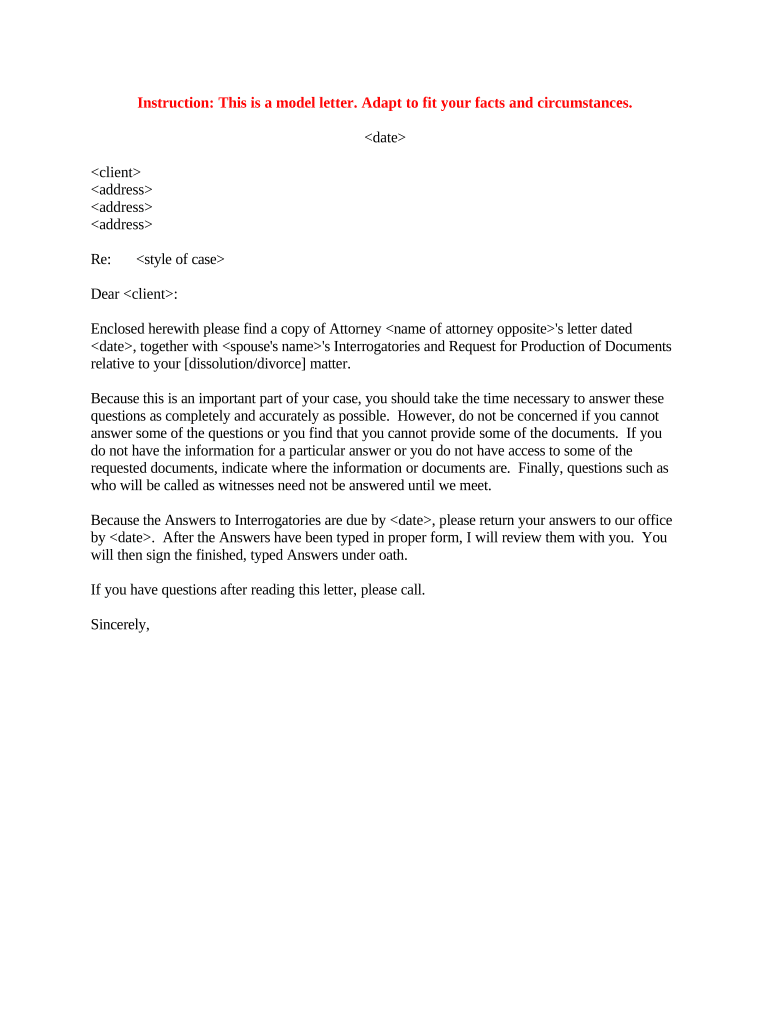
A Letter Regarding Interrogatories in Divorce Matter is a formal written communication exchanged during discovery that accompanies served interrogatories or responds to them. It clarifies which party is sending or answering the interrogatories, identifies the case caption and counsel, confirms service method and date, and states whether objections or supplemental documents accompany the responses. The letter helps create a clear administrative record for the court and opposing counsel while documenting the procedural timeline in family law proceedings.

Why a Clear Letter Matters in Divorce Discovery

A concise letter reduces disputes over service, frames objections, and documents the response timeline under applicable rules such as state civil procedure or FRCP 33. It preserves evidence of proper service, supports meet-and-confer efforts, and helps courts resolve discovery disputes efficiently.

Why a Clear Letter Matters in Divorce Discovery

Who Prepares and Receives This Letter

Typical participants include the responding party, the serving party’s counsel, and the family court clerk when filings require a docket entry.

  • Responding party or their attorney — prepares responses and explains objections or supplements.
  • Serving party or their attorney — sends interrogatories and receives the written responses and accompanying letter.
  • Court clerk or judicial staff — may receive copies when discovery disputes are filed.

Clear role identification in the letter reduces procedural confusion and supports later enforcement or motion practice if responses are deficient.

Core Elements to Include in a Professional Letter Regarding Interrogatories in Divorce Matter

A well-structured letter is concise and covers case ID, parties, service details, response scope, enumerated objections, records produced, and certification of truthfulness. Use plain language and reference the specific interrogatory numbers to avoid ambiguity.

Case Caption

Court name, case number, and party names exactly as in the pleadings.
Sender Identity

Name of attorney or self-represented party, address, phone, and email for service and correspondence.

Service Details

Method of service, date served, and proof of service reference if attached.

Response Summary

Which interrogatories are answered, objected to, or deferred with basis explained.

Documents Produced

List or Bates range for attachments or reference to a separately produced exhibit list.

Certification

Statement that answers are true to the best of the signer’s knowledge and identification of any supplementation duty.

Step-by-Step: Preparing and Sending the Letter

Follow these steps in order to create a clear, defensible cover or response letter for interrogatories in a divorce proceeding.

  • 01
    Gather case details: Confirm caption, case number, and party names from court records.
  • 02
    Reference interrogatories: List the specific interrogatory numbers and whether answering or objecting.
  • 03
    Attach supporting files: Include documents or a privilege log as described in the letter.
  • 04
    Serve and certify: Send via approved method and include a certificate or proof of service.

How to Configure an Online Workflow to Send or Sign the Letter

Set up a predictable workflow for drafting, reviewing, signing, and serving the letter using your document platform and case management tools.

Field Configuration
Template Create a reusable template with caption and signature fields preformatted.
Reviewer Assign counsel to review prior to sending; enable comments.
Signature Type Choose electronic signature with audit trail or wet signature as required.
Service Logging Attach proof of service automatically to the case file.

Where to File, Send, and Record the Letter

Understand destinations for copies and how to document service to preserve the record for any later motion practice.

  • Opposing Counsel: Serve the letter and responses to the opposing attorney of record by agreed method.
  • Court File: File with the family court only if local rules require or when filing a discovery-related motion.
  • Client Copy: Provide a copy to your client and retain in the case file.
  • Proof of Service: Attach or create a separate certificate of service for the court record.

Digital Signing and eSubmission: Platform Considerations

Choose a platform that supports a clear audit trail, basic signer authentication, and secure document storage when using eSignatures.

  • Audit Trail: Timestamps, IP, and action log
  • Authentication: Email link, SMS code, or stronger
  • File Formats: PDF and DOCX supported

Ensure the platform complies with ESIGN and UETA requirements and matches any court or local rule standards for electronic filings or service.

Typical Response Deadlines and Timing Expectations

Response deadlines vary by jurisdiction and whether state rules or FRCP apply; plan for prompt action and verify the controlling rule for your court.

Federal cases (FRCP 33):

Typically 30 days to respond after service

State family courts:

Deadlines vary; 20–30 days typical in many states

Motion to compel timing:

Meet-and-confer required before motion practice in many jurisdictions

Supplementation duty:

Supplement if responses become incomplete or inaccurate

Service proof timing:

Retain proof of service contemporaneously for the record

Key Milestones in Discovery When Using the Letter

Track milestones from interrogatory service through resolution to maintain timely compliance and protect rights in contested divorce proceedings.

01

Serve Interrogatories

Opposing party serves interrogatories and start the response clock.

02

Prepare Responses

Research, gather documents, and draft answers or objections.

03

Serve Letter and Answers

Send the letter with answers and attach production or privilege log.

04

Meet-and-Confer

Attempt to resolve disputes before filing a motion to compel.

Required Information and Fields at a Glance

Case Caption: Court and case number
Party Names: Plaintiff and defendant
Service Date: MM/DD/YYYY
Interrogatory Nos.: Identifies specific items
Objection Basis: Privilege, relevance, overbreadth
Signature: Printed name and date

Penalties and Risks of an Incorrect or Late Letter

Motion to Compel: Court may order compliance
Sanctions: Monetary or evidentiary sanctions
Evidence Excluded: Untimely info may be barred
Default Risk: Severe noncompliance risks default
Perjury Exposure: False certification carries legal risk
Increased Costs: Additional attorney fees and delays

Common Mistakes to Avoid When Preparing the Letter

  • Using an incorrect case caption or number, which can cause misrouting or rejection by the court.
  • Failing to attach a privilege log when asserting privilege, creating disputes over withheld materials.
  • Vague objections without legal basis, inviting motion practice and potential sanctions.
  • Not retaining or attaching proof of service, undermining your ability to demonstrate timely compliance.

Practical Tips for Accurate and Efficient Completion

Use standard templates, checklists, and a single case file to reduce errors and speed preparation.

Use precise references
Cite interrogatory numbers and page ranges to avoid ambiguity and follow local formatting rules.
Keep a privilege log
Provide a detailed log when withholding documents and retain a copy in the case file.
Document service
Save delivery receipts, email headers, or certified mail tracking for proof of service.
Schedule review
Have another attorney or paralegal verify dates, captions, and attachments before serving.

eSignature Vendor Pricing Comparison for Letters and Discovery Documents

Pricing and features vary by vendor and plan; signNow is listed first per comparison conventions and includes plan choices suitable for document signing and secure delivery.

signNow DocuSign Adobe Sign PandaDoc HelloSign
Starting Price $8/user/mo $15/user/mo $14/user/mo $19/user/mo $15/user/mo
Free Trial 7-day trial Varies Varies Varies Varies
Bulk Send Yes Yes Yes Yes No
Audit Trail Yes Yes Yes Yes Yes
HIPAA Compliant Yes Yes Yes No No
Envelope Cap No envelope cap 100 envelopes/user/year Varies Varies Varies

FAQs: Common Questions About Letters Regarding Interrogatories in Divorce Matter

Answers address typical uncertainties about timing, service, objections, e-signatures, supplementation, and consequences for noncompliance.


Need help? Contact support

be ready to get more
Join over 28 million airSlate SignNow users