Case Caption
Full court name and caption indicating plaintiff and defendant, including correct corporate or individual entities, to ensure enforceability and accurate docketing by the clerk.
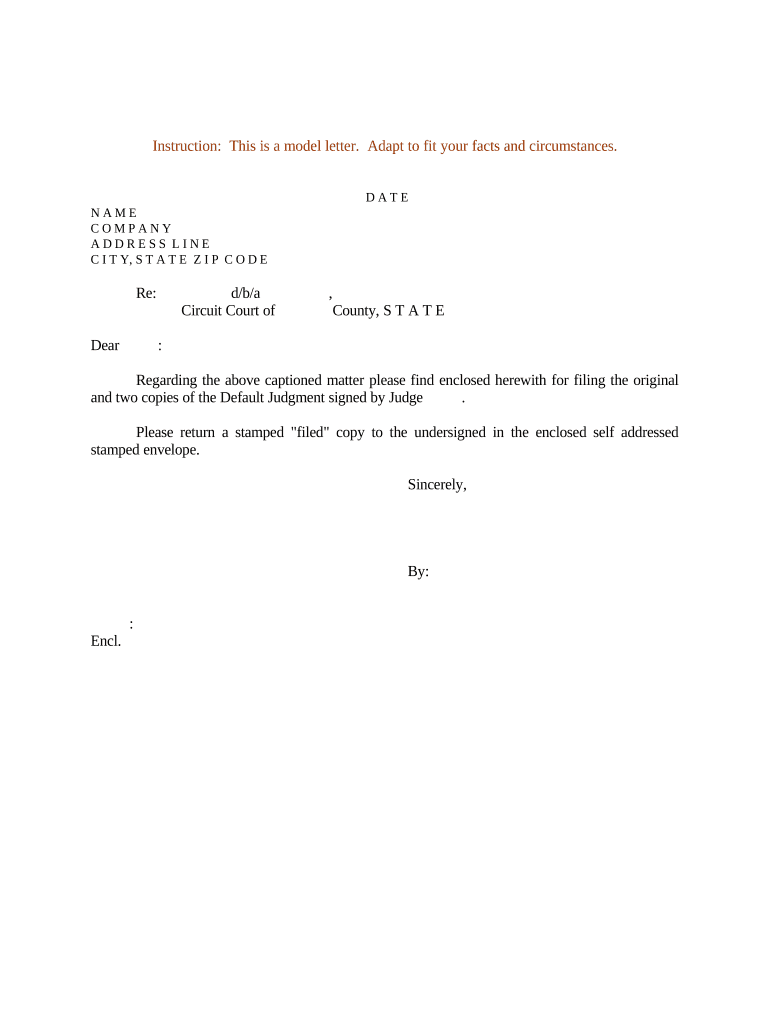
Default judgments conclude litigation quickly when a defendant fails to act, converting claims into enforceable orders. They accelerate recovery but require precise filings and proof of proper service to withstand motions to vacate or post-judgment challenges.

Primary users include plaintiffs, plaintiff attorneys, and court clerks who prepare, submit, or docket default judgment papers.
Each participant must follow court-specific local rules and statutory deadlines to protect the judgment from timely vacatur or appeal.
A plaintiff's counsel prepares the motion, proposed judgment, and affidavit of service, signs filings, certifies compliance with local rules, and represents the plaintiff at any prove-up hearing or post-judgment proceedings.
The court clerk reviews submissions for procedural completeness, applies filing fees, enters clerk default or judgment, and issues certified copies for enforcement or recording by the prevailing party.
Full court name and caption indicating plaintiff and defendant, including correct corporate or individual entities, to ensure enforceability and accurate docketing by the clerk.
Sworn statement detailing how, when, and by whom the defendant was served, including address used and method, to establish jurisdictional notice requirements.
Statement under oath summarizing the factual basis for liability, the defendant's failure to respond, and any calculations used to compute damages and fees.
Itemized calculation of principal, interest, statutory fees, and costs with dates and formulas to support the dollar amount requested in the judgment.
A clean, court-ready order formatted per local rules that the judge or clerk can sign and enter to formalize the plaintiff's relief without additional drafting.
Contracts, invoices, correspondence, or billing records attached as exhibits to the affidavit to substantiate liability and quantify damages.
Defendant's deadline to answer varies by state and service method
Clerks may enter default immediately after time expires when proof of service exists
Time to seek relief differs—file promptly upon learning of default
Enforcement actions follow local post-judgment timing and limitations
Appeal timelines start from judgment entry and vary by jurisdiction
Initiates the case and starts the response clock
Proof of service must be obtained and preserved
Clerk or court enters default after response period lapses
Plaintiff pursues execution or collections post-entry
| Field | Configuration |
|---|---|
| Document Type | Motion for Default; proposed judgment |
| Signers | Plaintiff and attorney; notarization where required |
| Authentication | Email or SMS code; stronger ID where necessary |
| Submission | E-file portal or clerk paper filing |
Ensure your platform supports required formats, strong signer authentication, and integration with court e-file systems where applicable.
Verify court e-filing technical standards and retain audit trails to demonstrate authenticity and chain of custody for post-judgment challenges.
| signNow | DocuSign | Adobe Sign | PandaDoc | HelloSign | |
|---|---|---|---|---|---|
| Starting Price | $8/user/mo | $15/user/mo | $14/user/mo | $19/user/mo | $15/user/mo |
| Free Trial | 7-day free trial | Varies by vendor | Varies by vendor | Varies by vendor | Varies by vendor |
| Bulk Send | Yes | Yes | Yes | Yes | No |
| Audit Trail | Yes | Yes | Yes | Yes | Yes |
| HIPAA Compliant | Yes | Yes | Yes | No | No |
Optica centralized document templates and proof-of-service workflows to reduce filing errors.
A property management firm collected sworn statements and signed judgments remotely to support unlawful detainer defaults.