Grant Clause
Specifies the grantor, grantee, and the precise rights being conveyed, including whether rights are exclusive or nonexclusive and any limitations.
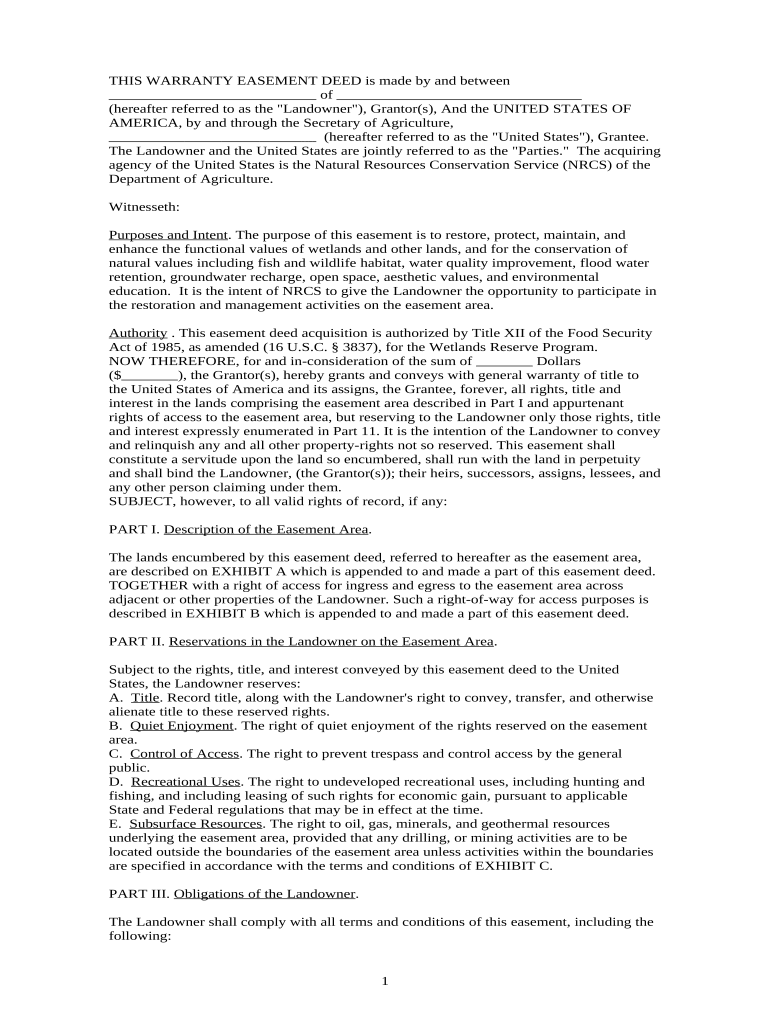
A well-drafted Easement Deed protects property rights, reduces boundary disputes, enables necessary access or utility work, and clarifies maintenance and liability obligations between owner and beneficiary. Precise descriptions and recording improve enforceability and marketability of both the servient and dominant tenements.

Parties involved in easement deeds include property owners, utility companies, municipalities, developers, and lenders; each has different priorities and legal needs.
In practice, real estate attorneys, title companies, and local recording officials typically review and record the deed to ensure legal sufficiency and public notice.
A fee owner or trustee who conveys the easement. The owner must have authority to grant property rights and often obtains title insurance or attorney review before execution to confirm boundary descriptions and title status.
A utility company, neighbor, municipality, or private party receiving the right. The holder assumes the use rights described and may be responsible for maintenance, insurance, and indemnity obligations spelled out in the deed.
Specifies the grantor, grantee, and the precise rights being conveyed, including whether rights are exclusive or nonexclusive and any limitations.
Provides metes and bounds or lot-and-block description plus an attached map or exhibit that identifies the easement area by coordinates or distances.
States whether the easement is perpetual, for a fixed term, or conditional and explains procedures for release or termination.
Lists permitted activities, hours of access, types of improvements allowed, and any prohibitions to protect the servient estate.
Allocates responsibility for upkeep, repairs, utilities, indemnity, and insurance requirements between parties.
Directs recording in the county register and may include provisions for notice to successors and remedies for failure to record.
| Field | Configuration |
|---|---|
| Signature Field | Require signature and date for each party |
| Authentication | Use email plus SMS code or stronger ID verification |
| Attachments | Attach exhibit map as PDF; mark required |
| Routing Order | Set grantor then grantee then witness or attorney |
Ensure your chosen eSignature platform supports notarized acknowledgments, file attachments, audit trails, and secure storage for recorded deeds.
Use a platform that preserves an immutable audit trail and produces a printable, record-ready PDF with signature timestamps and a certificate of completion to satisfy county recorder expectations.
| Document | Easement Deed | License | Right-of-Way | Lease |
|---|---|---|---|---|
| Exclusive Interest | possible | possible | usually yes | |
| Typical Duration | perpetual or term | short term | perpetual or term | fixed term |
| Recordable | sometimes | |||
| Transferable | often | usually no | often | usually yes |
| signNow | DocuSign | Adobe Sign | PandaDoc | HelloSign | |
|---|---|---|---|---|---|
| Starting Price | $8/user/mo | $15/user/mo | $14/user/mo | $19/user/mo | $15/user/mo |
| Free Trial | Yes, 7-day trial | No | No | Yes, limited | Yes, limited |
| Bulk Send | Yes (Premium) | Yes | Yes | Yes | No |
| Audit Trail | Yes | Yes | Yes | Yes | Yes |
| HIPAA Compliant | Yes | Yes | Yes | No | No |