Parties
Identify each legal entity and its business form; use exact legal names and specify the party type (individual, LLC, corporation) to avoid ambiguity in enforcement and tax reporting.
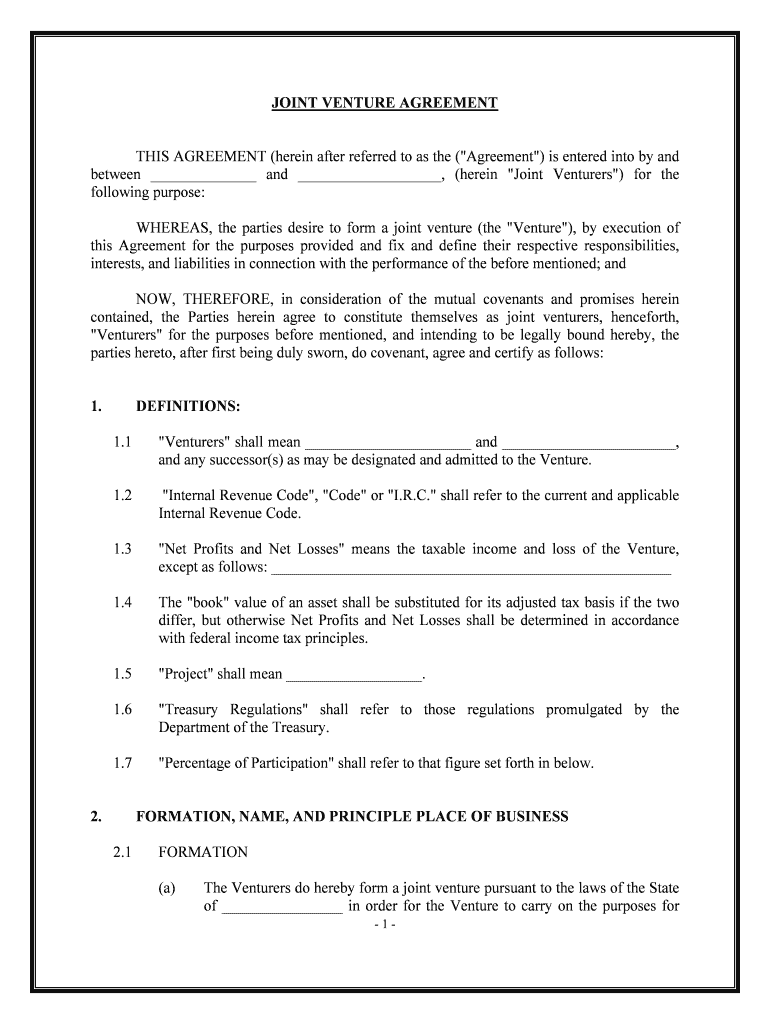
A well-drafted Joint Venture Agreement clarifies rights and obligations, allocates financial and managerial risk, and establishes exit and dispute-resolution procedures. Clear terms reduce litigation exposure, support predictable tax reporting, and provide a framework for day-to-day decision making during the venture's life.

Businesses, investors, and project partners use Joint Venture Agreements when collaborating on limited-scope ventures such as development projects or joint product launches.
A managing member or designated manager signs for an LLC-structured joint venture. That signer must have the authority granted by the company's operating agreement or corporate resolution; absent that, the signature may be challenged by counterparties or regulators.
An authorized officer (CEO, CFO, or other corporate officer) may sign for a corporate partner. The signer should document board approval or a power-of-attorney to show authority and avoid later invalidation or internal challenge.
Identify each legal entity and its business form; use exact legal names and specify the party type (individual, LLC, corporation) to avoid ambiguity in enforcement and tax reporting.
Describe the venture's precise business objective, geographic scope, and permitted activities so partners cannot reasonably diverge from the intended collaboration without unanimous consent.
State the type, timing, and conditions of cash, property, services, or IP contributions and remedies for missed contributions, including dilution or interest charges.
Specify allocation percentages, distribution schedules, priority returns, and whether distributions are conditioned on cash availability or reserved for obligations.
Define management structure, voting thresholds, reserved matters, board composition, and decision-making rules for day-to-day and extraordinary actions.
Include transfer restrictions, buy‑sell mechanics, valuation methods, tag/drag rights, and termination triggers including insolvency and material breach.
| Field | Configuration |
|---|---|
| Signer Order | Sequential or parallel routing |
| Authentication Method | Email link, SMS code, or ID check |
| Required Attachments | Proof of authority or board resolution |
| Audit Trail Options | Retain IP, timestamps, and event log |
Choose formats and verification that preserve the agreement's integrity and support legal admissibility.
Retain the final signed PDF with an audit trail and distribute certified copies to all parties and advisors.
Two developers agree to acquire and develop a mixed-use site
A software firm and hardware manufacturer combine to launch an IoT product
30–90 days typical to finalize key commercial terms
Date parties agree operations and obligations begin
Specify days from notice to fund transfer
File entity elections by the applicable IRS deadline
Require X days' written notice for material changes
| signNow | DocuSign | Adobe Sign | PandaDoc | HelloSign | |
|---|---|---|---|---|---|
| Starting Price | $8/user/mo | $15/user/mo | $14/user/mo | $19/user/mo | $15/user/mo |
| Free Trial | 7-day free trial | Varies by plan | Varies by plan | Varies by plan | Varies by plan |
| Bulk Send | Yes (Business Premium) | Yes | Yes | Yes | No |
| Audit Trail | Yes | Yes | Yes | Yes | Yes |
| HIPAA Compliant | Yes | Yes | Yes | No | No |