Appellant Details
Full name, contact details, representative information, and preferred method for official communications to ensure reliable service and notices.
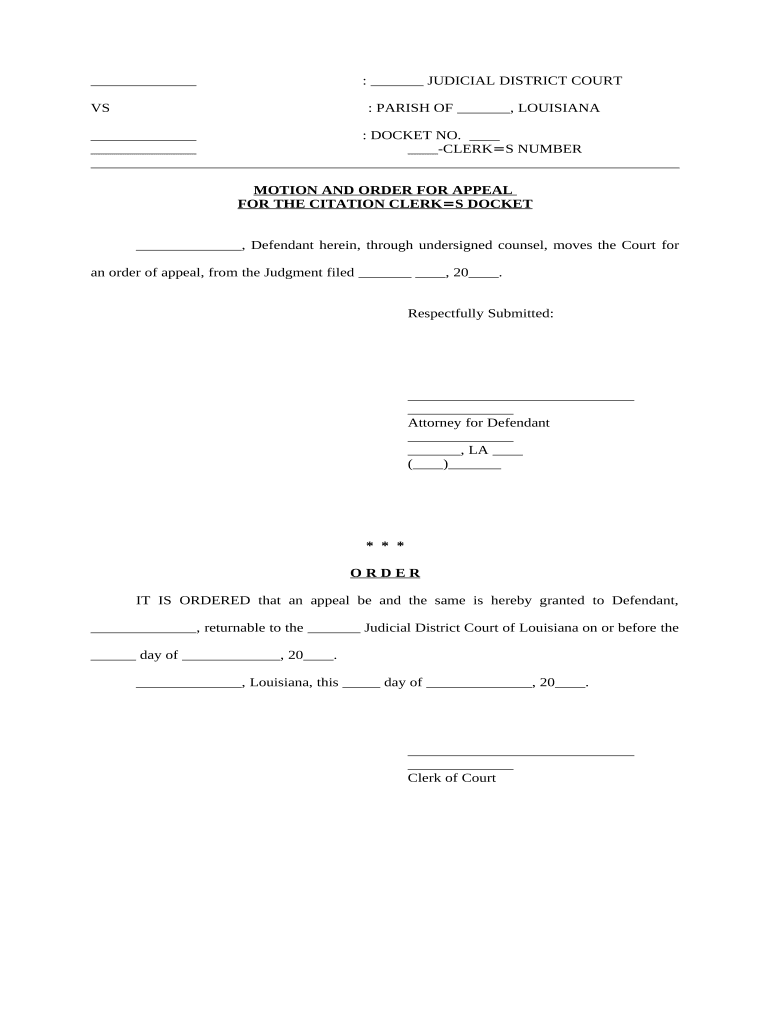
The LA Appeal Form creates a formal administrative record and preserves the appellant’s statutory rights to review. Use a complete form to ensure your appeal is accepted and routed correctly.

Agencies rely on consistent completion to process appeals efficiently; inaccurate or incomplete submissions commonly trigger rejection or requests for clarification.
| Field | Configuration |
|---|---|
| Form Template | Lock required fields and include conditional sections for evidence. |
| Signer Order | Set appellant first, then agency clerk for acknowledgement. |
| Notifications | Auto-notify participants on submission, review, and decision. |
| Record Export | Enable PDF/A export and audit log for retention. |
Confirm the receiving agency’s accepted formats and eSignature policies before you submit to avoid rejection or conversion errors.
Full name, contact details, representative information, and preferred method for official communications to ensure reliable service and notices.
Agency file or citation number, issuance date, issuing official, and location related to the original administrative action.
Concise numbered factual and legal bases explaining why the decision was incorrect or should be reconsidered.
A list of attachments such as photos, permits, signed affidavits, receipts, or maps with clear labels and references to form sections.
Specify relief sought—dismissal, fee reduction, permit reinstatement—and any proposed remedial actions or deadlines.
Signature block, date, and a statement under penalty of perjury if required by the agency to attest to truthfulness.
Optica adopted online signature workflows to reduce back-and-forth paperwork and centralize records.
A property manager uses digital appeal forms to contest local citations and track outcomes across properties.
| Criteria | Electronic Signature | Digital Signature |
|---|---|---|
| Definition | any electronic mark | pki-based cryptographic signature |
| Legal Status | accepted under esign/ueta | accepted; stronger non-repudiation |
| Technical Basis | audit trail and metadata | x.509 certificate, pki |
| Non-repudiation | proven by logs | cryptographic proof |
| signNow | DocuSign | Adobe Sign | PandaDoc | HelloSign | |
|---|---|---|---|---|---|
| Starting Price | $8/user/mo | $15/user/mo | $14/user/mo | $19/user/mo | $15/user/mo |
| Free Trial | Yes, 7-day trial | Trial varies | Trial varies | Trial varies | Trial varies |
| Bulk Send | Yes (Premium) | Yes | Yes | Yes | No |
| Audit Trail | Yes | Yes | Yes | Yes | Yes |
| HIPAA Compliant | Yes | Yes | Yes | No | No |
Commonly 10–30 days from the date on the agency notice; check the specific agency rule
Agencies often acknowledge receipt within 7–14 business days
Hearings are typically scheduled within 30–90 days after filing
Final administrative decisions often issued within 30–120 days depending on complexity
If available, judicial review deadlines vary; check the agency’s final order for appeal timing
An individual with standing may sign and submit the appeal. If a business or corporation is the appellant, an authorized officer or authorized agent must sign and, where required, attach proof of authority or corporate resolution.
Attorneys, licensed agents, or third-party representatives may file on behalf of a party if they provide a written authorization or power of attorney in accordance with the agency’s rules.
Start the filing clock; read the notice for exact deadlines and appeal routing.
Submit the LA Appeal Form with attachments and proof of service if required.
Agency checks jurisdiction and completeness, may request supplements.
Agency issues a written determination with instructions for further review or judicial appeal.