Establishing secure connection…Loading editor…Preparing document…

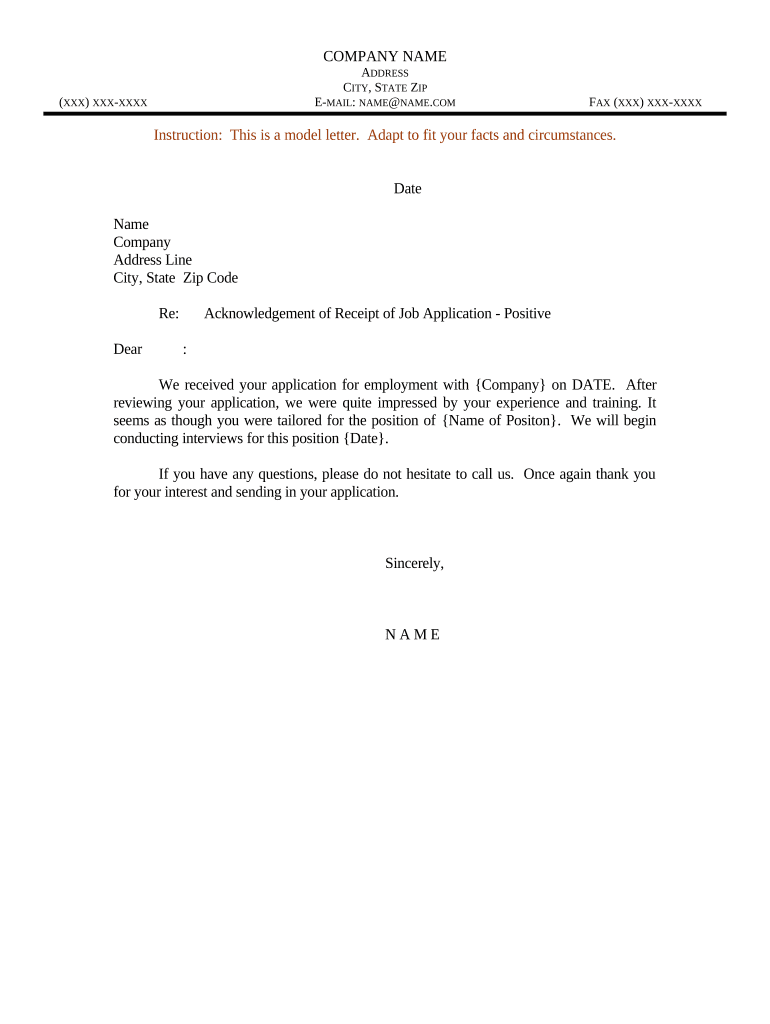
Letter Acknowledgment Receipt

This template is fully customizable. Edit the text, fill out the fields, and send it for signature. Give it a try!
Letter Acknowledgment Receipt

What a Letter Acknowledgment Receipt Is and when it’s used

A Letter Acknowledgment Receipt is a short written record confirming that a recipient has received specified documents, goods, or information from a sender. It documents the date and time of receipt, identifies the items or documents delivered, and typically includes the recipient’s printed name, signature, and contact details. Organizations use this receipt to create an auditable record that evidence was delivered and accepted, reduce disputes about delivery, and satisfy internal or regulatory recordkeeping requirements. The document can be a standalone letter, a signed page attached to a delivery, or an electronic acknowledgment captured through a secure eSignature platform.

Why keeping an acknowledgment receipt matters

A clear, dated acknowledgment creates objective proof delivery occurred and helps manage customer expectations, compliance checks, and contract milestones.

Why keeping an acknowledgment receipt matters

Who typically issues and signs these receipts

Common users vary by industry and role; these profiles help choose fields and authentication levels.

  • Real estate agents and property managers use receipts to confirm handover of keys, disclosures, or executed lease documents.
  • Healthcare administrators capture patient or courier acknowledgments for medical records transfers under HIPAA safeguards.
  • Legal and corporate operations teams create acknowledgments for contract exhibits, certified mail, or privileged materials.

Step-by-step: completing a Letter Acknowledgment Receipt

Follow these sequential steps to prepare, deliver, and preserve a legally useful acknowledgment.

  • 01
    Prepare the form: Enter sender, recipient, item descriptions, and effective date before delivery.
  • 02
    Deliver items: Provide the described documents or goods by the agreed method (courier, hand, electronically).
  • 03
    Obtain acknowledgment: Have recipient sign, date, and note condition or exceptions at receipt.
  • 04
    Store and distribute: Retain the signed copy and share a timestamped copy with relevant stakeholders.

Configuring an online acknowledgment workflow

Use this table when you configure an electronic workflow so each step enforces required fields and evidence capture.

Field Configuration
Authentication Email link, SMS code, or stronger KBA where identity proofing is required
Required fields Make name, date/time, item description, and signature mandatory
Retention settings Enable PDF archival and export of audit trail on completion
Notification routing Auto-send completed copy to sender, recipient, and records custodian

Delivery and technical requirements for electronic acknowledgments

Choose a platform that supports secure eSigning, audit trails, and compliant retention for your use case.

  • File formats: PDF, DOCX, and fillable forms are standard; choose PDF for immutable signed copies
  • Integrations: Connect to Salesforce, NetSuite, Google Workspace, Box, or Procore for automated filing and notifications
  • Authentication options: Support email link, SMS code, and optional KBA or 2FA for higher-assurance use cases

Common destinations: where to send and file the receipt

Decide routing based on who needs proof of delivery and which records the receipt supports.

  • Records department: Store a signed copy in the corporate records repository for retention and audit purposes
  • Requesting party: Email or provide a signed PDF to the originator or contract counterparty
  • Case or matter folder: Attach to the related contract, claim file, or project folder for context
  • Regulatory submission: Retain proof for regulators when delivery triggers compliance or reporting obligations

Timing expectations and common deadlines

Timing depends on your business rules and any regulatory triggers tied to delivery or receipt.

Immediate acknowledgment:

Issue and sign receipt at time of physical or electronic delivery

Contract milestone linkage:

Receipt date may trigger payment or performance deadlines tied to the contract

Regulatory response windows:

Some notices start statutory deadlines once receipt is proven; note dates precisely

Internal retention start:

Retention periods typically begin on the receipt date

Dispute escalation:

Preserve timestamps for the full dispute window applicable to the transaction

Key milestones from preparation to long-term storage

Track a simple sequence so stakeholders know where the receipt is in its lifecycle.

01

Draft and verify

Prepare the receipt and confirm fields are accurate before delivery

02

Deliver and sign

Obtain the recipient’s signature and record date/time of acceptance

03

Archive completed copy

Save signed PDF and audit trail to records management system

04

Retention review

Review retention schedule periodically for disposition or legal hold needs

Common preparation mistakes and how they complicate proof

  • Leaving the item description vague, such as 'documents attached,' creates ambiguity about what was actually delivered and accepted.
  • Failing to capture an accurate date and time can nullify the receipt’s usefulness when deadlines or cure periods are disputed.
  • Allowing unsigned or initialed acknowledgments without clear authority leads to later questions about whether the signatory had authority to accept.
  • Storing only the unsigned draft or failing to archive the audit trail removes critical metadata (IP, timestamps) needed in disputes.

Security, encryption, and compliance considerations

Encryption in transit: TLS 1.2/1.3
Encryption at rest: AES-256
Authentication standards: 2FA and multi-factor options
Regulatory compliance: ESIGN and UETA supported
Healthcare compliance: HIPAA available with BAA
Audit and reporting: Detailed audit trail retained

Risks of incorrect or missing acknowledgments

Contractual disputes: Higher litigation risk without dated proof
Missed deadlines: Unclear receipt dates can void claims or remedies
Regulatory exposure: Noncompliance if recordkeeping requirements unmet
Evidence loss: Missing audit trail harms defensibility
Financial impact: Late payments or penalties may result
Operational delays: Workflow bottlenecks and remedial administrative work

How a Letter Acknowledgment Receipt differs from related documents

This table contrasts the acknowledgment receipt with similar proof documents so you can choose the right form.

Criteria Letter Acknowledgment Proof of Delivery Receipt of Goods
Primary purpose confirm delivery track logistics confirm transfer
Signature required often yes often yes usually yes
Typical evidence signed letter + audit trail scan or pod image signed goods checklist
Use case legal/administrative proof carrier tracking inventory control

Comparing eSignature providers for Letter Acknowledgment Receipts

Basic pricing and capability differences affect cost and features for high-volume or regulated acknowledgment workflows.

signNow DocuSign Adobe Sign PandaDoc HelloSign
Starting Price $8/user/mo $15/user/mo $14/user/mo $19/user/mo $15/user/mo
Free Trial 7-day free trial Varies by plan Varies by plan Varies by plan Varies by plan
Bulk Send Yes (Business Premium+) Yes Yes Yes Yes
Audit Trail Yes Yes Yes Yes Yes
HIPAA Compliant Yes (BAA) Yes (BAA) Yes (BAA) No No

Frequently asked questions about Letter Acknowledgment Receipts

Answers to frequent questions about validity, evidence, eSigning, and storage for acknowledgment receipts.


Need help? Contact support

be ready to get more
Join over 28 million airSlate SignNow users