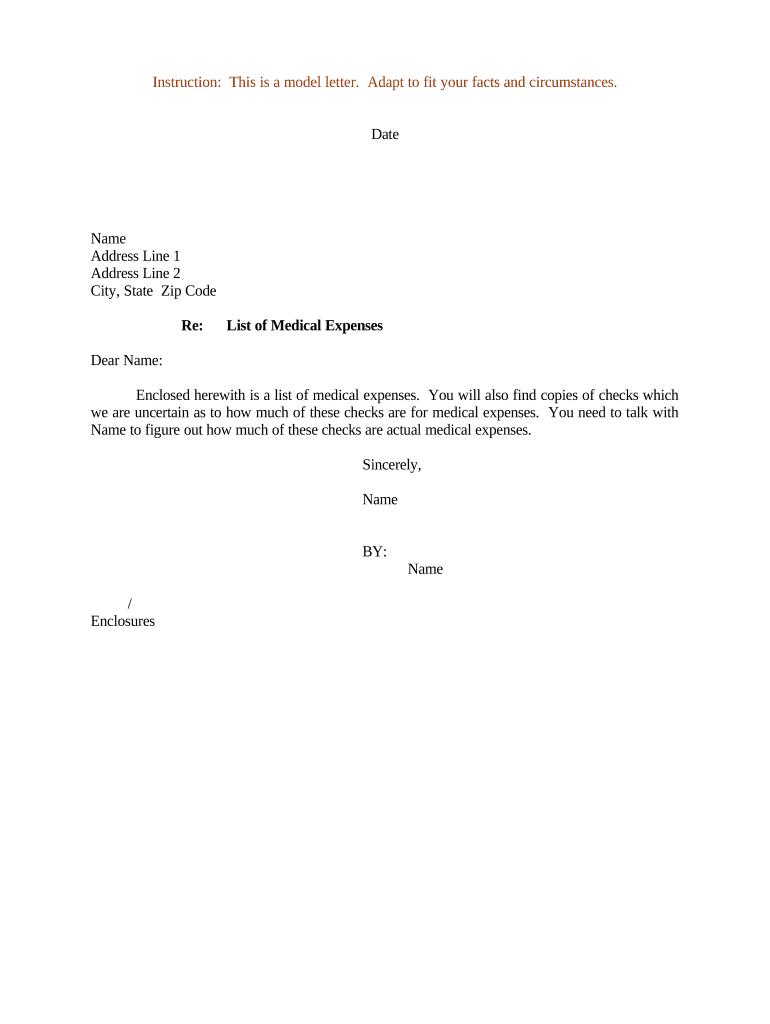
Letter Regarding Medical Expenses
What a Letter Regarding Medical Expenses Is and When It’s Used
Why a Clear Medical Expense Letter Matters
A clear, accurate letter speeds claim processing, reduces disputes, and creates an auditable record for insurers, employers, or tax purposes. It helps ensure consistent treatment of charges and supports eligibility for reimbursement, tax deductions, or hardship accommodations.
Who Typically Prepares or Receives This Letter
Organizations and individuals use this letter to document and share verified medical expense details with payers or record-keepers.
- Patients and family members requesting reimbursement from insurers or employers for out-of-pocket costs
- Medical billing departments or providers sending itemized cost explanations to payers or patients
- Payroll or benefits administrators processing FSA/HSA claims or offering payment plans
Properly prepared letters reduce back-and-forth requests and create a single consistent statement for reviewers.
Primary Signers and Preparers
Patient / Responsible Party
The patient or legally responsible party signs to confirm accuracy of listed expenses and consent to release necessary records; this signer may also attest to payment history and outstanding balances if required by the recipient.
Provider Representative
A billing manager or authorized provider staff member may prepare and sign the letter to certify charges, list adjustments, and attach documentation such as invoices and EOBs; this signature verifies that the statement reflects the provider’s billing records.
Key Risks If the Letter Is Inaccurate
Common Preparation Errors to Avoid
- Missing or inconsistent patient identifiers that prevent matching to insurer or provider records and trigger additional verification requests
- Unclear or non-itemized totals that obscure which services were charged, paid, or adjusted and slow adjudication
- Failing to attach supporting documents such as EOBs, receipts, or invoices — recipients commonly require originals or certified copies
- Using ambiguous language about responsibility for payment or discounts; explicitly state patient balance, insurer contribution, and any write-offs
Step-by-Step: How to Prepare the Letter
-
01Gather Records: Collect invoices, EOBs, and receipts
-
02Verify Identifiers: Confirm patient name and DOB
-
03Itemize Charges: List dates, services, amounts
-
04Sign and Date: Authorized signature and date
Typical Processing Flow After Submission
-
Submission: Send letter to insurer or payer
-
Intake Review: Recipient verifies identifiers
-
Adjudication: Claims or refunds are evaluated
-
Resolution: Payment, denial, or request for more info
How to Set Up an Online Workflow for This Letter
| Field | Configuration |
|---|---|
| Patient Identity | Required text field, exact-match validation |
| Date of Service | MM/DD/YYYY date picker |
| Attachments | Allow PDF/JPG uploads, required for EOBs |
| Signature | Signer role with date stamp |
Digital Submission: Technical and Compliance Considerations
Use a platform that supports secure uploads, audit trails, and, when required, HIPAA-compliant handling of protected health information.
- File Types: PDF, DOCX, JPG accepted
- Authentication: Email, SMS, or stronger
- Audit Trail: IP, timestamp, signer log
Ensure the platform offers encryption in transit and at rest, and if PHI is included, execute a BAA with the vendor before uploading.
Timing: When to Send and Expected Processing Windows
Insurance Claims:
Submit per plan rules; often 90 days to 1 year
Employer Reimbursements:
Depends on payroll cycle; allow 2–4 weeks
Tax Deductions:
Include with tax year records; retain receipts
Appeals:
Follow insurer deadlines, typically 30–180 days
Payment Plans:
Processing and approval may take 7–30 days
Key Milestones from Preparation to Resolution
Prepare Letter
Collect documentation and draft an itemized statement
Submit to Recipient
Send via secure portal, email, or certified mail
Verification Stage
Recipient matches records and asks for missing items
Final Adjudication
Claim approved, denied, or adjusted and communicated
eSignature Providers and Pricing: Quick Comparison
| signNow | DocuSign | Adobe Sign | PandaDoc | HelloSign | |
|---|---|---|---|---|---|
| Starting Price | $8/user/mo | $15/user/mo | $14/user/mo | $19/user/mo | $15/user/mo |
| Free Trial | 7-day free trial | Varies by plan | Varies by plan | Varies by plan | Varies by plan |
| Bulk Send | Yes | Yes | Yes | Yes | Yes |
| Audit Trail | Yes | Yes | Yes | Yes | Yes |
| Envelope Cap | No envelope cap | 100 envelopes/user/year | Varies by plan | Varies by plan | Varies by plan |
Frequently Asked Questions About Letters Regarding Medical Expenses
-
What makes an electronic signature valid?
An electronic signature is valid when it shows intent to sign, consent to electronic records, attribution to the signer, and a retrievable record per the ESIGN Act (15 U.S.C. ch. 96) and UETA where applicable.
-
Do I need a patient authorization to share PHI?
Yes when the letter includes protected health information and disclosure is not otherwise permitted under HIPAA; obtain a valid patient authorization or ensure a Business Associate Agreement is in place for vendors handling PHI (45 CFR parts 160–164).
-
Is notarization required for these letters?
Typically no, unless the recipient requests a sworn affidavit or the letter supports court filings; notarization requirements vary by state and use case, so confirm recipient rules beforehand.
-
What supporting documents should I attach?
Attach itemized invoices, insurer Explanation of Benefits (EOBs), receipts for out-of-pocket payments, and provider statements that corroborate services and amounts billed.
-
How long will processing take after submission?
Processing varies: insurers often take 2–8 weeks, employer reimbursements 1–4 weeks, and appeals longer depending on review complexity and requested documentation.
-
Can I use an eSignature platform for this letter?
Yes. Use a platform that provides an audit trail, secure storage, and, if PHI is present, HIPAA-compliant controls and a BAA; verify the vendor’s compliance certifications before use.