Letterhead
Company name, address, and contact person with phone or email so the recipient can confirm details or request clarifications without delay.
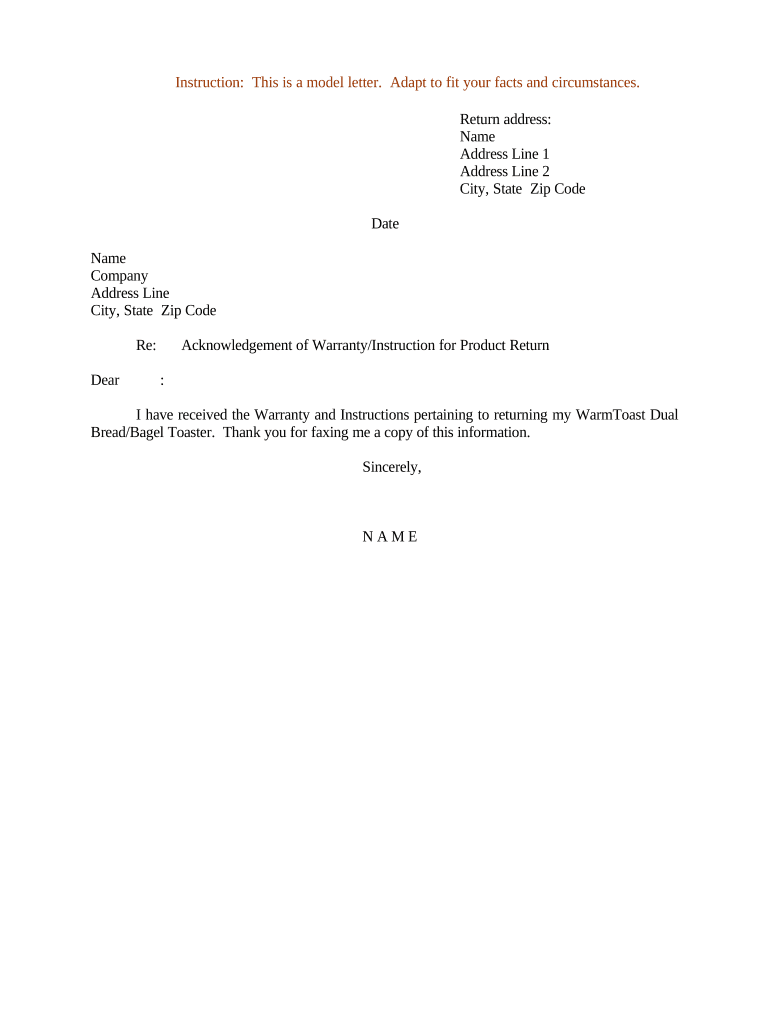
The letter provides clear evidence of receipt and warranty assessment, reduces disputes by documenting condition and resolution, and supports regulatory or tax recordkeeping. It also helps coordinate logistics, sets customer expectations about refunds or repairs, and establishes a defensible audit trail for internal control and consumer-protection compliance.

Typical users prepare the letter to confirm warranty returns and guide the next steps for repair, replacement, or refund.
Company name, address, and contact person with phone or email so the recipient can confirm details or request clarifications without delay.
Document date, original order number, and RMA or claim number to uniquely link the letter to the return transaction and internal case file.
Include model, SKU, and serial number so the specific unit under warranty is identified and warranty applicability can be verified.
Reference warranty type and relevant clause or duration so readers understand coverage limits, exceptions, and any applicable start date.
Describe reported defect, inspection findings, and whether malfunction is covered, excluded, or caused by misuse; be factual and objective.
State the chosen remedy—repair, replacement, refund, or credit—and provide expected completion date, return shipping terms, and refund method.
| Field | Configuration |
|---|---|
| Template | Pre-fill static text and placeholders for RMA, serial, and remedy. |
| Signature method | Allow e-signature with audit trail and signer email verification. |
| Attachments | Attach proof of purchase and inspection photos as PDFs. |
| Retention | Save signed copy to the customer case and archived storage. |
Use a secure e-signature platform that accepts PDF or DOCX templates and preserves an audit trail for each signed letter.
Ensure the chosen platform captures timestamp, signer identity, IP address, and stores a tamper-evident copy alongside the RMA for audit and dispute defense.
Within 3 business days of receiving the returned item.
Complete inspection and report within 7 business days after receipt.
Estimate 7–30 days depending on part availability and complexity.
Process refund within 7–14 business days after disposition confirmation.
Provide status updates at major milestones or upon customer request.
An SMB needed a simple receipt notice for a returned unit
A property manager returned an appliance under warranty
Typically authorized to sign standard acknowledgement letters and approve routine remedies under delegated authority; escalates complex liability or legal issues to senior management or legal counsel as needed.
Handles RMA issuance, documents inspection outcomes, and may sign confirmations for inventory and accounting; lacks authority to alter warranty terms without managerial approval.
| signNow | DocuSign | Adobe Sign | PandaDoc | HelloSign | |
|---|---|---|---|---|---|
| Starting Price | $8/user/mo | $15/user/mo | $14/user/mo | $19/user/mo | $15/user/mo |
| Free Trial | 7-day free trial, no card | No | No | Yes, limited | Yes, limited |
| Bulk Send | Yes | Yes | Yes | Yes | No |
| Audit Trail | Yes | Yes | Yes | Yes | Yes |
| HIPAA Compliant | Yes | Yes | Yes | No | No |