Opening
Begin with a polite salutation and a one-sentence summary of why you are writing; set expectations for the type of advice sought.
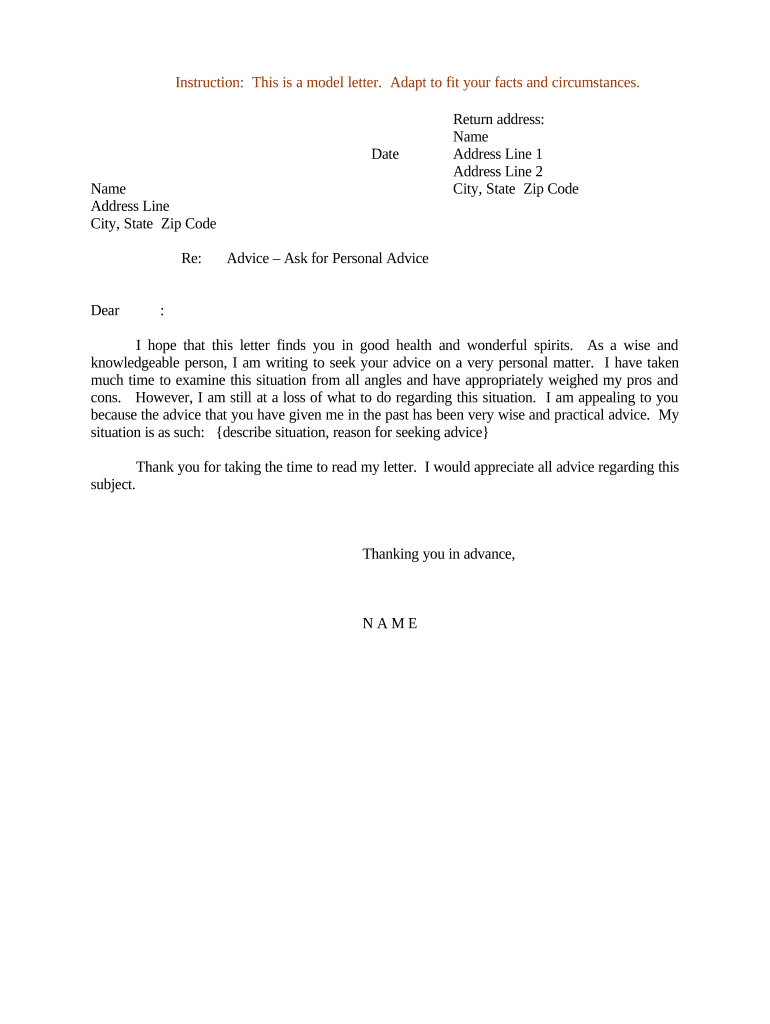
A clear, focused letter improves the likelihood of receiving relevant, timely advice and reduces misunderstandings. Well-documented context helps the recipient evaluate options quickly and offer practical suggestions aligned with the sender's priorities.

Individuals use these letters to solicit considered guidance when a direct conversation is impractical or when written context improves the quality of the response.
Recipients should treat the letter as a request for personal advice, not a directive; responses should be framed as opinions unless the advisor is a retained professional with an engagement agreement.
Begin with a polite salutation and a one-sentence summary of why you are writing; set expectations for the type of advice sought.
Provide concise, relevant facts and recent developments that directly affect the decision or question you are asking about.
List discrete questions or decision points the recipient can address; number them to make responses easy to reference.
Attach supporting documents (e.g., budgets, timelines, medical summaries) and label them clearly so the recipient can review efficiently.
State whether you want brief suggestions, detailed analysis, or a follow-up conversation and provide a target date for reply.
Thank the recipient, include contact details, and sign with your full name and the date to confirm authorship.
| Field | Configuration |
|---|---|
| Access Control | Require recipient authentication |
| Attachment Limits | Set size and file-type restrictions |
| Retention | Auto-archive after response |
| Notifications | Enable read and reply receipts |
Choose the delivery method based on sensitivity, recipient preference, and recordkeeping needs.
Ensure the chosen platform meets any regulatory requirements for confidentiality and retention appropriate to the content.
Request a reply within 7–14 calendar days for nonurgent inquiries.
Request 48–72 hour feedback only for time-sensitive decisions.
Send a polite reminder if no reply after 10–14 days.
Propose 2–3 possible times and include timezone information.
Save correspondence once advice is received for future reference.
| signNow | DocuSign | Adobe Sign | PandaDoc | HelloSign | |
|---|---|---|---|---|---|
| Starting Price | $8/user/mo | $15/user/mo | $14/user/mo | $19/user/mo | $15/user/mo |
| Free Trial | 7-day trial | Varies | Varies | Varies | Varies |
| Bulk Send | Yes | Yes | Yes | Yes | No |
| Audit Trail | Yes | Yes | Yes | Yes | Yes |
| HIPAA Compliant | Yes | Yes | Yes | No | No |
A mid-career professional summarized recent roles and skills and listed three specific career options sought for evaluation.
A patient provided a one-page medical summary and asked whether to seek a second opinion and which specialists to consult.
The person requesting advice signs to confirm authorship and consent for sharing context. If the letter contains sensitive information, the sender should document consent for disclosure and choose a secure transmission method.
The recipient may sign or acknowledge receipt when formal acknowledgment is needed. Professionals providing paid or formal advice should note that a signature does not automatically create an attorney-client or medical professional-patient relationship.