Establishing secure connection…Loading editor…Preparing document…

Letter Reminder for Pet Check-Up

This template is fully customizable. Edit the text, fill out the fields, and send it for signature. Give it a try!
Letter Reminder for Pet Check-Up

What this Letter Reminder Is and When to Use It

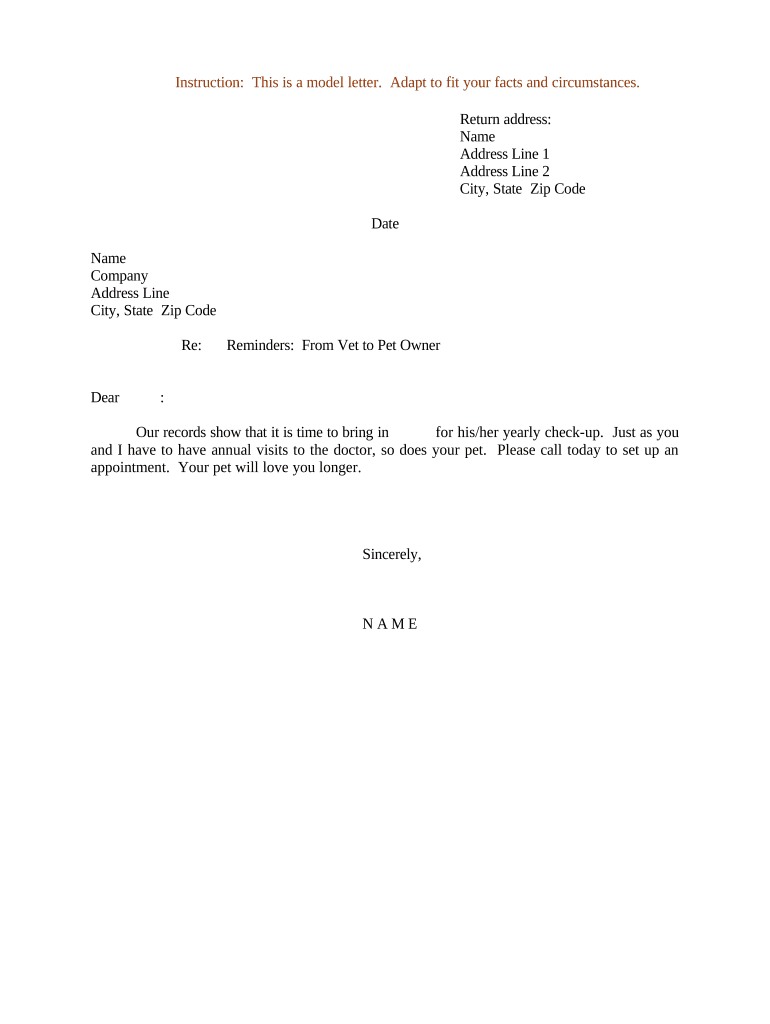
A Letter Reminder for Pet Check-Up is a brief written notice clinics use to inform pet owners about upcoming wellness visits, vaccinations, preventive care, or follow-up appointments. It typically includes appointment date and time, clinic location and contact details, pre-visit instructions (fasting, medication holds), and any consent or intake forms required before the visit. Reminders can be issued by mail, email, SMS, or secure patient portals; when sent electronically they should document intent and consent to meet e-signature requirements under U.S. laws such as ESIGN and applicable state electronic transaction acts.

Why a Clear, Documented Reminder Matters

A formal reminder reduces missed appointments, clarifies pre-visit requirements, records owner consent for routine procedures, and creates an auditable communication trail; electronic delivery can be legally valid if intent, consent, attribution, and retention are documented.

Why a Clear, Documented Reminder Matters

Who Sends and Who Receives These Reminders

Typical senders and recipients for a pet check-up reminder are listed below.

  • Veterinary clinics and hospitals — reception, scheduling, or practice managers send reminders to reduce no-shows and confirm services.
  • Pet owners and guardians — receive instructions and consent requests for vaccines, lab work, or anesthesia-related visits.
  • Boarding, grooming, and specialty providers — use reminders to confirm health requirements and vaccination status before services.

Roles vary by practice size and workflow; automated systems can route reminders from front‑desk staff or integrated practice management software.

Essential Elements of an Effective Reminder Letter

A professional reminder includes concise logistics, required forms, owner and patient identifiers, consent language where needed, clear response instructions, and contact options for questions or cancellations.

Appointment details

Date, start time, clinic address or telehealth link, expected duration, and clinician name so owners know what to expect.
Patient identifiers

Pet name, species/breed, and owner name plus contact information to ensure the reminder matches the correct medical record.

Pre-visit instructions

Fasting, medication holds, what to bring (records, stool sample), and any behavioral or handling notes for safe intake.

Consent & forms

List required intake or consent forms, whether signatures are needed in advance, and how to submit completed forms securely.

Response options

Clear reschedule/cancel instructions with phone number, secure portal link, or email and any required response deadline.

Follow-up actions

Explain post-visit communications, vaccination records issuance, and where the signed notice will be stored.

Required Fields to Include in the Reminder

Owner name: Full legal name
Pet name: Registered patient name
Appointment date: MM/DD/YYYY
Appointment time: Local time zone
Clinic contact: Phone and email
Required forms: List or link

How to Complete a Letter Reminder, Step by Step

Follow these steps to prepare a clear, compliant reminder that recipients can act on quickly.

  • 01
    Prepare details: Verify patient and owner information in the record.
  • 02
    Add instructions: Include fasting or medication guidance, plus forms required.
  • 03
    Set delivery method: Choose mail, secure email, SMS, or portal message.
  • 04
    Document delivery: Record send time and method for the audit trail.

How to Customize and Send the Reminder Online

Configure templates and routing in your practice management or e-sign platform to standardize reminders and collect any required authorizations electronically.

Field Configuration
Template Create reusable text with merge fields for owner/pet details.
Conditional fields Show consent language only when procedures require pre-authorization.
Attachments Enable intake form PDFs and pre-visit checklists.
Authentication Email link, SMS code, or two-factor for higher assurance.

Where to Send Completed Reminders and Signed Forms

Reminders and any returned signed forms should be routed to the patient record, billing, and scheduling teams to keep records current.

  • Patient record: Attach signed forms to the medical chart.
  • Scheduling team: Update appointment status automatically.
  • Billing: Flag pre-authorized services when required.
  • Owner copy: Send a PDF of signed reminder to the owner.

Delivery Channels and Technical Requirements

Choose delivery channels that balance convenience with required authentication and recordkeeping.

  • Email: Low friction; include secure links for forms
  • SMS: Quick reminders; avoid sensitive data in body
  • Patient portal: Secure storage and in‑system signing

Integrations with practice management systems, Google Workspace, Microsoft 365, and cloud storage improve routing and archival of signed reminders.

Timing Considerations and Typical Deadlines

Set reminder cadence to give owners time to prepare while minimizing unnecessary messages; document deadlines and processing expectations.

First reminder:

7–14 days before appointment

Secondary reminder:

24–72 hours before appointment

Response window:

Request confirmation within 48 hours

No-show follow-up:

Contact within 24–72 hours to reschedule

Form submission:

Require signed forms at least 24 hours prior

Common Mistakes to Avoid When Preparing Reminders

  • Using inconsistent pet or owner names that do not match the medical record, causing confusion and misfiled documents.
  • Sending sensitive details via unsecured email or SMS instead of a secure portal or encrypted message when forms contain personal data.
  • Failing to state clearly what the owner must bring or prepare, which leads to longer appointments or postponed procedures.
  • Not recording the delivery method, time, and recipient confirmation in the patient file, eliminating the audit trail for what was communicated.

Risks of Incomplete or Incorrect Reminder Letters

Missed care: Delayed vaccinations
Liability risk: Consent ambiguity
Record gaps: Incomplete medical chart
Privacy exposure: Unsecured transmission
Client dissatisfaction: Rebookings and complaints
Billing issues: Unclaimed charges

Common eSignature Options for Sending and Signing Reminders

Compare basic plan attributes that matter for sending reminders and collecting signatures. Pricing shown is vendor starting price per user where publicly available; feature availability varies by plan.

signNow DocuSign Adobe Sign PandaDoc HelloSign
Starting Price $8/user/mo $15/user/mo $14/user/mo $19/user/mo $15/user/mo
Free Trial 7-day free trial Varies by plan Varies by plan Varies by plan Varies by plan
Bulk Send Yes Yes Yes Yes No
Audit Trail Yes Yes Yes Yes Yes
HIPAA Compliant Yes Yes Yes No No
Envelope Cap No cap 100 envelopes/user/year Varies Varies Varies

Sample Use Cases from Clinic Workflows

Two typical scenarios show how reminders reduce friction and keep patient records current.

Small animal clinic

A local clinic sends a single reminder 7 days before vaccination

  • Owner receives secure link to intake and consent forms
  • Signed forms attach to the patient chart automatically, reducing check‑in time and ensuring consent is recorded before treatment.

Multi-location practice

A multi-site group automates batch reminders for annual exams

  • Bulk send personalizes each message with clinic location
  • Centralized routing updates the correct site schedule and billing, improving throughput while preserving an audit trail.

Who Typically Prepares and Signs These Letters

Clinic Manager

Clinic managers or operations staff prepare reminder templates, verify appointment data, and configure delivery schedules. They ensure required consent language is present and that signed forms are archived to the correct patient record for continuity of care and billing reconciliation.

Pet Owner

Owners receive reminders, review pre-visit instructions, and complete any requested forms. Their signature confirms consent for routine treatments and provides contact details; accurate responses reduce the need for additional in‑clinic clarification and speed patient intake.

Practical Tips for Accurate, Efficient Reminder Letters

Adopt standard templates, validate data, and use secure delivery to minimize errors while maintaining a reliable audit trail.

Use standardized templates
Create and maintain approved templates with merge fields for owner and pet data. Templates reduce typos, maintain consistent legal language, and make it easier to update pre-visit instructions across the practice when protocols change.
Validate contact details
Confirm owner email and mobile numbers at every visit. Accurate contact information reduces bounced messages and ensures reminders reach the intended recipient for timely confirmations or cancellations.
Prefer secure channels for forms
Send consent forms through a secure portal or encrypted email link rather than plain SMS or unencrypted email to protect sensitive information and preserve a reliable signed record.
Document delivery and consent
Record send timestamps, delivery method, and any signer authentication used. An auditable trail supports legal validity and helps resolve disputes about what the owner received or agreed to.

Frequently Asked Questions and Troubleshooting

Answers to common questions about electronic reminders, signature validity, storage, and authentication practices.


Need help? Contact support

be ready to get more
Join over 28 million airSlate SignNow users