Trip Summary
Concise itinerary with pickup, stops, and drop-off times so organizers can assess feasibility and scheduling.
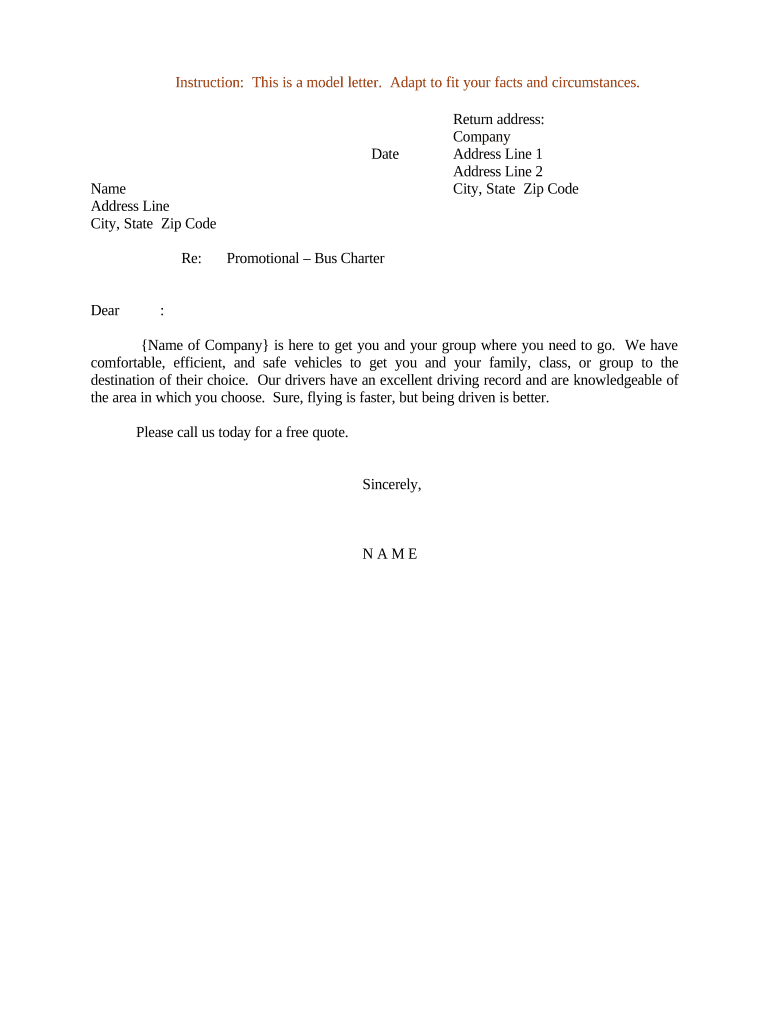
A clear, well-structured promotional letter reduces misunderstandings about dates, passenger counts, routes, and fees, preserves evidence of the offer, and speeds decision-making for group organizers considering a charter.

Transportation providers, sales representatives, event planners, and group coordinators commonly prepare or request promotional letters for charter services.
The letter is both a marketing tool and a preliminary commercial offer; recipients often request signature or written acceptance to lock dates and rates.
Concise itinerary with pickup, stops, and drop-off times so organizers can assess feasibility and scheduling.
State vehicle type and passenger capacity, seat configuration, ADA access, and whether multiple buses are proposed.
Itemize base charter rate, fuel or surge fees, driver lodging, tolls, taxes, and any refundable deposit.
Specify deposit amount, payment schedule, accepted methods, and consequences for late payment or nonpayment.
Provide clear deadlines, refund rules, and conditions for weather or force majeure cancellations.
Include signature block or e-signature field and an explicit statement that signing confirms booking under listed terms.
| Field | Configuration |
|---|---|
| Authentication | Email link or SMS code |
| Signing Order | Single signer or sequential multiple |
| Expiration | Set link expiration (e.g., 30 days) |
| Notifications | Enable signer and sender alerts |
Choose a platform that supports common file formats and integrates with your CRM or document storage.
Ensure your provider offers secure storage, an audit trail, and export options so executed promotional letters are easily archived and retrieved.
Specify date the quoted price expires
Deadline for client to confirm and pay deposit
Date by which full balance is required
Minimum days for refundable cancellation
Effective date for recordkeeping
| signNow | DocuSign | Adobe Sign | PandaDoc | HelloSign | |
|---|---|---|---|---|---|
| Starting Price | $8/user/mo | $15/user/mo | $14/user/mo | $19/user/mo | $15/user/mo |
| Free Trial | 7-day trial | Varies | Varies | Varies | Varies |
| Bulk Send | Yes | Yes | Yes | Yes | Varies |
| Audit Trail | Yes | Yes | Yes | Yes | Yes |
| HIPAA Compliant | Yes | Yes | Yes | No | No |
A local center requested rates for a weekend outing and received a dated proposal with itemized fees
An event planner asked for shuttle service for a conference and was sent a tailored itinerary and per-trip pricing