Identification
Describe the original authorization by title, date, and parties so the recipient can locate and compare the document being revoked in official records and systems.
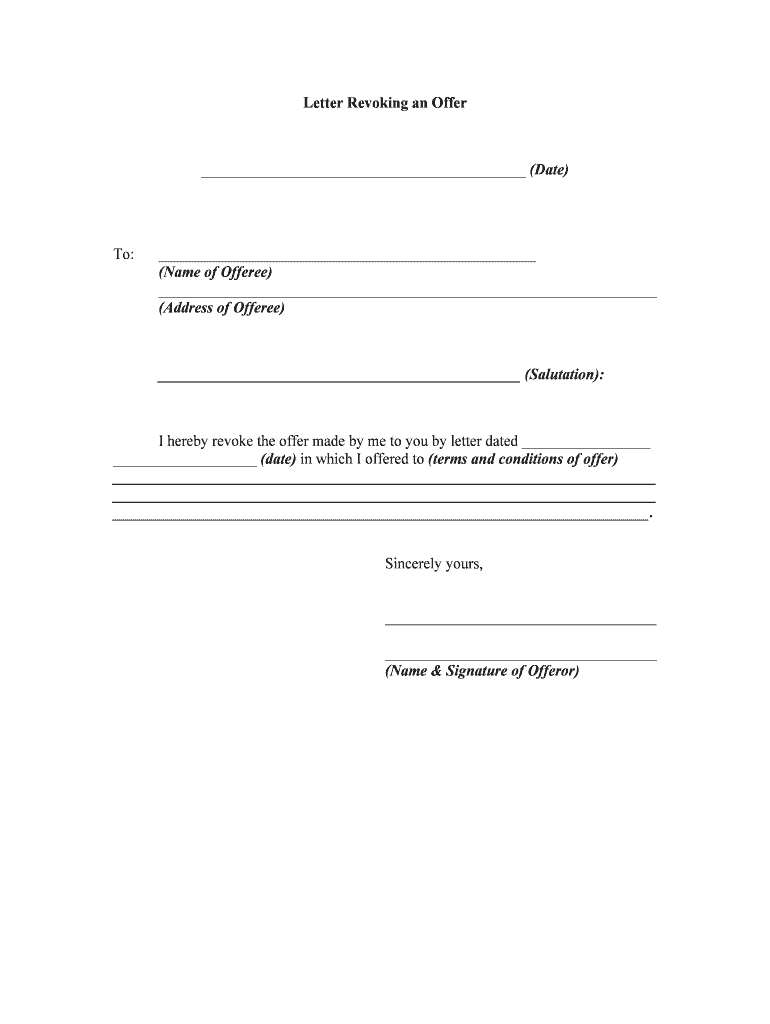
A concise Letter Revoking reduces ongoing liability, prevents unauthorized actions by third parties, and documents the exact moment an authorization ends. Clear language and correct delivery establish a defendable record if disputes arise.

Typical users include individuals, organizations, and service providers who need to stop prior authorizations quickly and document the change.
Describe the original authorization by title, date, and parties so the recipient can locate and compare the document being revoked in official records and systems.
State exactly which powers, accounts, or consents are revoked and whether partial revocation applies to specific actions, dates, or transactions.
Specify a clear effective date and time in MM/DD/YYYY format where possible; this determines timing for reliance and possible liabilities.
List how notice is being delivered (mail, email, certified mail, RON, hand delivery) and any required confirmations of receipt.
Provide a signer name, title (if applicable), printed name, signature, and date; include notarization or witness lines if state law or recipient policy requires them.
Attach or reference identification, prior document copies, account numbers, or other evidence to reduce disputability and speed processing.
| Field | Configuration |
|---|---|
| Effective Date Field | MM/DD/YYYY, required |
| Signature Block | Signer name, initial, signature |
| Authentication | Email + SMS code or higher |
| Routing | Send to recipient then archive |
Keep copies and confirmations in a secure record store to prove notice and timing; this supports enforceability and administrative follow-up.
Effective date can be immediate if stated and received.
Banks may require 3–10 business days to update access.
Providers typically process record access changes within 30 days.
Court or government offices may have recording delays.
Allow 14–30 days and confirm changes in writing.
Revocation language prepared and reviewed.
Signature and any required notarization completed.
Sent via verified channel and logged.
Recipient acknowledges receipt and updates records.
| Criteria | Letter Revoking | Notice of Termination |
|---|---|---|
| Primary purpose | withdraw consent | end an ongoing relationship |
| Requires identification | ||
| Typical delivery | verified notice | contractual notice |
| Common effect | stops prior authority | stops future performance |
| signNow | DocuSign | Adobe Sign | PandaDoc | HelloSign | |
|---|---|---|---|---|---|
| Starting Price | $8/user/mo | $15/user/mo | $14/user/mo | $19/user/mo | $15/user/mo |
| Free Trial | 7-day free trial | Varies by vendor | Varies by vendor | Varies by vendor | Varies by vendor |
| Bulk Send | Yes | Yes | Yes | Yes | No |
| Audit Trail | Yes | Yes | Yes | Yes | Yes |
| HIPAA Compliant | Yes | Yes | Yes | No | No |
A property owner revokes a leasing agent’s authority to sign leases
A patient withdraws prior consent for a clinic to share records with an insurer
The person who originally granted the authority or who holds the legal right to the subject matter. The grantor must sign in the same legal name used on the original authorization and follow any notarization rules required by statute or by the recipient.
An officer or authorized signatory may revoke corporate authorizations consistent with corporate governance documents. Include printed name, title, and evidence of authority when acting for an entity.