Trust identity
Full trust name and execution date. Include trust date and any alternate names so recipients can match account records and documentation precisely.
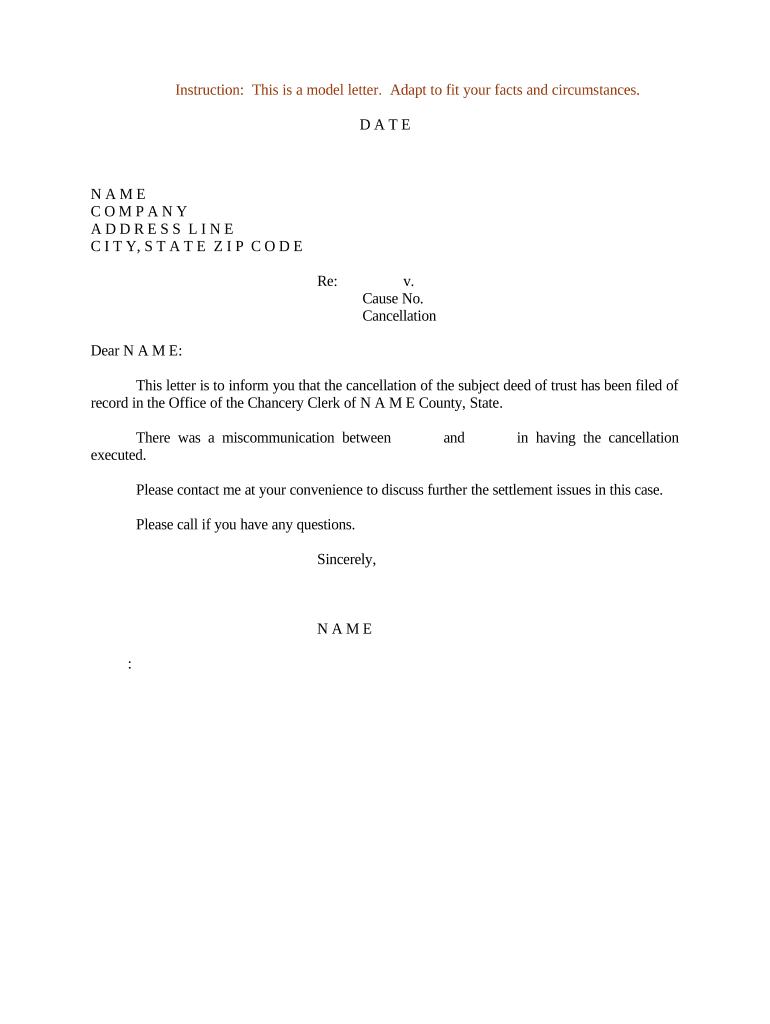
A precise Letter of Trust reduces processing delays, clarifies who may sign or receive assets, and limits liability for third parties relying on trustee representations. Clear identification and scope avoid disputes and simplify banking, title, and administrative processes.

The Letter of Trust is a practical, narrow document used when full trust disclosure is unnecessary or to protect confidentiality while enabling transactions.
The individual or individuals named in the trust instrument. They sign to confirm authority, reference the trust date, and accept responsibility; banks and title companies rely on this signature to authorize account access or disbursement.
A bank or trust company officer authorized to act under internal resolution. The officer should include job title, corporate name, and cite company authority or client account number to confirm institutional signing power.
Full trust name and execution date. Include trust date and any alternate names so recipients can match account records and documentation precisely.
Full legal name, address, and contact information for each trustee with signing authority; indicate whether acting individually or jointly to avoid ambiguity.
A short description or list of beneficiaries sufficient for the recipient to confirm rights and distributions relevant to the transaction being requested.
Clear statement of the trustee powers being asserted (e.g., to endorse checks, open/close accounts, convey property) and any specific limitations.
Cite the trust instrument date and, if applicable, a redacted or internal reference number rather than attaching the full trust document for confidentiality.
Signature block with printed name, title, date, notary acknowledgment if required, and any verification method used for electronic signing.
| Field | Configuration |
|---|---|
| Trust identifier field | Required text field, auto-validated against account reference. |
| Trustee name field | Required text field, set to exact-match validation when possible. |
| Scope of authority field | Multi-line field with selectable common options and an 'other' free-text option. |
| Signature and notarization | Signature field with optional RON or in-person notarization checkbox. |
Integrations with CRM, cloud storage, and enterprise systems reduce manual steps; ensure the platform you use supports audit trails and the authentication level the recipient requires.
Prepare and deliver within 5–10 business days when possible to avoid account freezes.
Financial institutions may require 3–7 business days for verification and posting.
Title companies may require earlier delivery to meet closing schedules, often 7–14 days in advance.
Allow 1–5 business days for notarization or RON sessions depending on availability.
Keep a copy immediately; maintain originals per retention policies in this guide.
Attach a one-page redacted excerpt showing trustee appointment and key powers. Limit exposure to necessary clauses only to protect confidentiality.
Include exact account numbers, taxpayer identification, or property legal descriptions to enable immediate matching by the recipient.
If notarized, include the complete notary block or RON certificate; recipients often require the notarization page to accept the signature.
Deliver as PDF/A or standard PDF for archival; also retain editable source files (DOCX) for internal records and future amendments.
| signNow | DocuSign | Adobe Sign | PandaDoc | HelloSign | |
|---|---|---|---|---|---|
| Starting Price | $8/user/mo | $15/user/mo | $14/user/mo | $19/user/mo | $15/user/mo |
| Free Trial | 7-day free trial | Varies by vendor | Varies by vendor | Varies by vendor | Varies by vendor |
| Bulk Send | Yes (Business Premium) | Yes | Yes | Yes | Varies |
| Audit Trail | Yes | Yes | Yes | Yes | Yes |
| HIPAA Compliant | Yes | Yes | Yes | No | No |