Establishing secure connection…Loading editor…Preparing document…

NYC General Corporation Tax Return 2014 Form

This template is fully customizable. Edit the text, fill out the fields, and send it for signature. Give it a try!
NYC General Corporation Tax Return 2014 Form

What the NYC General Corporation Tax Return 2014 Form Is

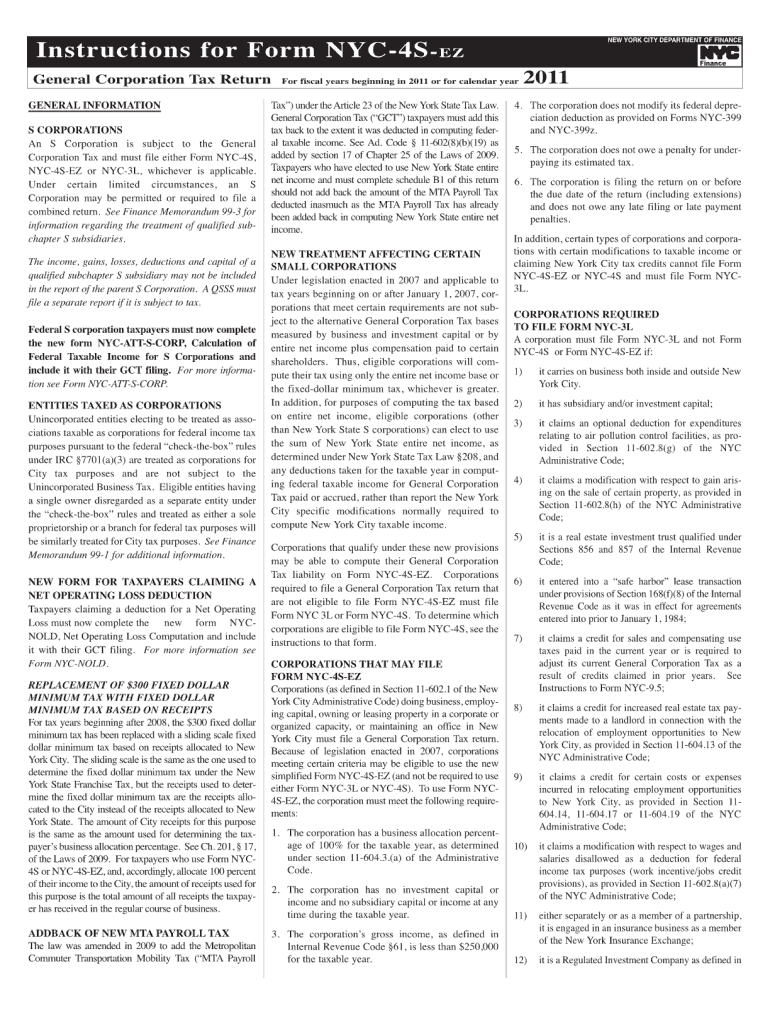
The NYC General Corporation Tax Return 2014 Form documents a corporation's taxable activity subject to New York City general corporation tax for the 2014 tax year. It collects income, deduction, tax credit, and apportionment information specific to NYC taxing rules and reconciles that local tax obligation with federal or state returns. Corporations, including C corporations and certain other entities with nexus in New York City, must prepare accurate figures and attach required schedules. The completed form supports the city's assessment and refund processes and serves as an official tax record for the business.

Why Accurate Completion Matters

Completing the NYC General Corporation Tax Return 2014 Form accurately reduces audit risk, prevents late-filing penalties, and ensures correct tax credits and apportionment for city purposes. Proper documentation supports compliance with federal and local rules and helps preserve deductions and refunds that affect net tax liability.

Why Accurate Completion Matters

Who Typically Prepares and Signs This Return

Large and small C corporations, tax departments, CPAs, and corporate tax preparers handle this NYC return when the entity has city nexus or is otherwise taxable under local law.

  • In-house tax teams and CFOs prepare reporting and confirm apportionment factors for accurate city tax allocation.
  • Outside accountants and certified public accountants complete schedules, reconcile federal figures, and prepare supporting documentation.
  • Corporate officers or authorized representatives sign the return and attest to the accuracy of statements.

The preparer, signer, and any paid preparer must retain supporting records for the retention periods required by federal and local authorities.

Step-by-Step: Completing the Return

Follow these core steps in sequence to prepare, verify, and submit the NYC General Corporation Tax Return 2014 Form.

  • 01
    Gather Documents: Collect federal returns, schedules, and supporting statements.
  • 02
    Compute Income: Reconcile federal taxable income to NYC adjustments.
  • 03
    Calculate Apportionment: Apply NYC apportionment rules to allocate taxable base.
  • 04
    Sign and Submit: Authorized officer signs; submit to NYC Department of Finance.

How to Configure an Online Filing Workflow

If you prepare the form digitally, set up a workflow that controls fields, routing, and attachments for consistent submissions.

Field Configuration
Required Fields Lock EIN, legal name, tax year end fields
Signer Order Preparer → CFO → Authorized officer
Attachments Allow PDF schedules and workpapers
Authentication Use email plus SMS or advanced auth for sensitive filings

Typical Electronic Submission Flow

Electronic filing follows a clear sequence: upload, map fields, route to signers, capture signatures, and send the submission package to NYC or retain for delivery.

  • Upload Document: Bring the PDF or fillable form into your e-sign platform.
  • Place Fields: Map signature, date, and data fields to the form.
  • Authenticate Signers: Use email, SMS, or stronger methods per internal policy.
  • Complete Audit: Capture timestamps, IPs, and create completion certificate.

Key Filing Dates and Timing Considerations

Confirm specific NYC Department of Finance deadlines; the following federal dates are relevant comparators and extension mechanics.

Federal Corporate Due Date:

March 15 for S corporations; consult federal rules for C corporations

Individual/Fiscal Due Date:

April 15 commonly used for calendar-year individual returns

Extension Mechanism:

File Form 1120 extension or federal extension forms where applicable

Estimated Payments:

Quarterly estimated tax schedules typically align with federal due dates

Amended Returns:

File amended city returns as required by NYC DOF instruction set

Penalties and Risks for Incorrect or Late Filings

Late-Filing Penalty: Interest and penalties apply
Underpayment Risk: Estimated tax penalties possible
Accuracy Penalty: Adjustments may trigger assessments
Information Return Penalty: Per-form fines may apply
Intentional Disregard: Significantly higher fines
Audit Exposure: Increased examination likelihood

Common Preparation Errors to Avoid

  • Mismatched names or EINs between federal and city filings, which can delay processing and require corrective submissions.
  • Incorrect apportionment numerators or denominators that misallocate taxable income and change the city tax base.
  • Missing or incomplete supporting schedules that prevent NYC from verifying credits, deductions, or net operating loss claims.
  • Failing to obtain required officer signature or to document preparer identity, which can lead to return rejection.

Security and Compliance Considerations for Electronic Filing

Encryption: TLS 1.2/1.3 in transit
Data at Rest: AES-256 encryption
Certifications: SOC 2 Type II available
HIPAA Support: BAA available where required
eSignature Law: Compliant with ESIGN and UETA
Audit Trail: Detailed timestamps and IP logs

Technical Requirements for eSubmission and Storage

Digital submission workflows require PDF or DOCX source files, secure storage, and signer authentication appropriate to the document sensitivity.

  • File Formats: PDF, DOCX, Excel supported
  • Integrations: Salesforce, NetSuite, Microsoft 365
  • Authentication: Email, SMS, or advanced methods

Electronic Signature vs. Digital Signature: Key Differences

Understanding the distinction helps you choose the right signing method for legal and regulatory needs.

Criteria Electronic Signature Digital Signature
Definition any electronic mark pki-based cryptographic signature
Technology varied methods certificate and key pair
Non-repudiation audit trail evidence strong cryptographic evidence
Regulatory Fit esign/ueta accepted preferred for 21 cfr part 11

Comparing eSignature Providers for Filing and Signing

Below is a concise vendor comparison for common e-signature capabilities and starting prices relevant to tax form workflows.

signNow DocuSign Adobe Sign PandaDoc HelloSign
Starting Price $8/user/mo $15/user/mo $14/user/mo $19/user/mo $15/user/mo
Free Trial 7-day trial Varies Varies Varies Varies
Bulk Send Yes Yes Yes Yes No
Audit Trail Yes Yes Yes Yes Yes
HIPAA Compliant Yes Yes Yes No No

Real-World Examples of Electronic Filing and Signing

These brief case examples show how organizations use e-signature and digital workflows for tax and corporate documents.

Optica Ventures LLC

Optica centralized signature workflows for corporate forms and returns.

  • The team prioritized a simple interface for external parties.
  • Brian Fitzgibbons, COO, noted the interface is simple and easy-to-use for staff and clients, enabling timely return completion and fewer follow-ups.

Tech Data

Tech Data automated internal approvals and external signatures for finance documents.

  • Bulk sending reduced turnaround.
  • Bob Dutkowsky, CEO, explained the platform improved customer service and increased speed to revenue through streamlined signature workflows.

Frequently Asked Questions and Troubleshooting

Answers to common questions about signing, filing, correcting, and validating the NYC General Corporation Tax Return 2014 Form.


Need help? Contact support

be ready to get more
Join over 28 million airSlate SignNow users