Parties
Full legal names and roles for each signatory and any represented entity, including contact information and counsel attribution where applicable.
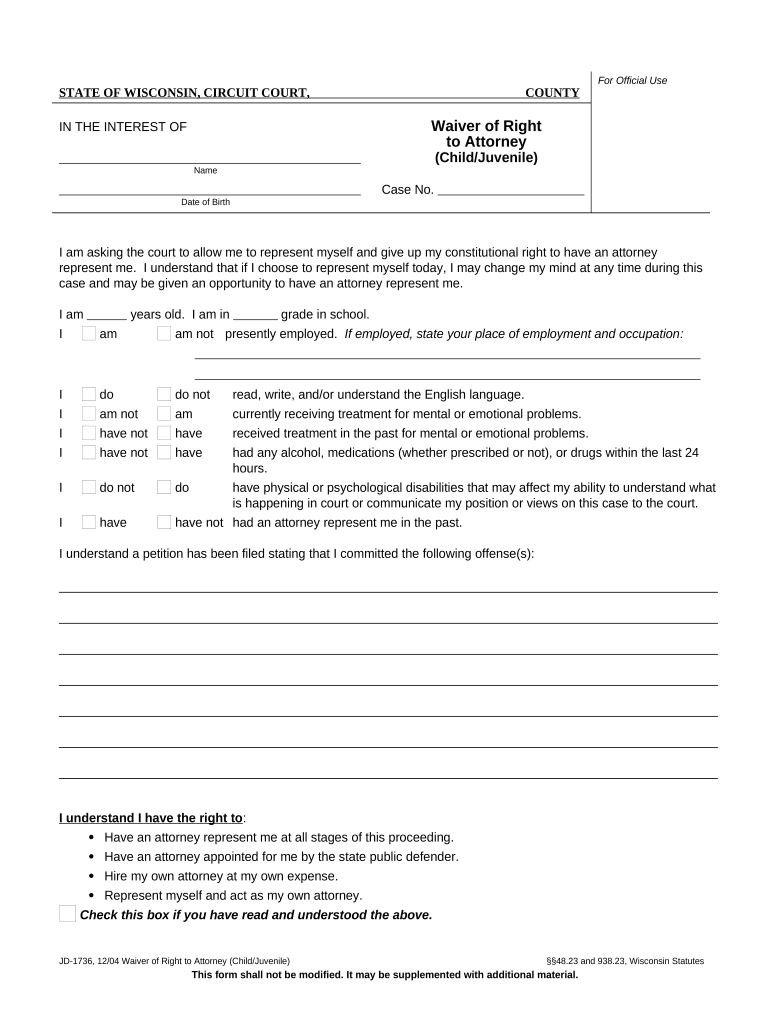
A clear Waiver Counsel Form reduces dispute risk by creating a contemporaneous record of consent or relinquished rights, supports enforceability in court or arbitration, and helps counsel meet ethical and professional obligations when modifying client rights.

The Waiver Counsel Form is used by a narrow set of roles that need documented consent or procedural waivers.
An attorney authorized to sign should explain the waiver's scope to the client, confirm informed consent, and retain the executed form in the client file in compliance with professional conduct rules and record retention policies.
A client signatory (officer, individual plaintiff, or designated agent) must confirm understanding of legal consequences, sign where indicated, and request a copy for personal or corporate records to preserve evidence of the waiver.
Full legal names and roles for each signatory and any represented entity, including contact information and counsel attribution where applicable.
A concise, unambiguous clause describing the exact right, claim, deadline, or defense being waived and any conditions or carve-outs.
Clear limits on temporal scope, geographic reach, parties covered, and whether the waiver is partial, conditional, or irrevocable.
Date when the waiver takes effect and any retroactive application; use MM/DD/YYYY to avoid dispute over timing.
Statement that counsel advised the client of consequences, alternatives, and received informed consent, signed by counsel and client.
Signature lines, printed names, titles, dates, and any required witness or notary blocks to meet jurisdictional rules.
| Field | Configuration |
|---|---|
| Signature Field | Required; signer-locked |
| Date Field | Auto-fill MM/DD/YYYY |
| Witness Field | Optional; visible when needed |
| Notary Block | Include when jurisdiction requires |
Choose a signing platform that preserves audit trails, supports required authentication, and lets you attach exhibits or counsel statements.
Allow 3–7 business days for internal review
Expect 1–14 days depending on complexity
Schedule 2–5 days for in-person or RON
File according to local rules or court order
Retain executed copy immediately after signing
At a property closing, counsel used a Waiver Counsel Form to record a limited inspection deadline waiver
During rapid deal negotiation, outside counsel obtained a narrow waiver of certain indemnity provisions
| signNow | DocuSign | Adobe Sign | PandaDoc | HelloSign | |
|---|---|---|---|---|---|
| Starting Price | $8/user/mo | $15/user/mo | $14/user/mo | $19/user/mo | $15/user/mo |
| Free Trial | Yes, 7-day trial | No | No | Yes, limited | Yes, limited |
| Bulk Send | Yes | Yes | Yes | Yes | No |
| Audit Trail | Yes | Yes | Yes | Yes | Yes |
| HIPAA Compliant | Yes | Yes | Yes | No | No |