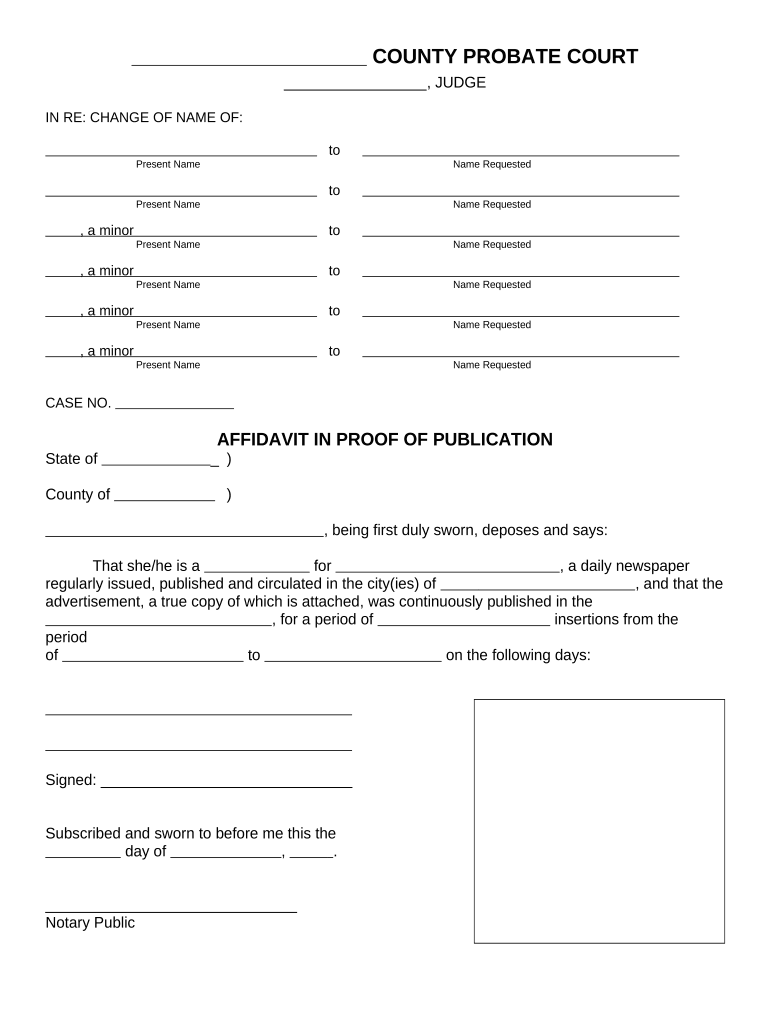
Ohio Affidavit
What the Ohio Affidavit is and when it's used
Why an accurate Ohio Affidavit matters
A correctly completed affidavit provides admissible sworn evidence, helps avoid delays or rejections in court or administrative processes, and establishes a clear chain of accountability under Ohio law and federal rules where applicable. Precise wording and proper notarization preserve legal effect and reduce exposure to perjury charges.
Who typically prepares and signs an Ohio Affidavit
Common parties completing affidavits include individuals, attorneys, title officers, loan officers, and company representatives who need a sworn statement for a specific transaction or filing.
- Individual affiants providing personal factual statements or identity attestations.
- Attorneys or paralegals preparing sworn declarations for litigation or filings.
- Business officers or loan officers verifying corporate facts or financial statements.
Step-by-step: filling, signing and notarizing an Ohio Affidavit
-
01Draft content: Compose clear factual statements and identify exhibits.
-
02Confirm identity: Match name to a government ID for notarization.
-
03Sign before notary: Do not sign until the notary witnesses or a permitted RON session occurs.
-
04File or deliver: Submit to the court, agency, or recipient per their rules.
Where an executed Ohio Affidavit is sent
-
Clerk of Court: File the affidavit with the court as an exhibit or supporting declaration.
-
County Recorder: Record affidavits only when local recording of related instruments is required.
-
Opposing Counsel: Serve sworn statements to other parties in litigation or administrative matters.
-
Agency or Lender: Submit sworn declarations to regulators, lenders, or title companies as directed.
Recommended digital workflow settings for the Ohio Affidavit
| Field | Configuration |
|---|---|
| Authentication Level | Email with SMS code or ID verification |
| eSign Option | Allow typed or drawn signature per consent |
| Notary Workflow | Support in-person or RON session retention |
| Retention Settings | Enable long-term archival with audit log |
Technical requirements and supported formats for eSubmission
Ensure the platform used for eSignature supports notarization workflows, strong authentication, and standard file formats to preserve admissibility.
- File formats: PDF, DOCX
- Integrations: Salesforce, NetSuite, Google Workspace
- Security: TLS in transit; AES-256 at rest
Choose a solution that retains a tamper-evident signed PDF and a detailed audit trail showing signer attribution, timestamps, and notarization events.
Timing considerations when preparing and filing an affidavit
Before hearings:
Complete notarization prior to the court date for admission.
Agency deadlines:
Meet administrative filing dates specified in notices.
Notary scheduling:
Allow time for in-person or RON appointments.
Service deadlines:
Coordinate sworn delivery with service of process timing.
Record retention:
Keep originals available until resolution or appeals expire.
Common mistakes to avoid when preparing an Ohio Affidavit
- Signing before notarization or signing outside the notary’s presence invalidates the jurat and can lead to rejection by courts or agencies.
- Using vague or opinion-based language instead of specific facts weakens the affidavit’s evidentiary value and invites credibility challenges.
- Failing to attach or label referenced exhibits causes confusion and may result in the affidavit being treated as incomplete.
- Mismatching name or date formats between ID, affidavit, and filing documents can trigger identity verification failures or administrative rejections.
Legal risks and penalties tied to incorrect affidavits
Practical examples of affidavit use with digital signing
Martin Properties (Tim Martin, Founder)
Martin Properties uses electronic affidavits for property-related declarations to avoid in-person signings and speed closings.
- Signatures are collected remotely via secure workflows.
- Tim Martin notes he can process and execute documents online with compliance and built-in security, enabling faster turnaround for property matters whether on mobile or offline.
Fertility Centers of Illinois (John Butler, Founder)
A healthcare provider uses sworn affidavits for administrative verifications and patient consent attestations in digital form.
- Documents include restricted PHI handled under a BAA.
- John Butler reports responsive support and strong security posture for handling sensitive forms, reducing delays while maintaining regulatory safeguards.
Practical tips for accurate and efficient affidavit completion
Frequently asked questions about the Ohio Affidavit
-
Can an affidavit be signed electronically?
Yes. Electronic signatures are valid under the federal ESIGN Act (15 U.S.C. ch. 96) and in most states under UETA, provided the signer consents and the platform preserves the record and attribution. Confirm the receiving court or agency accepts e-signed sworn statements.
-
Is notarization always required?
Not all affidavits require notarization, but a jurat is typically necessary to establish the statement was sworn under oath. Check the specific filing rule or recipient requirement before submission.
-
Can I use remote online notarization (RON)?
Many states permit permanent RON with identity proofing and recording requirements. Verify your state's RON rules and retention requirements before using remote notarization for an affidavit.
-
What happens if a name does not match ID?
A mismatch can prevent notarization or lead to rejection. Correct names to match government ID, or attach documentation (marriage certificate or court order) that explains the discrepancy.
-
How do I correct errors after notarization?
Post-notarization changes typically require a new affidavit or an amended sworn statement signed and notarized again. Minor corrections should not be made by hand once notarized.
-
How long should I retain signed affidavits?
Retention depends on the matter: follow IRS rules (3 years, IRC §6501(a)) and industry-specific requirements; many organizations keep affidavits for seven years or longer where litigation or title matters are involved.
Comparing eSignature vendors for affidavit workflows
| signNow | DocuSign | Adobe Sign | PandaDoc | HelloSign | |
|---|---|---|---|---|---|
| Starting Price | $8/user/mo | $15/user/mo | $14/user/mo | $19/user/mo | $15/user/mo |
| Free Trial | 7-day trial | Varies | Varies | Varies | Varies |
| Bulk Send | Yes | Yes | Yes | Yes | Limited |
| Audit Trail | Yes | Yes | Yes | Yes | Yes |
| HIPAA Compliant | Yes | Yes | Yes | No | No |
| Envelope Cap | No cap | 100 envelopes/user/year | Varies | Varies | Varies |