Establishing secure connection…Loading editor…Preparing document…

Petition for Restoration

This template is fully customizable. Edit the text, fill out the fields, and send it for signature. Give it a try!
Petition for Restoration

What a Petition for Restoration Is and When It Applies

A Petition for Restoration is a formal legal document filed to request reinstatement of a previously held right, license, benefit, or status that was suspended, revoked, or forfeited. Common uses include restoring professional licenses, firearm rights, voting restoration, immigration status, or administrative privileges. The document states factual background, grounds for restoration, supporting evidence, and the specific relief requested. Filing rules, required supporting documents, and timelines vary by jurisdiction and by the right at issue. This guide explains typical fields, evidence, state variations, and how electronic submission and eSignatures affect validity.

Why a Clear, Complete Petition Improves Outcomes

A clear Petition for Restoration streamlines reinstatement requests and documents the factual record for decision-makers. Properly prepared petitions reduce return rates, support efficient review, and increase the likelihood of favorable administrative or judicial outcomes when accompanied by corroborating evidence and correct procedural compliance.

Why a Clear, Complete Petition Improves Outcomes

Who Typically Prepares and Files These Petitions

Petition for Restoration is used by individuals, attorneys, and regulated professionals seeking reinstatement of rights or licenses.

  • Individuals seeking restoration of civil or firearm rights following conviction or administrative suspension.
  • Licensed professionals requesting reinstatement of occupational licenses after suspension or disciplinary action.
  • Attorneys, advocacy groups, and family members filing on behalf of eligible petitioners.

Who May Sign or File on Behalf of the Petitioner

Petitioner

The petitioner is the person seeking restoration and generally signs petitions that affect personal rights. When the petition concerns organizational interests, an authorized officer must sign per corporate governance documents and any applicable agency rules.

Authorized Representative

An attorney or designated agent may sign when authorized in writing; include a signed authorization and proof of representation. Some agencies require a notarized power of attorney for third-party signers.

Core Components of a Professional Petition for Restoration

A professional Petition for Restoration includes a clear statement of facts, legal grounds, supporting evidence, and precise requested relief, organized for prompt administrative review.

Caption

Include court or agency name, case or license number, and full party names. Accurate captioning links the petition to existing records and prevents processing misrouting.
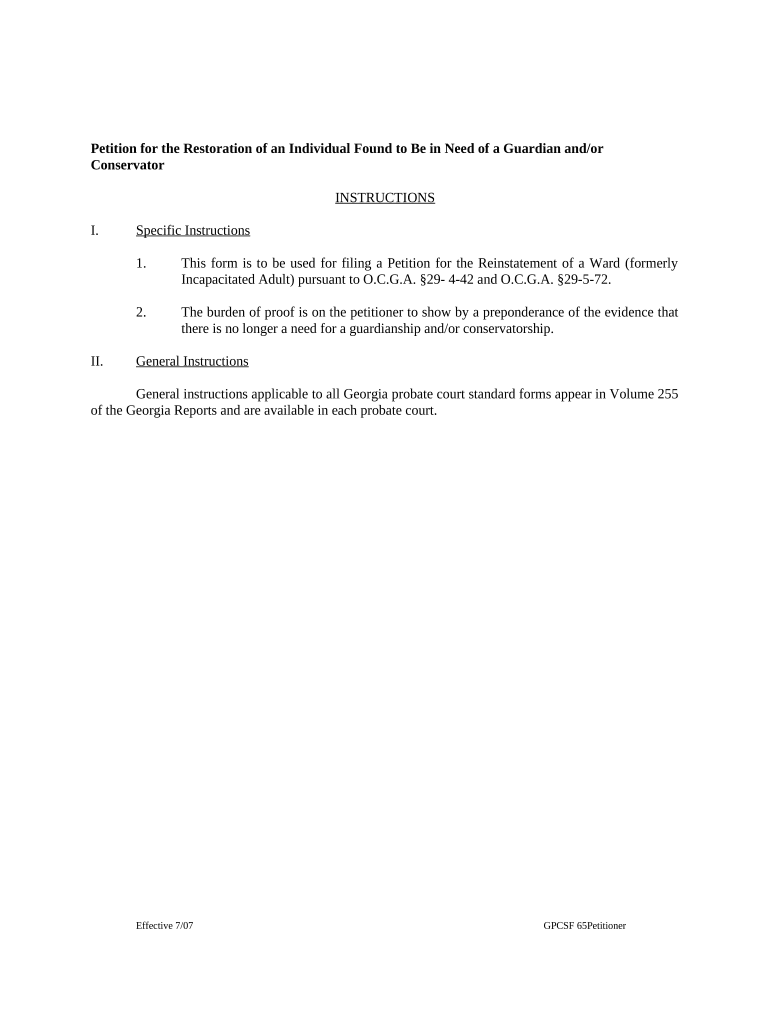
Statement of Facts

Provide a concise chronology of events relevant to the suspension and steps taken since. Dates and specific actions increase credibility and aid fact-finding.

Legal Grounds

Cite statutes, regulations, or policy provisions that support restoration, and explain how the facts satisfy those legal standards rather than general assertions.

Supporting Evidence

List and attach documents such as certificates, completion records, affidavits, treatment records, or letters of recommendation, each marked as exhibits and referenced in the petition.

Relief Requested

Specify the exact remedy: reinstatement, removal of suspension, restoration of voting rights, or other discrete relief, plus any proposed conditions or limitations.

Verification

Include a sworn statement or verification where required, with a signature block, date, and any witness or notary acknowledgement mandated by jurisdiction.

Step-by-Step: Prepare and Submit the Petition

Follow these steps to prepare and submit a Petition for Restoration, including evidence assembly, notarization needs, and eSubmission options.

  • 01
    Gather Documents: Collect orders, certificates, and supporting affidavits.
  • 02
    Draft Petition: State facts, legal grounds, and precise relief requested.
  • 03
    Attach Exhibits: Number and reference each supporting document.
  • 04
    File or Serve: Submit to agency or clerk per local rules.

How to Configure an Electronic Submission Workflow

Set up an electronic workflow to route the petition, collect signatures, and store a certified audit trail.

Field Configuration
Signer Authentication Email link by default; SMS code optional.
Conditional Fields Show fields based on answers to key questions.
Document Retention Store signed PDF plus audit log securely.
Notifications Email confirmations and status updates to parties.

Digital Signing and eSubmission Requirements

Electronic filing and eSignature tools can streamline Petition for Restoration submissions when the receiving agency accepts electronic records and signatures.

  • Authentication: Email, SMS, or KBA options.
  • Audit Trail: IP, timestamp, and history.
  • Integrations: Connects with case management.

Where to File, Send, or Submit Your Petition

Typical submission paths include agency electronic portals, clerk filing, mailed paper, or authorized service; follow the recipient's prescribed procedures.

  • Agency Portal: Upload PDF and submit per instructions.
  • Court Clerk: File in person or by mail.
  • Mail/Express: Send certified copies with return receipt.
  • Email: If allowed, attach searchable PDF.

eSignature Pricing and Feature Comparison Relevant to Petition Filing

Compare common eSignature plan criteria relevant when submitting a Petition for Restoration; signNow is listed first per comparative table conventions.

signNow DocuSign Adobe Sign PandaDoc HelloSign
Starting Price $8/user/mo $15/user/mo $14/user/mo $19/user/mo $15/user/mo
Free Trial 7-day free trial Varies by vendor Varies by vendor Varies by vendor Varies by vendor
Bulk Send Yes (Business Premium) Yes Yes Yes No
Audit Trail Yes Yes Yes Yes Yes
HIPAA Compliant Yes Yes Yes No No
Envelope Cap No envelope cap 100 envelopes/user/year No envelope cap No envelope cap No envelope cap

Essential Information and Fields Required on the Petition

Petitioner: Full legal name and contact.
Case Number: Existing case or file number.
Relief Requested: Precise remedy and conditions.
Grounds: Legal basis and summary facts.
Exhibits: Numbered supporting documents list.
Signature: Signed, dated, and notarized if required.

Supporting Documents and Export Formats to Provide

Supporting documents and export options matter: produce searchable PDFs, maintain exhibit lists, and save certified signed copies in multiple formats for court or agency submission.

Download Formats

Save final package as PDF/A for archival and as standard PDF for immediate sharing; include a separate audit trail file.

Exhibit Index

Create a numbered table of contents that references each exhibit and file name to simplify review.

Certified Copy

Produce a certified or stamped copy when required by agency, retaining the original signed PDF and evidence of notarization.

Local Requirements

Some agencies require paper originals or specific margins; confirm format and submission instructions before filing.

Key Deadlines, Agency Response Windows, and Timelines

Be aware of statutory deadlines, agency response windows, and filing cutoffs that affect eligibility and timeliness of a Petition for Restoration.

Filing Deadline:

Varies by statute or agency; confirm before filing.

Response Window:

Agencies often respond within weeks to months.

Hearing Dates:

If scheduled, expect a notice with dates to appear.

Appeal Period:

Post-decision appeals have statutory time limits; check local rules.

Extensions:

Some agencies allow motions for extension or supplemental filings.

Milestones from Filing to Final Disposition

Typical milestones for a Petition for Restoration trace preparation, filing, administrative review, and final disposition.

01

Preparation

Gather records, draft petition, prepare exhibits.

02

Filing

Submit to agency or clerk per local rules.

03

Review

Agency reviews, may request more information or schedule hearing.

04

Decision

Final order issued, with appeal rights noted.

Common Mistakes That Cause Delays or Rejection

  • Missing or mismatched names, dates, or case numbers prevent clerks from associating the petition with prior records and often result in returns.
  • Failure to attach required certificates, completion records, or sworn affidavits that the agency lists as mandatory for restoration consideration.
  • Vague relief requests that do not specify the exact license, right, or condition to be restored, causing interpretive delays or incomplete orders.
  • Using the incorrect filing venue or failing to serve required parties under local rules, resulting in dismissal or administrative backlog.

Consequences of an Incorrect or Incomplete Petition

Return for Completeness: Processing delay or rejection.
Denial: Request may be denied.
Fees: Additional filing or service fees.
Legal Consequences: Sanctions or adverse findings.
Evidence Gaps: Insufficient proof risks denial.
Statute Bar: Deadline or res judicata issues.

Practical Tips to Improve Accuracy and Speed

Follow these procedural best practices to minimize processing delays and reduce the likelihood of rejection or additional evidence requests.

Begin by reading agency-specific filing instructions
Agencies vary in required forms and exhibit formats; following their published checklist prevents common returns. Include cover letters and exhibit indices matching petition references.
Number and label all exhibits clearly
Reference each exhibit in petition paragraphs and include a table of contents; scanned files should use consistent filenames to aid clerks and electronic reviewers.
Use certified evidence when possible
Certified certificates, court orders, and notarized affidavits carry more weight; when originals are required, indicate availability and provide certified copies to avoid delays.
Retain copies and detailed audit trails of filings
Maintain signed originals, PDFs, delivery receipts, and eSignature audit logs to support later challenges and demonstrate timely service if questions arise.

Illustrative Examples of Restoration Filings in Practice

Real-world examples illustrate how different petition types and records affect outcomes and timelines in practice.

State Licensing Board

A state licensing board received a petition to restore a suspended contractor license after completion of remediation and compliance coursework.

  • Board requested verification of course completion.
  • When the petitioner attached certified certificates, a notarized affidavit, and clear exhibit indexing, the board processed the petition without further requests, shortening review and avoiding remand.

Post-Conviction Restoration

An individual filed to restore voting and firearm rights following completion of sentence and documented rehabilitation.

  • Court scheduled an evidentiary hearing.
  • Providing dated completion certificates, character letters, and a clear relief request helped the court grant partial restoration with conditions; properly formatted exhibits and timely service reduced delays.

Frequently Asked Questions About Petitions for Restoration

Answers to frequent questions about completing and submitting a Petition for Restoration, electronic signatures, notarization, and common procedural issues.


Need help? Contact support

be ready to get more
Join over 28 million airSlate SignNow users