Establishing secure connection…Loading editor…Preparing document…

Motion for Hearing

This template is fully customizable. Edit the text, fill out the fields, and send it for signature. Give it a try!
Motion for Hearing

What a Motion for Hearing Is and When it's Used

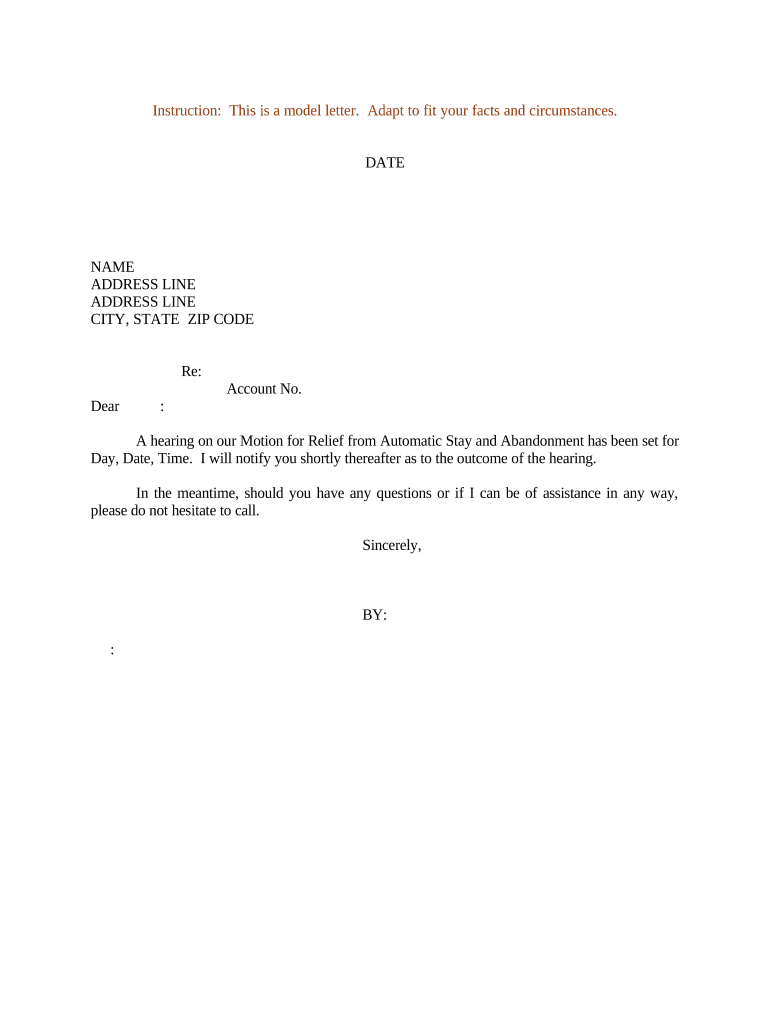
A Motion for Hearing is a written request submitted to a court asking the judge to schedule a hearing on a specific issue, request relief, or resolve a procedural matter. It identifies the moving party, explains the legal and factual basis for the request, proposes available hearing dates or timeframes, and asks the court to set a date and time. Motions for Hearing are procedural court filings governed by local rules and may require a separate certificate of service, proposed order, or supporting exhibits.

Why Filing a Clear Motion for Hearing Matters

A concise, properly supported Motion for Hearing speeds the court’s ability to set and resolve contested issues, reduces procedural delays, and improves the chance of getting a timely ruling under local practice.

Why Filing a Clear Motion for Hearing Matters

Who Prepares and Signs Motions for Hearing

Typical filers include litigants, attorneys, and sometimes self-represented parties; clerks and court staff process scheduling requests after filing.

  • Litigators and law firms who manage scheduling and hearings for clients, ensuring motions comply with procedural rules.
  • Pro se litigants who file motions themselves and must follow local court formatting and service rules.
  • Court clerks and calendar staff who receive motions and coordinate available hearing slots and notifications.

Confirm who must sign the motion in your jurisdiction (attorney signature or party signature) and whether additional service or filing steps apply.

Core Parts of a Professional Motion for Hearing

A complete Motion for Hearing contains formal captioning, factual and legal support, scheduling proposals, and proof of service to meet court standards and minimize objections.

Caption

Court name, case number, and caption identifying all parties exactly as shown on the docket; required on every page in most courts.
Title

Clear title such as 'Motion for Hearing on [Issue]' that summarizes the relief sought and helps clerk routing.

Statement of Facts

Concise factual background with relevant dates and references to docket entries or exhibits that support the need for a hearing.

Argument

Legal basis and statutory or rule citations supporting the requested hearing or relief, organized and limited to material points.

Proposed Dates

Range of available hearing dates or an explicit request for the court to set a date; include estimated hearing length.

Certificate of Service

Proof of service method and date; list recipients and their addresses or email per local rule.

Essential Information to Include

Case Number: Provide the exact docket number.
Court Name: Identify full court title.
Party Names: List parties as in caption.
Hearing Window: Propose dates and duration.
Signature Block: Include attorney/party signature.
Service List: Specify how parties were served.

Step-by-Step: Preparing and Filing a Motion for Hearing

Follow these steps to prepare a motion that meets court standards and reaches the judge and opposing parties on time.

  • 01
    Draft Motion: Assemble caption, facts, argument, and proposed dates.
  • 02
    Attach Exhibits: Label and reference exhibits in the motion text.
  • 03
    Serve Parties: Serve opposing counsel per local rules and record the service.
  • 04
    File with Court: Submit via court e-file or clerk’s office and obtain filing receipt.

Configuring an Online Workflow for the Motion

Set up an online workflow to collect signatures, attach exhibits, and prepare the filing package before submitting to the court.

Field Configuration
Upload Document Upload PDF version of the motion and exhibits.
Signature Fields Place signer name and signature/date fields.
Signer Order Sequence signers if multiple parties must sign.
Export Package Export combined filing-ready PDF and attach to e-file portal.

Where to File and How the Motion Reaches the Court

Choose the proper filing channel and ensure the court receives the correctly formatted motion and proof of service.

  • Court E-Filing: File via the court’s e-filing portal (state or federal CM/ECF where available).
  • Clerk’s Office: Deliver in person or by mail when local rules permit paper filing.
  • Serve Opponents: Serve opposing counsel electronically or by mail per local service rules.
  • Calendar Office: Confirm hearing date with the court’s calendar or scheduling clerk.

File Formats and Integrations to Support eFiling and Service

Use common, court-accepted formats and integrations to streamline filing and service steps.

  • File Formats: PDF is standard; many courts require searchable PDF.
  • Supported Integrations: Platforms commonly integrate with Microsoft 365 and Google Workspace.
  • Authentication: Two-factor or portal login often required for e-filing.

Confirm each court’s specific format and portal requirements before export; maintain a filing receipt and archived copy of the submitted PDF.

Typical Timing and Response Windows to Plan For

Deadlines for responses and hearings vary by jurisdiction; plan filings to allow time for service, opposing response, and court scheduling.

Response Period:

Commonly 14–21 days for opposition; check local rules.

Hearing Notice:

Some courts require at least 7 days’ notice to the calendar office.

Proposed Dates:

Provide several available dates to speed scheduling.

Filing Receipt:

Keep e-file confirmation as the official filing timestamp.

Expedited Requests:

Emergency or shortened time requests may require separate motion.

Common Risks and Penalties for Noncompliant Motions

Dismissal Risk: Court may refuse or strike a deficient motion.
Sanctions: Improper filings can trigger sanctions (Fed. R. Civ. P. 11).
Late Service: Missed response windows may prejudice your position.
Fee Loss: Filing or service errors can require re-filing fees.
Rejection: Noncompliant format leads to clerical rejection.
Incorrect Court: Filing in wrong court can cause substantial delay.

Practical Examples of Motion for Hearing Use

Two illustrative scenarios show how motions for hearing are used to schedule contested matters and resolve procedural disputes.

Civil Discovery Dispute

A party files a Motion for Hearing to resolve a discovery dispute, citing recent meet-and-confer efforts and attached emails

  • Hearing requested for 30 minutes
  • The court sets a telephonic hearing within two weeks and orders limited briefing before the hearing to narrow issues and conserve judicial time.

Expedited Relief Request

Plaintiff files a Motion for Hearing requesting expedited resolution due to imminent deadline, attaching affidavit and proposed order

  • Motion seeks an early slot on the calendar
  • The court grants an abbreviated schedule, requires immediate service on defendants, and hears the matter on shortened notice to prevent irreparable prejudice.

Practical Tips to Avoid Delays and Objections

Follow these best practices to reduce the chance your Motion for Hearing will be rejected or delayed by the court.

Follow Local Rules
Confirm formatting, page limits, required certificates, and filing portals in the court’s local rules before submission.
Attach a Proposed Order
Provide a clean proposed order with the motion to speed the court’s scheduling and decision-making process.
Proof of Service
Complete and file a certificate of service immediately after filing to show timely notice to opposing parties.
Be Specific
Propose precise hearing dates and estimate duration to help the court place the matter on the calendar efficiently.

Frequently Asked Questions About Motions for Hearing

Answers to common practical and procedural questions about preparing, filing, and serving a Motion for Hearing.


Need help? Contact support

be ready to get more
Join over 28 million airSlate SignNow users