Order Reference
Quote the buyer's purchase order number and date so the acceptance clearly links to the underlying order and avoids ambiguity.
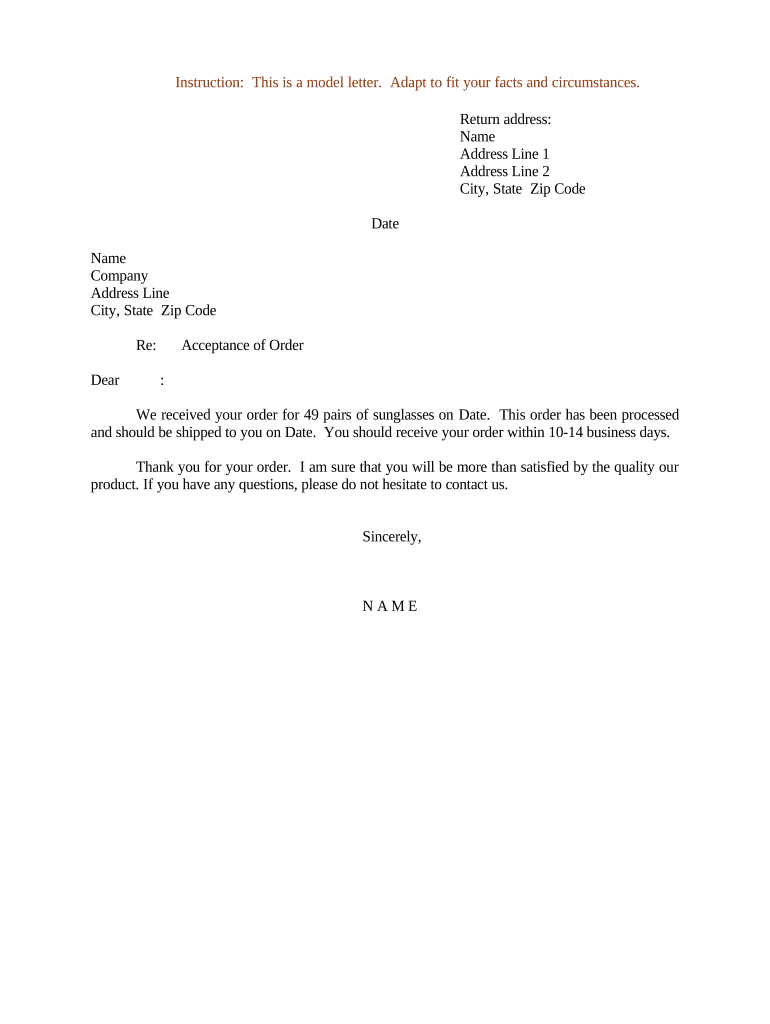
A concise acceptance letter confirms mutual agreement on price, scope, and delivery dates, reduces administrative back-and-forth, and documents who is responsible for performance. It also creates an evidentiary record useful for accounts, audits, and dispute resolution, including warranty or return claims.

Common users include suppliers, procurement teams, sales representatives, purchasing managers, and legal or contract administrators who need to formalize acceptance of an order.
The letter is suitable for B2B and B2C orders where written confirmation mitigates risk; the signatory should be an authorized representative for the seller or service provider.
A sales manager or director often signs Letters of Acceptance for standard commercial orders within delegated authority; include title and contact details to show authority and enable buyer follow-up.
For high-value or non-standard orders, a company officer or contract administrator with documented signing authority should sign to ensure enforceability and to satisfy internal approval workflows.
Quote the buyer's purchase order number and date so the acceptance clearly links to the underlying order and avoids ambiguity.
Confirm the exact goods or services, part numbers, quantities, and any deliverables to match buyer expectations and shipping documentation.
State unit price, total price, taxes, invoicing schedule, and payment terms including due dates and accepted payment methods.
Specify delivery dates, lead times, shipping method, freight terms (INCOTERMS if used), or service start and completion dates.
Reference or attach the governing contract terms, warranties, limitation-of-liability language, and any agreed exceptions or amendments.
Include printed name, title, company, date, and a signature line; note whether electronic signature is permitted and how it will be authenticated.
| Field | Configuration |
|---|---|
| Approval Order | Sequential routing by role or email |
| Authentication | Email link or SMS code for signer validation |
| Attachments | Attach PO, SOW, or spec sheets as exhibits |
| Notifications | Auto-notify buyer after final signature |
Electronic execution speeds turnaround and supports audit trails; choose a platform that meets legal and security needs.
Ensure the chosen platform supports ESIGN/UETA, records retention, and any industry compliance (for example HIPAA if health information is attached).
Date acceptance takes effect; enter as MM/DD/YYYY to control deliverable timing
Specified ship or completion date used to calculate on-time performance
When invoices should be issued to avoid payment delays
Time allowed for the buyer to report defects or shortages
Date used to begin applicable retention period
Buyer sends purchase order; begin internal review and availability check
Seller issues Letter of Acceptance confirming terms and schedule
Shipping or service delivery occurs per agreed terms
Store executed letter and send invoice to trigger payment
A local supplier confirms a PO for office equipment and restates unit prices and delivery date.
A supplier issues acceptance for a multi-phase software deployment quoting milestones and payment schedule.