Header
Company letterhead or official name and contact details establish authenticity and route correspondence to the appropriate HR folder or file.
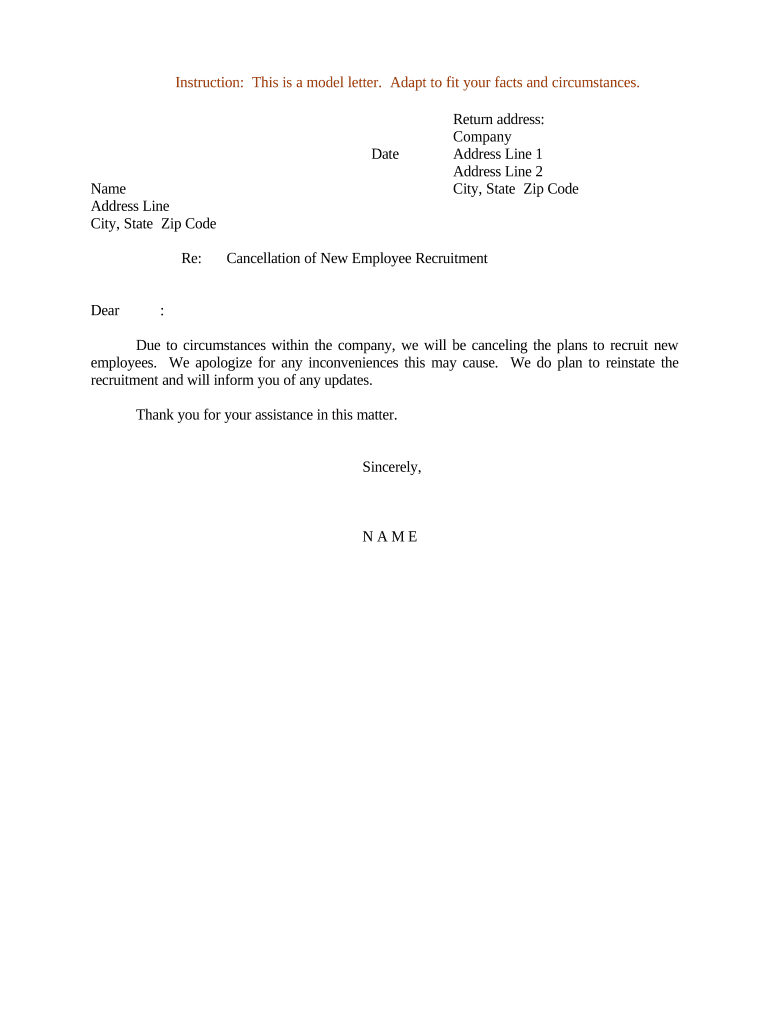
A concise, properly completed cancellation letter protects the employer by documenting the decision, setting expectations for candidates, and preserving records for compliance and audit purposes. It reduces misunderstandings and creates a consistent, defensible paper trail if disputes arise.

Use the letter as an official record in personnel files and to notify third parties such as background-check vendors or external recruiters as needed.
Company letterhead or official name and contact details establish authenticity and route correspondence to the appropriate HR folder or file.
Full name and contact information for the candidate, and the requisition or application identifier to precisely tie the notice to the correct file.
One unambiguous sentence stating the recruitment or offer is canceled and naming the specific role and requisition number.
Exact MM/DD/YYYY date when the cancellation takes effect, which may affect background-check billing, vendor actions, and candidate expectations.
Neutral, factual explanation for cancellation (e.g., budgetary constraints, internal reorganization). Avoid protected-class references or discriminatory language.
Instructions about returned materials, application status, future contact, and how the candidate may appeal or ask questions, if applicable.
| Field | Configuration |
|---|---|
| Approval Step | Require HR and hiring manager signoff |
| Notification Step | Auto-send email to candidate and stakeholders |
| System Update | Auto-close requisition in ATS |
| Archive Rule | Save signed letter to personnel file |
Ensure the platform you select meets compliance needs for your industry and preserves an evidentiary record of delivery and consent.
Notify candidate as soon as the decision is approved, ideally the same business day.
Close job posting and requisition within 24–48 business hours after notification.
Cancel background checks and assessments immediately to avoid charges.
Save signed letter to personnel files within 3 business days.
Allow a brief period for candidate questions, typically 5–10 business days.
Approved by hiring manager and HR; triggers notification workflow.
Official letter sent and receipt confirmed where possible.
ATS and payroll flags updated to prevent onboarding actions.
Signed letter stored in personnel file with metadata.
| signNow | DocuSign | Adobe Sign | PandaDoc | HelloSign | |
|---|---|---|---|---|---|
| Starting Price | $8/user/mo | $15/user/mo | $14/user/mo | $19/user/mo | $15/user/mo |
| Free Trial | Yes, 7-day free trial | Varies by plan | Varies by plan | Varies by plan | Varies by plan |
| Bulk Send | Yes | Yes | Yes | Yes | No |
| Audit Trail | Yes | Yes | Yes | Yes | Yes |
| HIPAA Compliant | Yes | Yes | Yes | No | No |