Case Identification
Full case caption, court name, docket number, and assigned judge so the clerk and judge can immediately place the letter on the correct file without additional clarification.
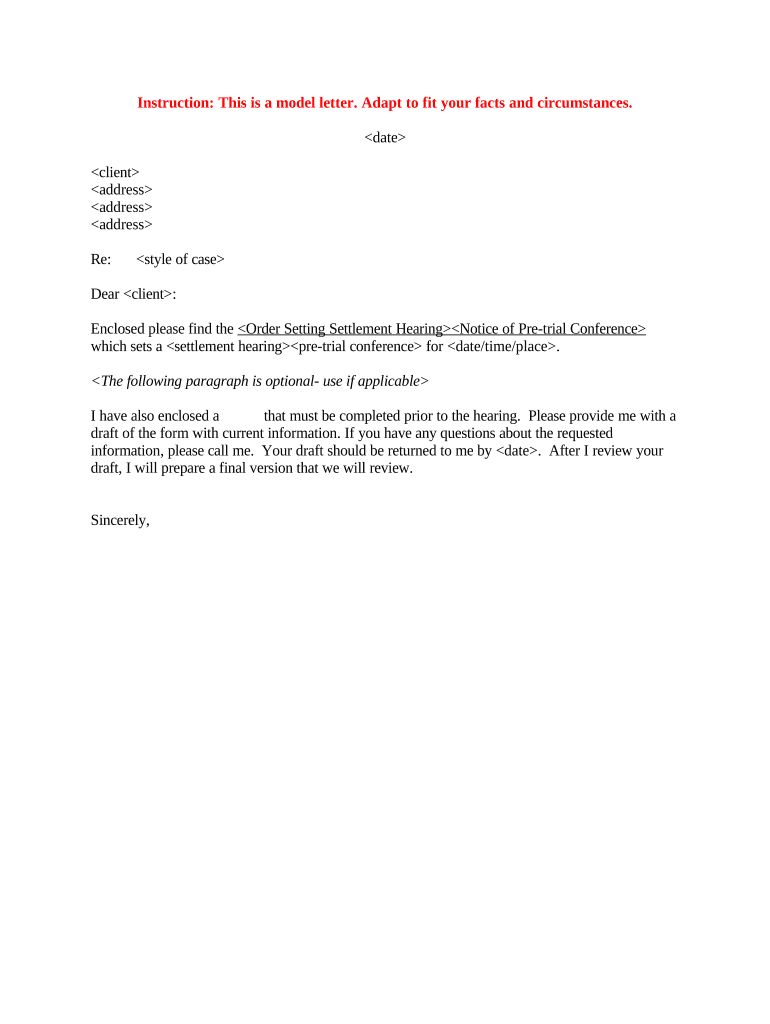
A clear settlement hearing letter records settlement status for the court, reduces redundant appearances, and helps preserve arguments and deadlines in the event of future disputes.

Typical senders include counsel, self-represented litigants, and court clerks when updating scheduling or settlement status.
Full case caption, court name, docket number, and assigned judge so the clerk and judge can immediately place the letter on the correct file without additional clarification.
Provide names, firm affiliations, mailing addresses, phone numbers, and emails for all counsel and unrepresented parties so service and responses can be executed reliably.
Concise factual summary of offers, accepted terms, outstanding items, mediation status, and whether a settlement is imminent, which helps the court assess the need for continued proceedings.
Specify the precise relief sought—such as continuance length or telephonic appearance—and summarize why the requested relief is necessary, using neutral, court-oriented language.
Offer specific alternative dates or deadlines for the court to consider; including a narrow range increases the likelihood of quick calendaring and avoids multiple follow-ups.
Confirm how and when the letter was served on opposing counsel and other parties; the service statement should follow local rule formats and state the method used.
| Field | Configuration |
|---|---|
| Case Caption Field | Auto-fill from cover sheet metadata |
| Date Field | Use MM/DD/YYYY and calendar picker |
| Settlement Summary Box | Multiline text with character limit |
| Certificate of Service | Checkbox plus auto-generated service line |
Courts and opposing counsel commonly accept PDF documents; ensure electronic submissions meet local court formatting and size limits.
If using digital tools, enable audit trails and preserve copies in native and PDF formats to satisfy retention and reproducibility requirements.
Typically 7–14 days before hearing when possible
Some courts permit same-day status letters for last-minute developments
File at earliest practical date with proposed new dates
Attach certificate of service to the filing
Follow judge-specific standing orders for format and deadlines
Parties confirm settlement terms or identify remaining issues.
Prepare letter summarizing status and specifying requested relief.
Submit to clerk and serve opposing counsel per rules.
Court rules on continuance or other scheduling requests.
| signNow | DocuSign | Adobe Sign | PandaDoc | HelloSign | |
|---|---|---|---|---|---|
| Starting Price | $8/user/mo | $15/user/mo | $14/user/mo | $19/user/mo | $15/user/mo |
| Free Trial | 7-day free trial | Varies by plan | Varies by plan | Varies by plan | Varies by plan |
| Bulk Send | Yes (Business Premium) | Yes | Yes | Yes | Limited |
| Audit Trail | Yes | Yes | Yes | Yes | Yes |
| HIPAA Compliant | Yes | Yes | Yes | No | No |
| Envelope Cap | No cap | 100 envelopes/user/year | No cap | No cap | No cap |
Optica summarized mediation outcomes and requested a brief continuance to finalize terms
Tech Data filed a letter confirming settlement negotiations and proposing a telephonic pre-trial status conference
Lead counsel signs to certify the plaintiff's position, summarize settlement progress, and request scheduling relief; counsel also certifies service and ensures the letter complies with local formatting and timing rules before filing.
Court staff may circulate or request status letters to manage dockets; clerks ensure submissions appear on the official docket, note responses, and communicate judge-specific formatting or filing requirements to the parties.