Establishing secure connection…Loading editor…Preparing document…

Letter Regarding Drainage Issues in Subdivision

This template is fully customizable. Edit the text, fill out the fields, and send it for signature. Give it a try!
Letter Regarding Drainage Issues in Subdivision

What the Letter Regarding Drainage Issues in Subdivision Is and When It’s Used

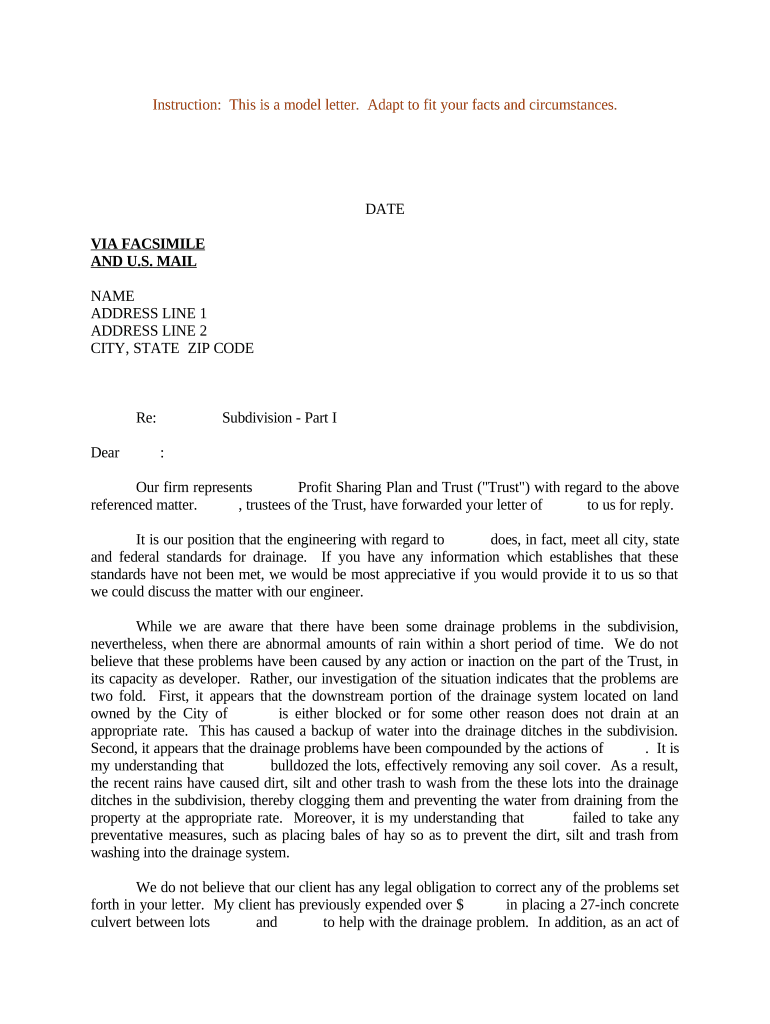
A Letter Regarding Drainage Issues in Subdivision is a written notice submitted by a property owner, homeowner association (HOA), developer, or engineer to notify responsible parties about observed drainage defects, flooding, erosion, or stormwater management failures affecting lots, common areas, or infrastructure. The letter documents the problem, requests remediation or inspection, identifies affected properties, and can initiate formal administrative, HOA, or municipal review processes. It serves as both a record of notice and a tool to trigger corrective action, insurance claims, or permitting workflows where required by local code.

Why a Clear, Documented Letter Matters

A formal, well-documented letter creates an auditable record of the issue, helps establish notice to responsible parties, and preserves rights for insurance, permitting, and potential legal remedies while improving the chance of timely remediation.

Why a Clear, Documented Letter Matters

Who Typically Prepares and Receives This Letter

Recipients often include HOA management, municipal public works or code enforcement, developers, and private contractors responsible for stormwater systems.

  • Homeowners reporting property damage, safety hazards, or recurring water intrusion to HOA or municipal authorities.
  • HOA boards or property managers requesting contractor inspection and remediation of common-area drainage systems.
  • Civil engineers or contractors documenting technical findings and recommending corrective work to owners and permitting authorities.

Step-by-Step: Preparing and Sending the Letter

Follow this sequential checklist to assemble a complete, actionable letter and reduce follow-up delays.

  • 01
    Gather Evidence: Collect photos, dates, witness names, and any prior communications.
  • 02
    Describe Issue: Write a concise, factual description of drainage failure and impacts.
  • 03
    Attach Documents: Include maps, site sketches, inspection notes, and photos.
  • 04
    Send & Record: Deliver to relevant parties and retain proof of delivery or electronic audit trail.

How to Route the Letter and Track Responses

Design a simple workflow so each recipient knows their role and response timeframe.

Recipient Action required
HOA Management Acknowledge receipt and schedule inspection within 14–30 days
Municipal Public Works Inspect public drainage elements and advise permit needs
Developer / Builder Review construction records and respond about warranties
Private Contractor Estimate repair scope and provide timeline

Typical Process Flow After the Letter Is Sent

This flow outlines common actions taken by recipients and the sender following formal notice.

  • Receipt Acknowledgement: Recipient confirms receipt and records the notice.
  • Initial Inspection: Site visit to assess scope and health/safety concerns.
  • Scope Determination: Engineer or contractor prepares a remediation plan.
  • Remediation & Follow-up: Work performed and sender notified with before/after documentation.

How to Share and Track the Letter Electronically

Keep copies of signed or acknowledged letters and any audit trails as supporting evidence for insurance, municipal codes, or dispute resolution.

  • File Format: Use PDF/A or DOCX for fidelity and archiving
  • Delivery Method: Email with read receipt or eSubmission via document platform
  • Authentication: Use signer identity checks for formal acknowledgements

Typical Timelines and Expectations

Timeframes vary by HOA rules, municipal code, and contract warranties; set reasonable expectations in the letter to prompt timely action.

HOA Acknowledgement Window:

14–30 days is common for initial response

Inspection Scheduling:

Inspection often occurs within 30–60 days

Remediation Estimate:

Contractor estimates typically provided in 7–21 days

Permit Processing:

Municipal permits can take 2–8 weeks, depending on scope

Warranty Period:

Developer or contractor warranties vary; reference contract terms

Key Components to Include for a Professional Drainage Letter

A complete letter combines factual description, evidence, and a clear requested remedy so recipients can act without repeated clarification.

Header

Include sender name, date, and recipient name with mailing and email addresses to create a formal notice record and enable return correspondence.
Property Identification

Provide the subdivision name, lot number, street address, parcel ID, and a simple site sketch to avoid confusion over the affected area.

Detailed Description

State observed conditions, dates and times of incidents, previous occurrences, and how the issue affects property or safety in clear, objective language.

Evidence Attachments

Attach dated photos, video references, survey excerpts, and any prior inspection reports to substantiate the claim and reduce back-and-forth inquiries.

Requested Remedy

Specify the action sought—inspection, containment, formal repair, or permit application—and propose a reasonable response timeframe for accountability.

Signature Block

Include printed name, title, organization if applicable, and a handwritten or electronic signature with date to authenticate the notice.

Essential Data Elements to Capture for Records

Sender: Full legal name
Contact: Phone and email
Property: Address and parcel ID
Incident Date: MM/DD/YYYY
Attachments: Photos and maps
Requested Action: Inspection or repair

Risks of an Incomplete or Incorrect Letter

Lost Evidence: Delay or omission can weaken insurance or legal claims
Code Violation: Unaddressed drainage may trigger municipal enforcement
Liability Exposure: Property owner may bear remediation costs
Insurance Denial: Insufficient documentation can lead to claim denial
Permit Delays: Incomplete notices slow required permit approvals
HOA Fines: Noncompliance with HOA repair directives

Common Mistakes to Avoid When Preparing the Letter

  • Vague descriptions that lack dates, locations, or measurable effects make investigation and responsibility assignment difficult.
  • Submitting photos without dates, labels, or a site map reduces evidentiary value and increases follow-up requests.
  • Failing to confirm the correct recipient (HOA vs. municipal department vs. developer) can produce jurisdictional delays.
  • Using informal language or emotional statements rather than objective facts can complicate administrative or legal review.

Real-World Examples of How These Letters Are Used

Two concise examples illustrate typical senders, recipients, and outcomes when a drainage letter is used appropriately.

Homeowner Report

A homeowner documented recurrent backyard flooding with dated photos and neighbor statements

  • HOA acknowledged within two weeks
  • The HOA arranged a drainage contractor, completed repairs, and provided before/after documentation to the homeowner and insurer.

Developer Warranty Claim

A property manager found storm drain underperformance after heavy rains and sent a technical letter with survey excerpts

  • Developer reviewed construction records and inspected site
  • The developer accepted warranty responsibility, obtained a permit, and completed remediation under an agreed schedule.

Typical eSignature Vendor Comparison for Letter Handling and Tracking

Platforms vary on price, bulk send features, audit trails, and HIPAA support; the table summarizes typical commercial plans used to send and retain official letters.

signNow DocuSign Adobe Sign PandaDoc HelloSign
Starting Price $8/user/mo $15/user/mo $14/user/mo $19/user/mo $15/user/mo
Free Trial 7-day free trial Varies by vendor Varies by vendor Varies by vendor Varies by vendor
Bulk Send Yes Yes Yes Yes Varies
Audit Trail Yes Yes Yes Yes Yes
HIPAA Compliant Yes Yes Yes No No

Frequently Asked Questions About the Letter Regarding Drainage Issues in Subdivision

Answers to common questions about drafting, delivering, and documenting drainage-related letters for property, HOA, and municipal processes.


Need help? Contact support

be ready to get more
Join over 28 million airSlate SignNow users