Letterhead
Use the company's proposed legal name, address, and contact information on letterhead to show provenance and to match the name used on the Articles of Incorporation.
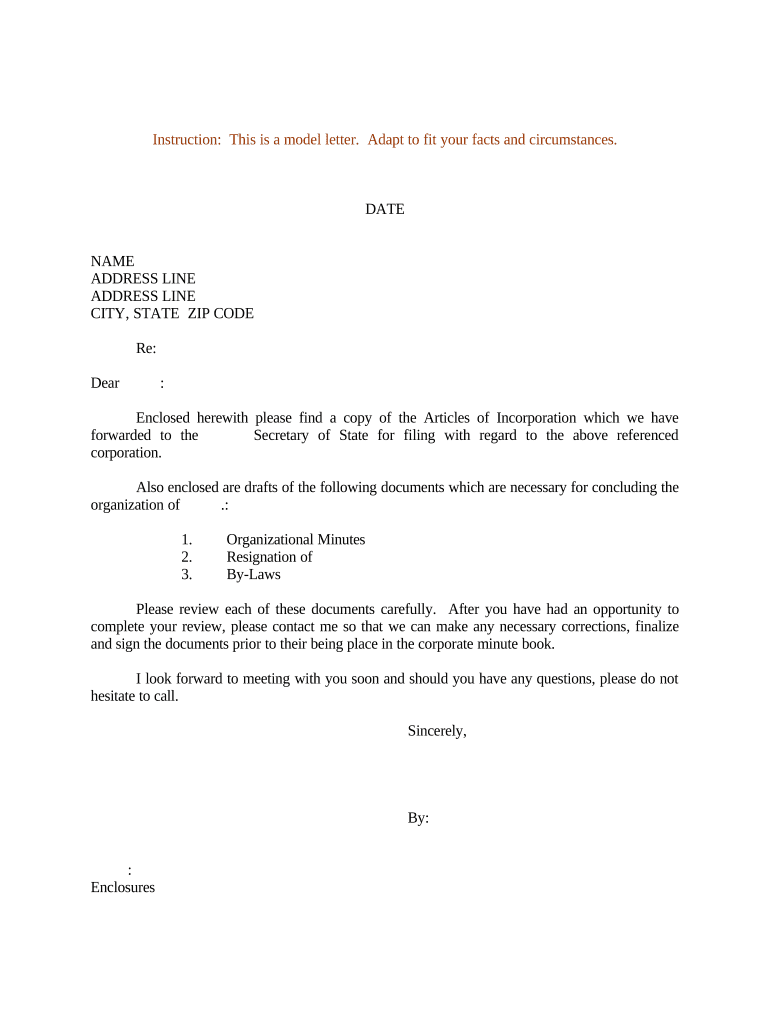
A concise sample letter reduces filing delays, clarifies authority for opening bank accounts and vendor relationships, and creates a reproducible record for company books. It helps prevent disputes about who authorized formation and provides a single document to circulate to financial institutions, registered agents, and advisors.

A Sample Letter of Incorporation is used by founders, corporate secretaries, and outside counsel during the formation process.
Use this letter as a reproducible template to ensure consistent, auditable notifications during the first administrative steps after formation.
An incorporator or founder is the person who signs the initial formation paperwork and typically signs confirmation letters. That person should be named with full legal name and contact details to avoid identity mismatches when banks or regulators review the record.
The corporate secretary prepares and keeps company records, including the sample letter. This role tracks resolutions, maintains the minute book, and serves as the point of contact for third-party requests and service of process.
Use the company's proposed legal name, address, and contact information on letterhead to show provenance and to match the name used on the Articles of Incorporation.
State that the corporation was formed under the laws of the chosen state and reference the filed or pending Articles of Incorporation or Certificate of Incorporation.
List the full legal names and roles of incorporators and initial directors, clarifying who is authorized to act on behalf of the corporation until formal board action.
Identify the registered agent and registered office for service of process, ensuring the address matches state filings and registered agent records.
Summarize authorized capital (number and class of shares) as stated in the Articles, sufficient for banks and vendors that verify capitalization.
Provide a clear signature line for the authorized signatory with printed name, title, and date; specify whether signature may be eSigned and include witness or notary instructions if required.
| Field | Configuration |
|---|---|
| Signature Method | Allow typed or drawn eSignature; require signer name. |
| Authentication | Use email link or SMS code for basic identity verification. |
| File Format | Upload and store as PDF/A for long-term preservation. |
| Retention | Enable secure storage and an audit trail for six-plus years. |
Select a platform that supports PDF/A, audit trails, and basic signer authentication when eSigning incorporation letters.
Ensure the platform preserves a timestamped audit trail and exportable certificate of completion to support legal validity and internal recordkeeping.
Optica used a standardized incorporation letter to confirm formation to its bank and vendors, ensuring consistent records across partners.
A property management firm supplied the letter when opening escrow and verifying authorized signers for leases, avoiding in-person notarization.
| signNow | DocuSign | Adobe Sign | PandaDoc | HelloSign | |
|---|---|---|---|---|---|
| Starting Price | $8/user/mo | $15/user/mo | $14/user/mo | $19/user/mo | $15/user/mo |
| Free Trial | 7-day free trial | Yes | Yes | Yes | Yes |
| Bulk Send | Yes | Yes | Yes | Yes | No |
| Audit Trail | Yes | Yes | Yes | Yes | Yes |
| HIPAA Compliant | Yes | Yes | Yes | No | No |