Account identifier
Account number or unique reference to help the holder and staff match records and inquiries.
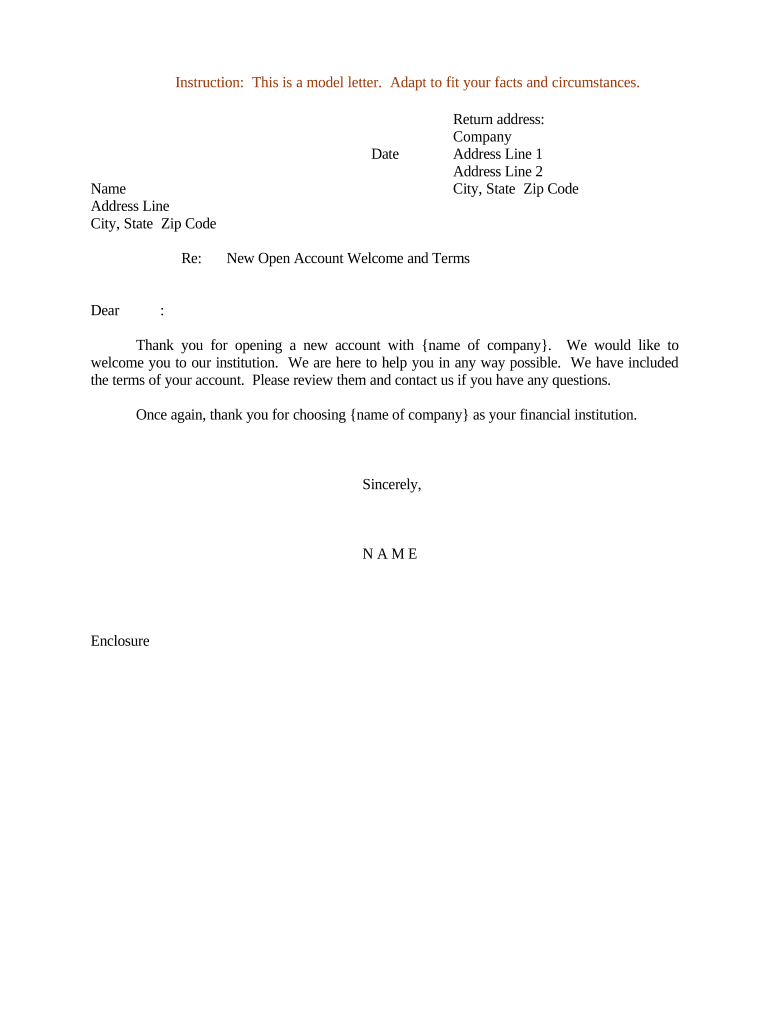
A concise welcome letter reduces confusion at onboarding, documents what the institution communicated, and provides customers with required disclosures and setup instructions.

Use the letter whenever an account is opened or materially changed to ensure the customer has a written record of terms, contacts, and activation steps.
Account number or unique reference to help the holder and staff match records and inquiries.
The effective account opening or activation date that determines when terms and fees apply.
Brief description of the account product, core benefits, and any principal restrictions or limits.
Steps to enroll in online access, mobile apps, or how to receive statements and alerts.
Any remaining actions the holder must complete (verify identity, fund the account, sign additional agreements).
Primary phone, secure messaging instructions, and escalation contacts for inquiries or disputes.
| Field | Configuration |
|---|---|
| Template | Create a standardized, version-controlled letter template in the document system |
| Auto-fill | Map CRM fields to template fields for name, account number, and dates |
| Delivery method | Choose email with secure link or printed mail depending on customer preference |
| Archive rule | Save signed copy to customer record and ensure retention policy is applied |
Configure the platform to generate an auditable certificate of completion and to store signed copies in the customer file for retention and compliance.
Complete identity verification within 10 days of account opening
Send the letter within 48 hours of account activation
Allow at least 30 days for the customer to accept terms or complete required steps
Store signed copy within 2 business days after completion
Retention and indexing must meet regulator SLA for retrieval within 72 hours
| signNow | DocuSign | Adobe Sign | PandaDoc | HelloSign | |
|---|---|---|---|---|---|
| Starting Price | $8/user/mo | $15/user/mo | $14/user/mo | $19/user/mo | $15/user/mo |
| Free Trial | 7-day trial | Free trial available | Free trial available | Free trial available | Free trial available |
| Bulk Send | Yes | Yes | Yes | Yes | No |
| Audit Trail | Yes | Yes | Yes | Yes | Yes |
| HIPAA Compliant | Yes | Yes | Yes | No | No |