Header
Sender and recipient names, addresses, and contact details so the correspondence is plainly attributable and can be used for service or follow-up.
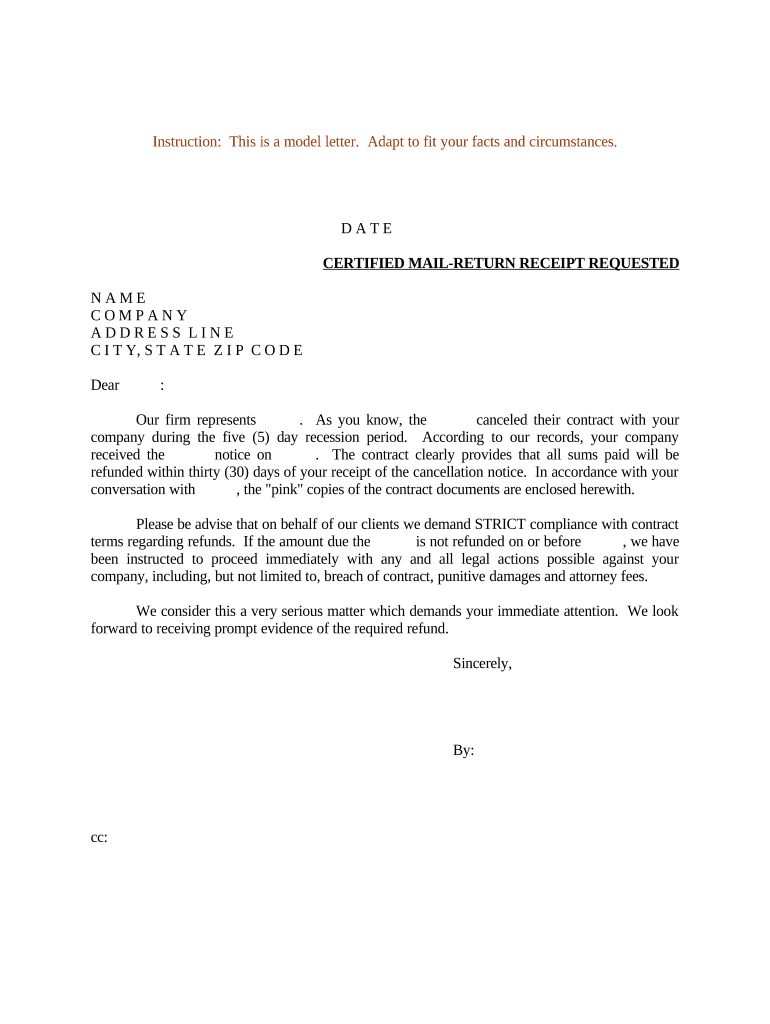
A clear, documented demand letter establishes the sender's position, creates a record of attempted resolution, and often accelerates payment without litigation. It preserves key facts and dates that support later remedies if necessary.

Parties use this letter when a contract is canceled and a refund or reimbursement is owed.
Use the letter before commencing formal legal action to document attempts at voluntary resolution.
The individual or authorized representative of the party who paid funds and seeks return. The signer should include title or capacity (for example, 'Owner' or 'Accounts Payable Manager'). Include contact information and a statement of authority to demand the refund.
The company, seller, or service provider receiving the demand. If a lawyer or collections representative will sign on behalf of the claimant, the letter should state the relationship and include written authorization or power-of-attorney details.
| Document Format | Use PDF/A for final archived copies |
|---|---|
| Signer Order | Send from claimant to recipient, then retain copy |
| Authentication | Email + optional SMS code |
| Audit Trail | Capture IP, timestamp, and actions |
| Retention | Save signed copy and audit trail for retention period |
Sender and recipient names, addresses, and contact details so the correspondence is plainly attributable and can be used for service or follow-up.
Reference the specific agreement, effective date, and clause that authorizes cancellation or refund to tightly connect the demand to contractual obligations.
Briefly summarize the events leading to cancellation, including dates, notices exchanged, and any default or termination actions taken.
Provide an itemized calculation of the refund owed: payments made, services rendered, prorations, and any deductions with clear math.
State the exact refund amount requested, acceptable payment methods, and a specific payment deadline, typically 10–30 days depending on circumstances.
Explain consequences of nonpayment (for example, interest, collection, small claims, or legal action) to create leverage while avoiding excessive or unlawful threats.
10–30 days
7–14 business days
Varies by state and claim size
Check state law; often 2–6 years
Retain records for IRS minimum periods
Prepare letter, attach evidence, and send with documented delivery.
Recipient confirms receipt or requests clarification.
Payment received or parties enter negotiation/settlement talks.
If unresolved, prepare for small claims or formal litigation.
| Criteria | Electronic Letter | Paper Letter |
|---|---|---|
| Legal validity | yes (esign/ueta) | yes (traditional) |
| Proof of delivery | audit trail | certified mail receipt |
| Speed | immediate | 2–7 days |
| Cost | low | moderate |
| signNow | DocuSign | Adobe Sign | PandaDoc | HelloSign | |
|---|---|---|---|---|---|
| Starting Price | $8/user/mo | $15/user/mo | $14/user/mo | $19/user/mo | $15/user/mo |
| Free Trial | 7-day free trial | Yes, varies | Yes, varies | Yes, varies | Yes, varies |
| Bulk Send | Yes | Yes | Yes | Yes | Varies |
| Audit Trail | Yes | Yes | Yes | Yes | Yes |
| HIPAA Compliant | Yes | Yes | Yes | No | No |
Choose file formats, authentication strength, and storage that support admissibility and chain-of-custody needs.
Preserve signed copies with an audit trail and store them in secure, access-controlled systems to support future enforcement or compliance reviews.
Tenant cancels lease before move-in due to delayed possession
Client terminates a landscaping contract due to nonperformance