Option Grant
Identify number of shares, class of stock, and whether options are ISO, NSO, or purchase rights with corresponding tax implications.
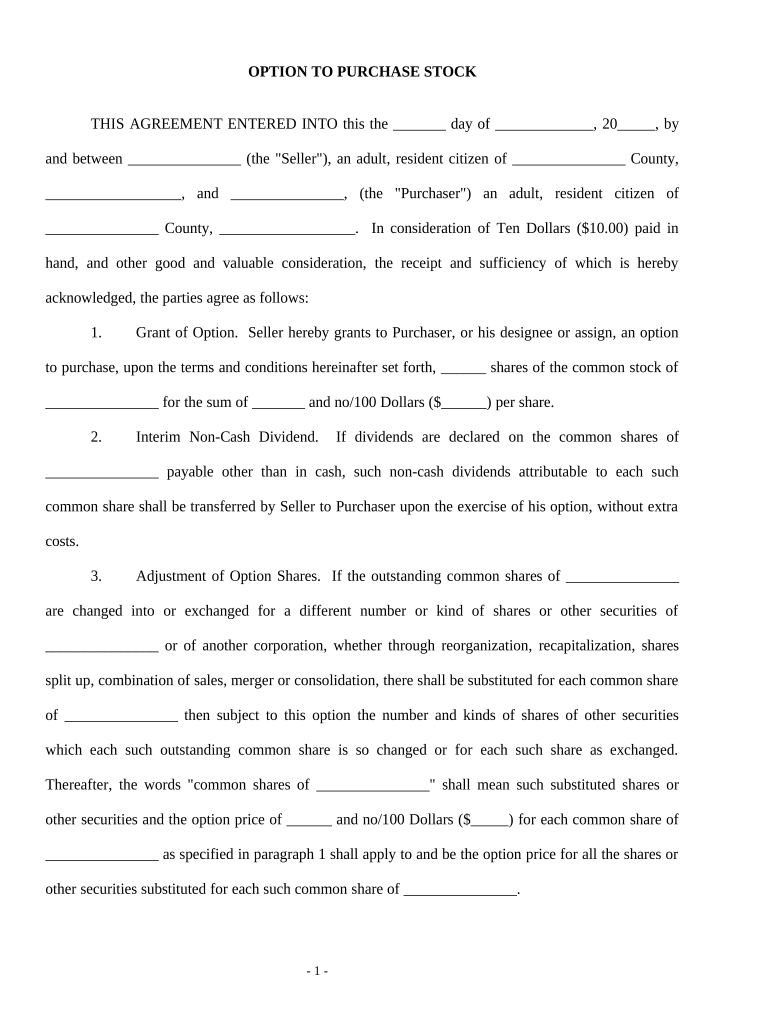
A formal option agreement clarifies price, term, and signature authority, protects economic interests, and creates enforceable rights under contract law and federal e-signature statutes such as ESIGN (15 U.S.C. ch. 96). It also documents conditions for transfer restrictions, repurchase rights, and tax timing for both issuer and holder.

Parties that commonly prepare or receive these agreements include company legal counsel, founders, investors, HR for equity grants, and individual option holders; external counsel often reviews high-value transactions.
Use a written, signed option agreement to ensure enforceability and to create a clear record for tax reporting, capitalization tables, and future transfers.
Chief executive, authorized officer, or a designated corporate officer should sign for the issuing company. Their signature binds the company and confirms corporate authority to grant the option; board approval or an authorization resolution is typically required.
The individual or entity receiving the option must sign to accept the terms. For entities, an authorized officer or manager should sign and provide evidence of authority; mismatched or unsigned acceptance can void the holder's rights.
Identify number of shares, class of stock, and whether options are ISO, NSO, or purchase rights with corresponding tax implications.
State the per-share price and currency; note adjustments for stock splits, dividends, and recapitalizations.
Specify vesting schedule (if any), exercise window, and final expiration date when the option lapses.
Describe notice requirements, delivery method for payment, permitted forms of consideration, and mechanics for certificate issuance or book-entry.
Include right of first refusal, lock-up provisions, securities law restrictions, and legend requirements for issued shares.
Reference board resolutions, stockholder approvals, and any required filings with corporate records or securities regulators.
| Field | Configuration |
|---|---|
| Signature Field | Place signers' signature, printed name, and date fields for each party. |
| Conditional Fields | Use conditional fields for vesting clauses or escrow conditions to appear only when relevant. |
| Authentication | Require email plus SMS code or knowledge-based authentication for higher-value grants. |
| Audit Record | Capture IP, timestamp, and consent text for each signing event. |
Choose an eSignature platform that creates tamper-evident signed PDFs, captures an audit trail, and supports appropriate signer authentication.
Ensure the provider meets legal and industry compliance needs (ESIGN and UETA) and that records can be produced in native or PDF/A format for audits and tax reporting.
Date the option agreement becomes binding; use MM/DD/YYYY format.
Schedule milestone dates when rights or portions of options vest.
Final date to exercise; options lapse if not exercised by this date.
Complete before issuing options to avoid adverse tax treatment for discounted exercise prices.
Report exercises, disqualifying dispositions, or transfers per IRS timing rules and employer reporting obligations.
A startup grants investor purchase options tied to performance milestones to secure bridge financing
A company issues options to a new executive with four-year vesting and one-year cliff
| signNow | DocuSign | Adobe Sign | PandaDoc | HelloSign | |
|---|---|---|---|---|---|
| Starting Price | $8/user/mo | $15/user/mo | $14/user/mo | $19/user/mo | $15/user/mo |
| Free Trial | 7-day free trial | Varies | Varies | Varies | Varies |
| Bulk Send | Yes | Yes | Yes | Yes | No |
| Audit Trail | Yes | Yes | Yes | Yes | Yes |
| HIPAA Compliant | Yes | Yes | Yes | No | No |