Employer Info
Legal business name, Alabama employer identification, and mailing address to link the statement to payroll tax accounts and filings.
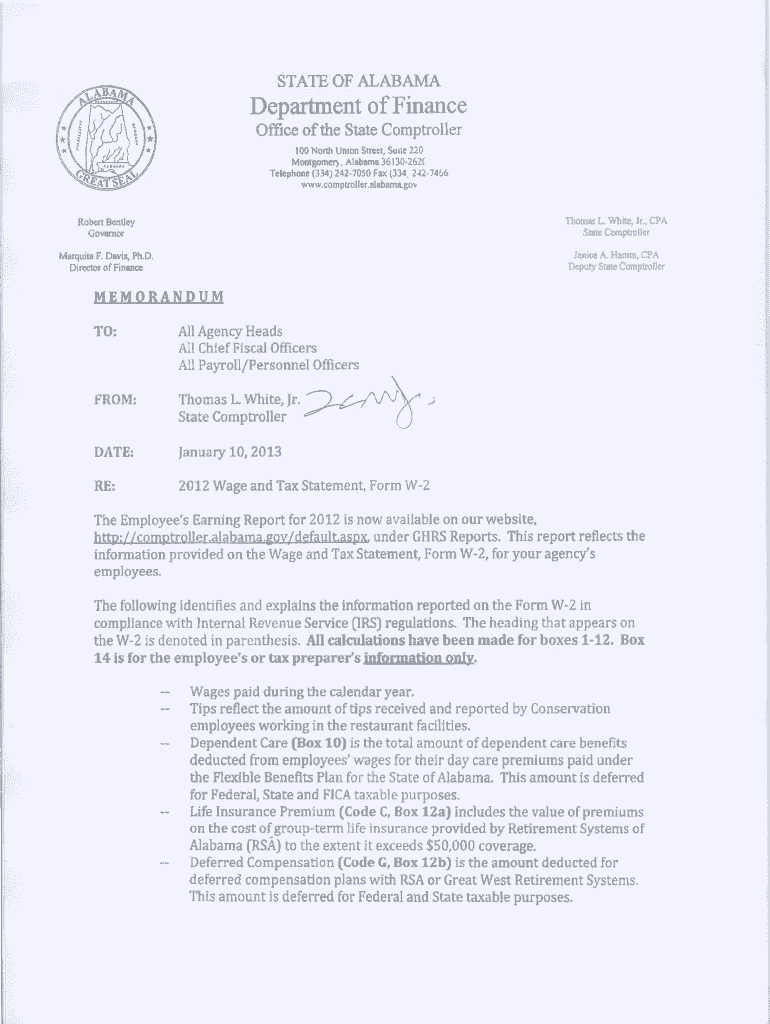
Accurate Wage and Tax Statements reduce audit risk, enable employees to file correctly, and ensure your payroll reconciles with state tax records. Proper preparation minimizes penalties and supports compliance with federal and state recordkeeping obligations, including ESIGN and state electronic transaction rules when filing or distributing electronically.

Maintain accurate distribution records and retention copies for both employee access and statutory recordkeeping.
Legal business name, Alabama employer identification, and mailing address to link the statement to payroll tax accounts and filings.
Full legal name, Social Security number or TIN, address, and employee identifier for accurate tax and benefit processing.
Gross wages, taxable wages per jurisdiction, and year-to-date totals presented clearly for employee and state reconciliation.
State withholding amounts, local taxes (if applicable), and any voluntary deductions that affect net pay and tax reporting.
Employer EIN and state account numbers displayed to match payroll filings with the Alabama Department of Revenue.
Form year, effective dates, preparer name, and method of delivery (paper, electronic) for recordkeeping and compliance.
| Field Mapping | Map payroll system columns to form fields for automated population |
|---|---|
| Validation Rules | Enable required-field checks and TIN format validation before sending |
| Signer Authentication | Select email, SMS code, or stronger authentication for employee signature confirmation |
| Delivery Method | Choose secure email, portal delivery, or printed mail per employee preference |
| Archive Settings | Retain signed files in encrypted storage with versioning and audit logs |
Confirm the platform supports audit trails, retention export, and applicable compliance controls before e-distribution.
Provide employee copies by January 31 for year-end statements
File with Alabama or state portal according to state-specific deadlines
Match year-end statements to any required 1099 series filings
Correct errors promptly to minimize penalty exposure
Coordinate with federal filing cycles (Form 1040 due April 15)
Finalize all pay runs and adjustments before generating statements
Auto-populate forms from payroll exports and validate amounts
Resolve discrepancies and document approvals before distribution
Send employee copies and submit required state filings
| signNow | DocuSign | Adobe Sign | PandaDoc | HelloSign | |
|---|---|---|---|---|---|
| Starting Price | $8/user/mo | $15/user/mo | $14/user/mo | $19/user/mo | $15/user/mo |
| Free Trial | 7-day free trial | No | No | Yes, limited | Yes, limited |
| Bulk Send | Yes | Yes | Yes | Yes | No |
| Audit Trail | Yes | Yes | Yes | Yes | Yes |
| HIPAA Compliant | Yes | Yes | Yes | No | No |
Optica automated mapping from payroll exports to statements to reduce manual errors.
Xerox integrated statement generation with NetSuite for unified records.