Establishing secure connection…Loading editor…Preparing document…

Bankruptcy Forms and Information Package

This template is fully customizable. Edit the text, fill out the fields, and send it for signature. Give it a try!
Bankruptcy Forms and Information Package

Overview of the Bankruptcy Forms and Information Package

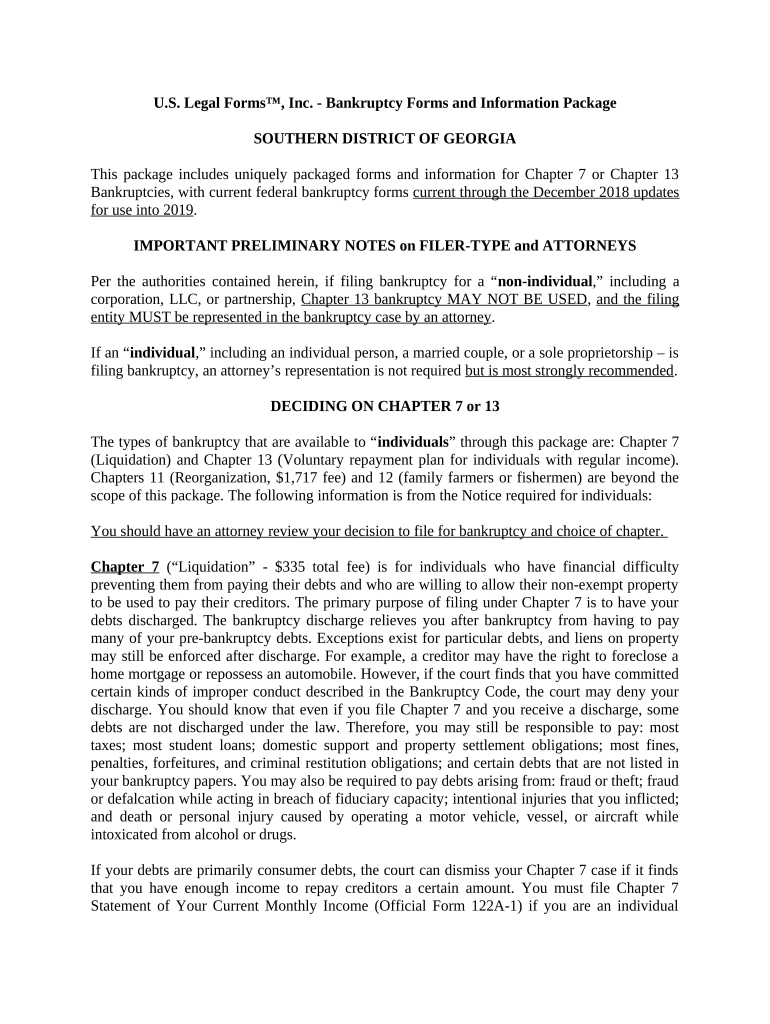
The Bankruptcy Forms and Information Package is a standardized collection of court forms, schedules, and explanatory materials required to begin a consumer bankruptcy case in federal bankruptcy court. The package typically includes the petition, schedules of assets and liabilities, statement of financial affairs, creditor matrices, and required notices and certifications. It explains common procedural steps, required supporting documentation, and the role of mandatory pre-filing credit counseling. The package is intended to help debtors and counsel assemble a complete filing that complies with local rules and federal filing requirements.

Why a Complete Package Matters for Court Acceptance

A correctly assembled package reduces rejection risk, clarifies obligations, and speeds initial case processing by the clerk’s office.

Why a Complete Package Matters for Court Acceptance

Who Prepares and Uses This Bankruptcy Package

Debtors, bankruptcy attorneys, trustee staff, and court clerks use this package to prepare and review a Chapter 7 or Chapter 13 filing.

  • Individual debtors assembling their own filings with or without counsel.
  • Bankruptcy attorneys preparing client petitions and schedules for court filing.
  • Paralegals and trustee staff reviewing completeness before hearings.

Properly prepared packages support smoother automatic stay invocation and timely scheduling of the 341 meeting of creditors.

Stepwise Filing Checklist

Follow these sequential steps to prepare and file a complete bankruptcy package.

  • 01
    Gather records: Collect paystubs, bank statements, and tax returns.
  • 02
    Complete forms: Fill petition, schedules, and creditor matrix accurately.
  • 03
    Pre-filing counseling: Obtain required credit counseling certificate.
  • 04
    File with court: Submit via CM/ECF or in-person clerk’s office.

The Typical Electronic Filing Flow

This is the common workflow for digital assembly and e-filing of bankruptcy documents in federal court.

  • Prepare documents: Create PDF petition, schedules, and exhibits.
  • Assemble packet: Combine documents into required upload order.
  • Authenticate filer: Sign into CM/ECF with attorney or pro se credentials.
  • Upload and pay: Submit files and pay the applicable filing fee.

Digital Workflow Settings and Common Configurations

Configure your document environment to match court requirements and reduce rejections during e-filing.

Field Configuration
PDF/A compliance Enable PDF/A output for long-term archive compatibility.
File naming Use descriptive names: DebtorName_Petition.pdf, etc.
Flattened forms Flatten form fields to prevent altered entries.
Redaction Remove or redact unnecessary personal identifiers.

Technical Requirements for eFiling and eSubmission

Confirm your software and hardware meet court CM/ECF and local clerk specifications before attempting upload.

  • Supported formats: PDF, PDF/A, DOCX converted to PDF.
  • Internet: Stable broadband connection recommended.
  • Authentication: CM/ECF credentials or pro se portal access.

Many firms integrate eSignature platforms with case management and cloud storage to streamline preparation and retain audit trails.

Core Components Included in a Professional Package

A complete package bundles the required court forms, creditor lists, explanatory notes, and supporting documents for filing and trustee review.

Voluntary Petition

The primary filing document that identifies debtor(s), the filing chapter, addresses, and attorney information required to open the case.
Schedules

Detailed asset and liability schedules that list property, secured debts, unsecured debts, executory contracts, and monthly income and expenses.

Statement of Affairs

Narrative responses covering recent transfers, suits, income sources, and other factual history the trustee will review at the 341 meeting.

Creditor Matrix

A mailing list of all creditors in the format required by the local court so notices and claims forms are correctly served.

Means Test / Schedules I & J

Income and expense disclosures used to determine Chapter 7 eligibility or Chapter 13 plan feasibility and payment calculations.

Certificates and Notices

Credit counseling certificate, debtor education certificate, and court-required notices demonstrating compliance with pre- and post-filing obligations.

Sensitive Data Fields to Protect

Social Security: Full SSN on confidential sheet
Bank account numbers: Use redaction where allowed
Medical information: Consider HIPAA safeguards
Tax returns: Retain per IRS rules
Attorney-client records: Maintain privileged handling
Audio/video: Trustee recordings protected

Consequences of Incomplete or Incorrect Filings

Case Dismissal: Court may dismiss petition
Trustee Motions: Trustee can file to compel documents
Sanctions: Possible monetary or procedural sanctions
Loss of Discharge: Material omissions can deny discharge
Penalties: Perjury exposure for false statements
Re-filing Costs: Additional filing fees and delays

Common Preparation Pitfalls to Avoid

  • Failing to include all creditors on the matrix, which can prevent notices from reaching interested parties and create later challenge exposure.
  • Omitting pre-filing credit counseling or the certificate, which many courts require and which will delay or bar filing acceptance.
  • Entering inaccurate asset valuations or failing to list recent transfers, which often triggers trustee investigations and amendment orders.
  • Using inconsistent names or addresses between forms, leading to confusion in service, identity verification, and potential clerk office rejections.

Key Deadlines to Track During a Bankruptcy Case

Track these statutory and procedural deadlines to maintain protections and comply with trustee and court schedules.

Filing date effects:

Automatic stay begins on petition filing date.

Meeting of creditors (341):

Held typically 20–40 days after filing; attendance required.

Deadline to file claims:

Bar dates are set by court order; check the clerk’s notice.

Objections to discharge:

Must generally be filed before the deadline in scheduling order.

Tax reporting:

Retain tax returns; IRS deadlines for audits still apply.

Milestone Timeline from Preparation to Discharge

A high-level sequence of milestones shows how the filing progresses from intake to final resolution.

01

Pre-Filing Preparation

Collect documents, complete counseling, and prepare schedules.

02

File Petition

Submit petition and pay filing fee to open the case.

03

341 Meeting

Attend trustee meeting where questions and verification occur.

04

Final Resolution

Discharge or dismissal issued; implement post-case obligations.

eSignature Vendor Comparison for Completing and Sharing Bankruptcy Forms

Compare core pricing and feature availability for eSignature providers commonly used to collect signatures and manage document workflows for bankruptcy packets.

signNow DocuSign Adobe Sign PandaDoc HelloSign
Starting Price $8/user/mo $15/user/mo $14/user/mo $19/user/mo $15/user/mo
Free Trial Yes, 7-day trial Yes Yes Yes Yes
Bulk Send Yes Yes Yes Yes No
Audit Trail Yes Yes Yes Yes Yes
HIPAA Compliant Yes Yes Yes No No
Envelope Cap No cap 100 envelopes/user/year Varies Varies Varies

Practical Tips for Accurate and Efficient Completion

Follow these pragmatic rules to reduce clerk office rejections and trustee follow-ups.

Verify identities
Confirm names and SSNs against government ID and tax returns before filing.
Standardize forms
Use court-approved PDF templates and consistent file naming conventions.
Keep originals
Retain source documents for at least the minimum retention period required by law.
Use secure eSign
Choose an eSignature provider that supports audit trails and, when needed, HIPAA BAAs.

Real-World Filing Scenarios and Outcomes

Two practical examples show common preparation approaches and how complete packages affect case flow.

Small Chapter 7 Filing

A self-represented debtor compiled paystubs and bank statements into a single PDF and used a court template for schedules

  • Trustee confirmed assets nil and closed case quickly
  • The complete packet reduced follow-up requests and shortened the time to discharge by several weeks.

Attorney-Prepared Chapter 13

Counsel used practice management software plus eSignature to collect client approvals and signatures remotely

  • Plan calculations and Means Test were reviewed before submission
  • Early engagement and accurate schedules minimized plan objections and eased confirmation.

Frequently Asked Questions About the Bankruptcy Forms and Information Package

Answers to common procedural and technical questions to help filers avoid delays and meet legal obligations.


Need help? Contact support

be ready to get more
Join over 28 million airSlate SignNow users