Establishing secure connection…Loading editor…Preparing document…

Beneficiary Deed

This template is fully customizable. Edit the text, fill out the fields, and send it for signature. Give it a try!
Beneficiary Deed

What a Beneficiary Deed Is and how it works

A Beneficiary Deed (sometimes called a Transfer-on-Death deed) is a real estate instrument that names one or more beneficiaries to receive title to real property on the owner’s death without probate. It preserves the owner’s control during life — the owner can sell, mortgage, or revoke the deed — and only transfers the property when the owner dies. Use of a Beneficiary Deed depends on state law and interacts with wills, trusts, and community property rules; it does not replace estate planning but can simplify transfer for single-property situations.

Why a Beneficiary Deed can simplify small estate transfers

A Beneficiary Deed provides a nonprobate path for passing real property at death, reducing probate time and court costs for many estates. It preserves lifetime control for the owner and can be revoked or changed before death, making it attractive for straightforward transfers without creating a trust.

Why a Beneficiary Deed can simplify small estate transfers

Typical users and scenarios for a Beneficiary Deed

Beneficiary Deeds are commonly used by individual property owners who want a simple, revocable way to transfer real property at death without probate. They are not always appropriate for complex estates, tax planning, or properties with liens.

  • Sole homeowners seeking to avoid probate for a single residential property
  • Elderly owners who want an uncomplicated revocable transfer option
  • Owners with out-of-state beneficiaries or simple family transfers

For multi-asset estates, blended families, or tax-sensitive transfers, beneficiaries and owners should consult an attorney to confirm a Beneficiary Deed matches broader estate objectives.

Who can sign and who is named

Owner / Grantor

The property owner of record must execute the Beneficiary Deed. If the owner is an individual, signing must match the name on title; corporate or trust-owned real estate requires different instruments and authorized signatories.

Beneficiary

A beneficiary is the person or entity designated to receive title at the owner’s death. You can name multiple beneficiaries and specify share percentages or contingencies.

Core parts of a professionally prepared Beneficiary Deed

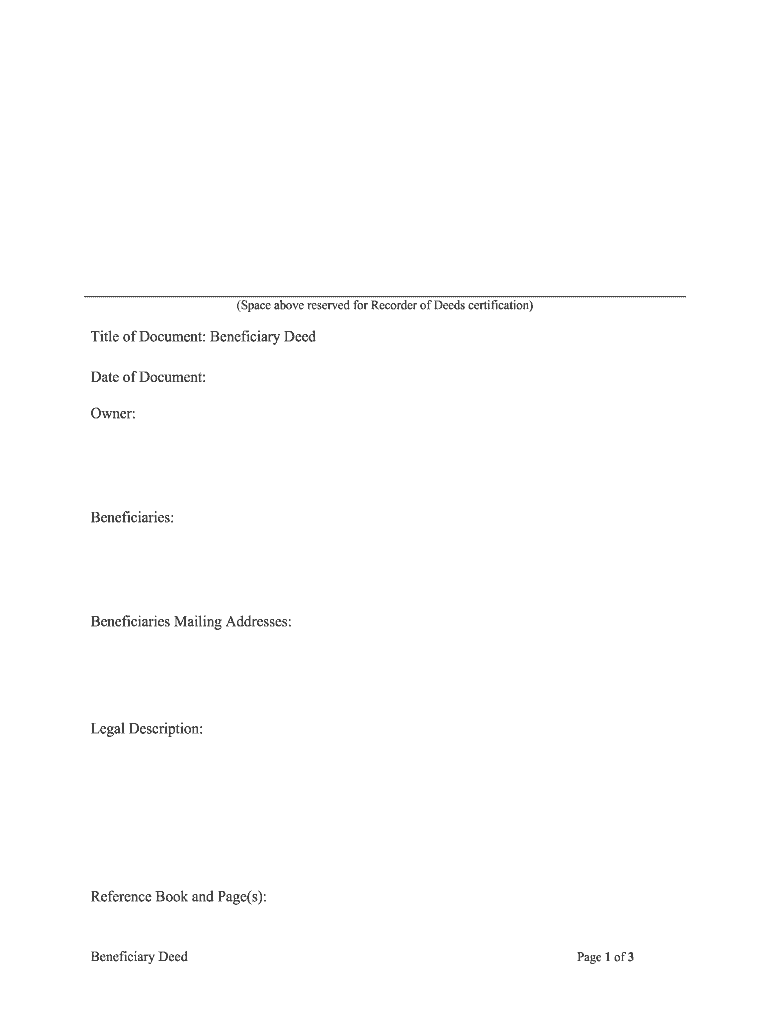
A clear Beneficiary Deed contains standard sections to avoid ambiguity at transfer: owner identity, property description, beneficiary designation, survivorship terms, revocation clause, and execution details including notarization.

Owner Identification

Full legal name of the owner exactly as on the recorded title; include marital status if it affects ownership.
Property Description

Precise legal description (metes and bounds or recorded parcel number) matching county records; street addresses alone are insufficient.

Beneficiary Designation

Name beneficiaries, specify shares or contingencies (per stirpes/per capita), and include alternate beneficiaries for predecease scenarios.

Revocation/Amendment

Explicit statement that the deed is revocable by the owner and can be revoked by recorded instrument executed before death.

Execution Block

Owner signature block dated, and notary acknowledgement formatted per state notarial requirements for recording.

Recording Instructions

County recording instructions or cover sheet to ensure the deed is indexed to the correct parcel and grantor name.

Required information fields at a glance

Grantor Name: Full legal name
Grantor Address: Street, city, state, ZIP
Legal Description: Parcel or metes/bounds
Beneficiary Name: Full legal name
Signature Date: MM/DD/YYYY format
Notary Block: State-compliant acknowledgement

Step-by-step: Completing a Beneficiary Deed

Follow these practical steps to prepare a Beneficiary Deed that records correctly and reflects your intent.

  • 01
    Assemble title info: Locate current deed and confirm owner name and legal description.
  • 02
    Draft deed: Fill owner, property, beneficiary, and revocation language using state-appropriate template.
  • 03
    Execute and notarize: Owner signs before a notary; follow state notarial formalities and witness rules.
  • 04
    Record deed: File with county recorder in the county where property is located.

Setting up an online completion workflow

When completing a Beneficiary Deed online, configure fields and signer steps to match the legal execution flow and county recording expectations.

Field Configuration
Owner Signature Signer field; require date and access code authentication
Notary Acknowledgement Placeholder for notarization; if using RON, enable audio/video recording
Beneficiary Info Read-only fields to prevent post-execution edits
Recording Cover Attach county-specific cover sheet for recorder

Where to file and how the deed takes effect

Recording with the county recorder is the final step; the Beneficiary Deed takes effect only upon the owner’s death and per local recording standards.

  • Record in County: File original deed with the county recorder in the property's county for public notice.
  • Indexing: Recorder indexes the deed to the grantor and property parcel for searchability.
  • Post-Death Transfer: Beneficiary presents owner’s death certificate to the recorder to clear title in beneficiary’s name.
  • Interaction with Estate: If a will or trust also disposes of the property, state law and timing determine which instrument controls.

Digital signing and remote notarization considerations

Use electronic tools that meet legal and notarial requirements if you plan to sign or notarize online.

  • eSignature Validity: ESIGN (15 U.S.C. ch. 96) and UETA support electronic signatures for most real estate documents unless state law says otherwise.
  • RON Requirements: Remote Online Notarization requires identity proofing, audio-video recording, and retention per state notary rules.
  • Recorder Acceptance: Some county recorders require original paper or wet-notary; verify before e-notarizing or e-recording.

Timing and processing expectations for recording and transfer

Recording and post-death transfer timelines vary by county; plan for recorder processing and beneficiary actions to clear title.

Recording Turnaround:

County processing is typically 1–4 weeks depending on backlog and whether additional documentation is required.

Post-Death Processing:

Beneficiary provides death certificate; title may clear within weeks after proper submission.

Revocation Timing:

Owner may revoke any time before death by recording a revocation instrument.

Tax Filings:

Estate or beneficiary should check federal/state filing obligations after transfer.

Notary/RON Retention:

RON audio-video sessions and notary journals may be retained 5–10 years per state rules.

Common preparation mistakes to avoid

  • Using only a street address instead of the recorded legal description, causing recorder rejection.
  • Mismatched grantor name that does not match title records, preventing indexing or recording.
  • Failing to check state law acceptance of Beneficiary Deeds, leading to invalid transfers at death.
  • Overlooking liens, mortgages, or community property interests that affect what transfers on death.

Risks and legal consequences of incorrect or incomplete deeds

Recording Rejection: Deed returned or refused for incomplete information
Title Disputes: Beneficiary may face litigation if transfer conflicts with other estate instruments
Tax Exposure: Unanticipated estate or transfer tax consequences for heirs
Mortgage Acceleration: Mortgage holder may call loan due to transfer language or notice
Probate Risk: If state does not recognize the deed, the property may still pass through probate
Clerical Errors: Typographical mistakes can require corrective instruments and additional legal fees

Practical examples of Beneficiary Deed use

Two concise examples illustrate common situations and outcomes when a Beneficiary Deed is used appropriately.

Single Home Transfer

An elderly homeowner names a single child as beneficiary to avoid probate

  • The homeowner keeps full control and can sell or refinance before death
  • After death the child records the death certificate plus recorded deed to transfer title without a full probate.

Blended-Family Caution

An owner names a nonspousal partner as beneficiary but also has a will leaving property to children

  • Conflicting documents created uncertainty and litigation after death
  • Legal review before recording would have aligned instruments to avoid dispute.

Sample eSignature vendor comparison for completing and notarizing deeds

These vendor attributes help compare common eSignature options used for executing and notarizing deeds. signNow is listed first per the comparison format.

signNow DocuSign Adobe Sign PandaDoc HelloSign
Starting Price $8/user/mo $15/user/mo $14/user/mo $19/user/mo $15/user/mo
Free Trial 7-day free trial Varies by plan Varies by plan Varies by plan Varies by plan
Bulk Send Yes Yes Yes Yes Varies
Audit Trail Yes Yes Yes Yes Yes
HIPAA Compliant Yes Yes Yes No No

Frequently asked questions about Beneficiary Deeds

Answers to common questions about validity, revocation, recording, and interactions with wills and trusts.


Need help? Contact support

be ready to get more
Join over 28 million airSlate SignNow users