Recorded Reference
Include the original deed of trust recording date, book/page or instrument number, and county so the recorder can match the release to the correct lien. Inaccurate references delay recording and can create title issues.
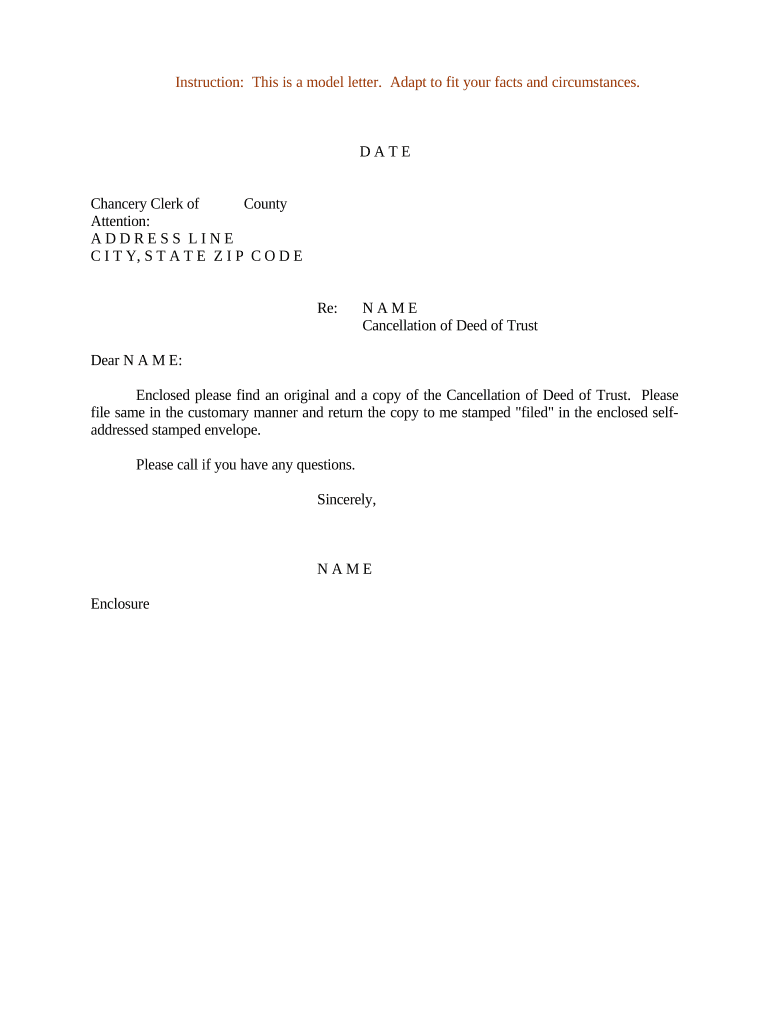
Recording a Cancellation of Deed of Trust clears the lien, prevents title defects, and documents that the secured debt was satisfied. It protects borrowers and future purchasers by eliminating uncertainty about outstanding encumbrances.

Each party has distinct responsibilities: lenders execute, recorders lodge, and borrowers must retain proof of release.
A designated officer, agent, or trustee for the beneficiary (lender) signs the cancellation. Documentation of signing authority should be on file to avoid recording rejection or title issues.
The county recorder or clerk accepts and indexes the filed cancellation, assigns a recording number, and provides public access to confirm the lien removal for title searches.
Include the original deed of trust recording date, book/page or instrument number, and county so the recorder can match the release to the correct lien. Inaccurate references delay recording and can create title issues.
Clearly name the grantor/borrower, original trustee, and beneficiary (lender) using full legal names as they appear on the original deed of trust to ensure accurate indexing and title chain continuity.
Provide the complete legal description of the property (lot, block, subdivision, or metes and bounds). A partial or informal description risks rejection by the county recorder and ambiguity in title records.
A short, unambiguous declaration that the beneficiary releases the lien and reconveys title or interest back to the trustor/borrower, citing the original instrument identifier.
Signature, printed name, title, and date for the authorized signatory for the beneficiary; notary acknowledgement or jurat language as required by the recording jurisdiction must be included.
Designate a recording space with county recorder lines for filing stamps, recording information, and instrument numbers; absence of this area may impede proper indexing.
| Field | Configuration |
|---|---|
| Document Upload | PDF/A or DOCX; include original recording reference |
| Signature Field | Place for authorized lender signer; require date |
| Notary Block | Add acknowledgement block or RON session metadata |
| Recording Notes | Include payer info and return-to address |
Ensure the chosen platform produces a stamped recorded copy and preserves audit metadata required by the county and for compliance.
| signNow | DocuSign | Adobe Sign | PandaDoc | HelloSign | |
|---|---|---|---|---|---|
| Starting Price | $8/user/mo | $15/user/mo | $14/user/mo | $19/user/mo | $15/user/mo |
| Free Trial | 7-day trial | Varies | Varies | Varies | Varies |
| Bulk Send | Yes | Yes | Yes | Yes | Yes |
| Audit Trail | Yes | Yes | Yes | Yes | Yes |
| Envelope Cap | No cap | 100 envelopes/user/year | Varies | Varies | Varies |
Request immediately after payoff to avoid title encumbrance delays
Lender typically signs within 7–21 days after receiving payoff confirmation
County recording often posts within 1–10 business days depending on jurisdiction
Title companies usually update public records within 1–2 weeks of recording
If notarized remotely, retain audio/video and KBA logs per state RON rules
Borrower pays loan and obtains a written payoff statement confirming zero balance.
Lender prepares the Cancellation of Deed of Trust referencing the original instrument.
An authorized lender representative signs and executes the instrument before a notary.
Instrument is recorded by the county and the recorder issues an instrument/record number.
After a mortgage payoff the lender issued a reconveyance referencing instrument 2018-04567
Servicer appointed a substitute trustee and signed the release