Eligibility
Defines who may file, including surviving spouse, next of kin, or other qualified claimant, and sets estate value thresholds and exclusions that preclude use of the simplified procedure.
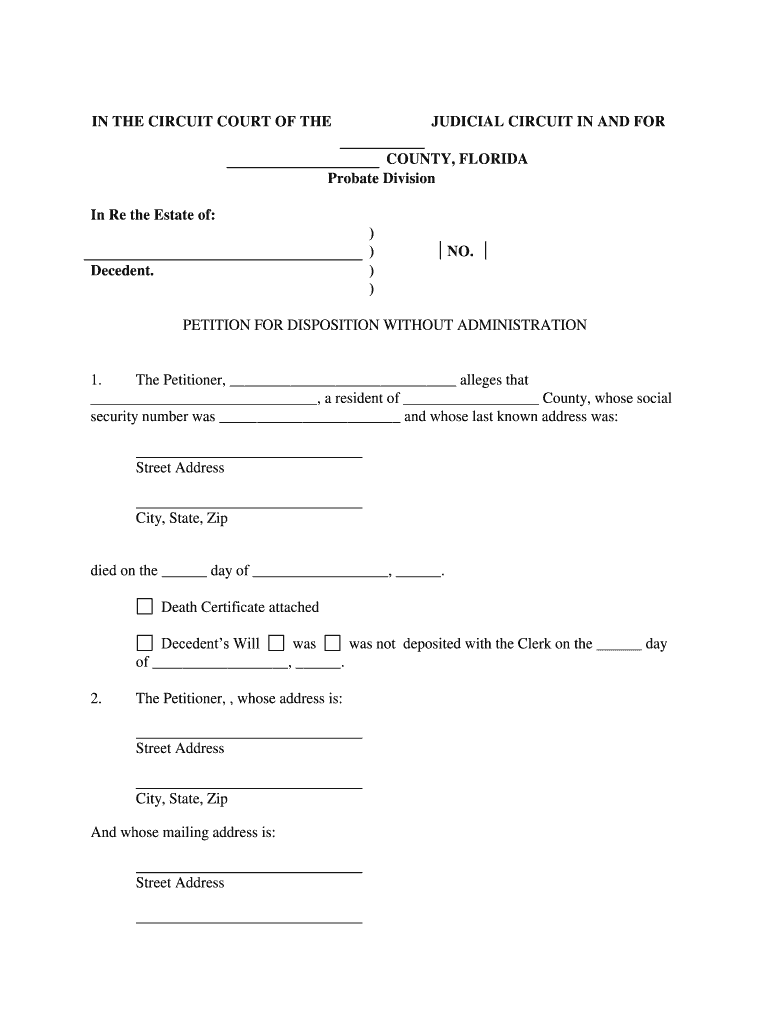
Use the Florida Disposition Without Administration to transfer modest personal-property estates quickly and with minimal court oversight. The procedure reduces time, legal costs, and administrative complexity compared with formal probate while preserving due process for creditors and heirs under Florida law.

Typical users include personal representatives, close relatives, and beneficiaries seeking expedited transfer of small estates without full probate.
A surviving spouse commonly files the affidavit asserting right to household furnishings and small accounts; the spouse must attest to death, lack of pending administration, and value limits, and provide proof of identity and service to interested parties.
An attorney or authorized agent may prepare and file the affidavit, advise on eligibility and notice requirements, and confirm whether formal administration is necessary when creditor exposure or complex assets are present.
Defines who may file, including surviving spouse, next of kin, or other qualified claimant, and sets estate value thresholds and exclusions that preclude use of the simplified procedure.
Specifies eligible assets such as tangible personal property, vehicle proceeds under statutory caps, and certain bank accounts, while generally excluding real property and assets requiring formal probate.
Requires an affidavit sworn by the claimant attesting to the decedent’s death, the claimant’s right to possession, the estate value, and that no administration is pending or necessary.
Mandates notice to heirs and interested parties, giving them opportunity to object; proof of service or published notice may be required under Florida probate procedure.
The court may enter an order confirming the transfer of specified property; the order serves as legal title documentation for the claimant and enables asset transfer to third parties.
Limitations include statutory monetary caps, exclusion of real property, unresolved creditor claims, or cases where a formal administration or probate is already open.
| Field | Configuration |
|---|---|
| Template | Reusable template with required checklists and conditional fields |
| Auto-fill | Magic field detection for names, dates, and IDs to reduce errors |
| Authentication | Email + SMS code; add KBA for higher assurance |
| Notary / RON | Enable remote notarization workflow where state permits |
Digital signature and eSubmission options reduce physical meetings while complying with ESIGN and Florida law.
A surviving spouse files an affidavit for household goods and two bank accounts under statutory caps to clear title and access funds.
Three adult children used the procedure to transfer personal property and a small brokerage account after their parent’s intestate death to avoid lengthy probate.
Request certified copy promptly from the state vital records office
File with county probate court where decedent resided
Serve heirs and creditors per statutory requirements
Allow statutory objection period before transfer completion
Report distributions as required for IRS and state tax authorities
| signNow | DocuSign | Adobe Sign | PandaDoc | HelloSign | |
|---|---|---|---|---|---|
| Starting Price | $8/user/mo | $15/user/mo | $14/user/mo | $19/user/mo | $15/user/mo |
| Free Trial | 7-day trial | No | No | Yes, limited | Yes, limited |
| Bulk Send | Yes | Yes | Yes | Yes | No |
| Audit Trail | Yes | Yes | Yes | Yes | Yes |
| HIPAA Compliant | Yes | Yes | Yes | No | No |