Entity Identification
Provide the exact legal entity name, state of formation, and the Secretary of State entity number or file number to ensure the agency locates the correct record and avoids delays.
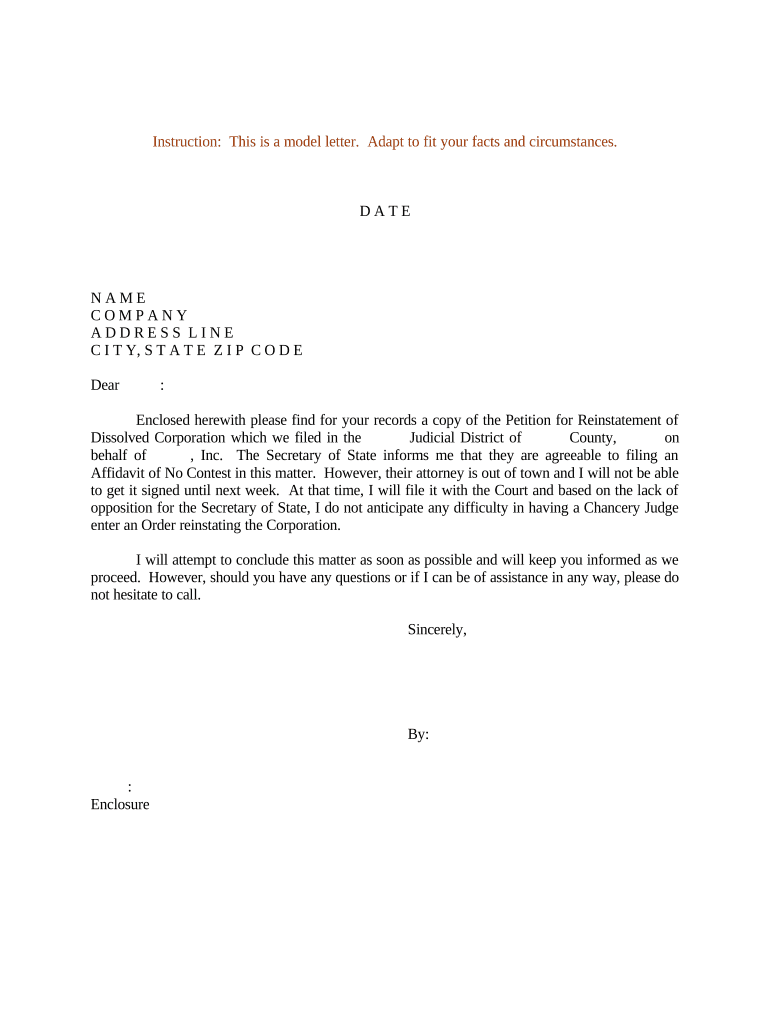
A well‑drafted letter compiles the facts the state needs to grant reinstatement, explains corrective steps, and documents authority to act for the corporation. It reduces processing friction, demonstrates compliance with statutory prerequisites, and creates an administrative record useful for creditors, tax authorities, and future corporate filings.

Primary users prepare and submit the letter when they control or represent the dissolved corporation.
The sender should confirm signature authority and include any required corporate resolutions or power of attorney to avoid rejection.
A corporate secretary or officer signs when corporate minutes or bylaws authorize reinstatement actions; they confirm corporate name, entity ID, and that prior deficiencies have been remedied before submitting the petition.
An outside attorney prepares or reviews the letter to ensure statutory compliance, attaches required exhibits, and often files on behalf of the company while advising on tax clearance or franchise obligations.
Provide the exact legal entity name, state of formation, and the Secretary of State entity number or file number to ensure the agency locates the correct record and avoids delays.
Briefly state the date and type of dissolution (administrative, voluntary, or involuntary) and any statutory citation if known to clarify the basis for reinstatement.
List specific remedial steps taken, such as filing missing annual reports, paying franchise taxes, obtaining tax clearance, or curing statutory defaults that caused the dissolution.
State clearly that the petitioner asks the state to reinstate the corporation to active status, and whether reinstatement should be retroactive or prospective if the statute allows.
Attach required exhibits: tax clearance certificates, copies of filed reports, corporate resolutions, proof of fee payment, or any court orders if applicable.
Include printed name, title, date, and contact information of signer; include notarization if the state requires it or if attaching a self‑proving affidavit.
| Field | Configuration | Purpose | Suggested setting |
|---|---|
| Authentication | Email plus optional SMS code for signer identity |
| Required Attachments | Tax clearance PDF and annual reports as mandatory uploads |
| Signature Type | Allow eSignatures; require notarization if state mandates |
| Notifications | Auto‑notify preparer when signer completes the form |
Use a platform that supports PDF and DOCX files, audit trails, and necessary signer authentication to meet state requirements.
Ensure the chosen platform provides a tamper‑evident audit trail and exportable signed records to include with the state filing or to retain for compliance.
Allow several days to collect reports, clearances, and board resolutions.
Processing time varies by Secretary of State; confirm current estimates with the agency.
Obtaining tax or franchise clearances can add weeks depending on revenue agency.
If notarization or witnesses are required, schedule signings in advance to avoid delay.
Retain copies from the filing date and certificate of reinstatement for compliance.
Confirm all missing filings, fees, and tax obligations have been addressed before submission.
Draft the letter and compile exhibits, resolutions, and payment documentation.
Submit the petition per state instructions and obtain a receipt or control number.
Follow any conditions in the reinstatement notice and update corporate records.
| Document Type | Purpose | Typical Filing | Letter | Petition | Secretary of State |
|---|---|---|---|
| Reinstatement Letter | requests restoration | administrative relief | sos petition plus exhibits |
| Certificate of Revival | official proof of revival | proof of restored status | issued after approval |
| Court Petition | court‑ordered reinstatement | judicial relief | filed in state court when statute allows |
| Power of Attorney | delegates authority | signature authorization | attach when agent files |
| signNow | DocuSign | Adobe Sign | PandaDoc | HelloSign | |
|---|---|---|---|---|---|
| Starting Price | $8/user/mo | $15/user/mo | $14/user/mo | $19/user/mo | $15/user/mo |
| Free Trial | 7‑day free trial | Varies | Varies | Varies | Varies |
| Bulk Send | Yes | Varies | Yes | Yes | Varies |
| Audit Trail | Yes | Yes | Yes | Yes | Yes |
| HIPAA Compliant | Yes | Yes | Yes | No | No |
| Envelope Cap | No envelope cap | 100 envelopes/user/year | Varies | Varies | Varies |