Identification
Candidate name, job title, and a unique internal reference such as requisition or candidate ID for accurate recordkeeping.
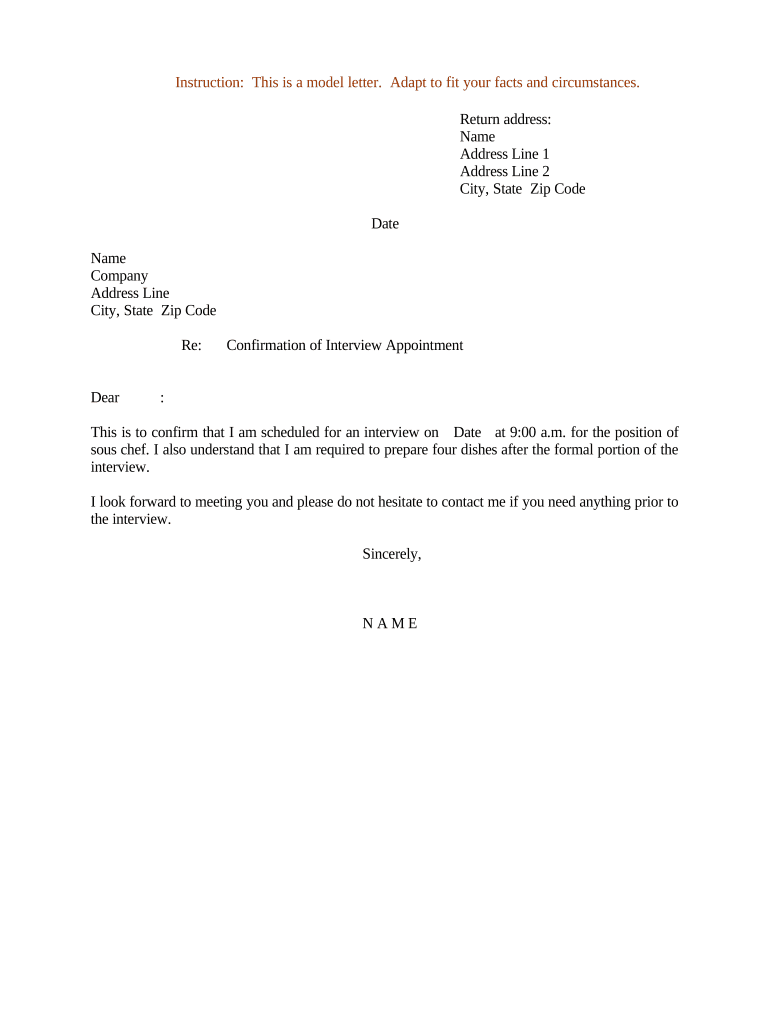
A formal confirmation reduces miscommunication, improves candidate experience, and creates a record of the agreed appointment that can be referenced in scheduling disputes or compliance reviews.

Organisations of all sizes use confirmations to coordinate interviews and preserve scheduling records.
Clear confirmations help both senders and recipients plan, comply with internal policies, and reduce rescheduling.
Candidate name, job title, and a unique internal reference such as requisition or candidate ID for accurate recordkeeping.
Confirmed date, start time with time zone, expected duration, and physical room or virtual meeting link with access instructions.
List of interviewers and their roles so the candidate knows who will attend and why.
Directions, parking, building access, ID requirements, dress code, and any security or health screening policies.
A phone number or email for same-day changes or questions and the name of the person to notify on arrival.
A brief statement that a copy will be retained in personnel or applicant records for compliance and auditing.
Send confirmation immediately after a slot is agreed to avoid double-booking.
Provide at least 48–72 hours' notice for in-person interviews where travel is required.
Send a reminder 24 hours before the interview to reduce no-shows.
Request 24 hours' notice for cancellations or reschedules when feasible.
Retain confirmations per HR retention policy and applicable law.
Hiring manager and candidate confirm a provisional time slot.
Recruiter or HR issues the written confirmation with all logistics.
Automated reminder is sent 24 hours before the appointment.
Save the confirmation to the applicant record for compliance and reference.
| Field | Configuration |
|---|---|
| Candidate Name | Auto-fill from applicant tracking system |
| Interview Date/Time | Use timezone-aware field with MM/DD/YYYY and HH:MM |
| Location/Link | Conditional field: show physical address or virtual link |
| Attachments | Add directions, maps, or NDAs as required |
Choose a delivery channel that matches your security needs and candidate expectations.
Integrations with ATS, CRM, or calendaring systems reduce manual steps and preserve confirmations for HR compliance.
| signNow | DocuSign | Adobe Sign | PandaDoc | HelloSign | |
|---|---|---|---|---|---|
| Starting Price | $8/user/mo | $15/user/mo | $14/user/mo | $19/user/mo | $15/user/mo |
| Free Trial | 7-day free trial | Varies by vendor | Varies by vendor | Varies by vendor | Varies by vendor |
| Bulk Send | Yes | Yes | Yes | Yes | No |
| Audit Trail | Yes | Yes | Yes | Yes | Yes |
| HIPAA Compliant | Yes | Yes | Yes | No | No |
A midsize university centralized confirmations through the ATS to auto-fill candidate details and attach campus maps.
A tech firm used electronic confirmations with calendar invites and virtual links to coordinate international panels.