Power of Attorney Form
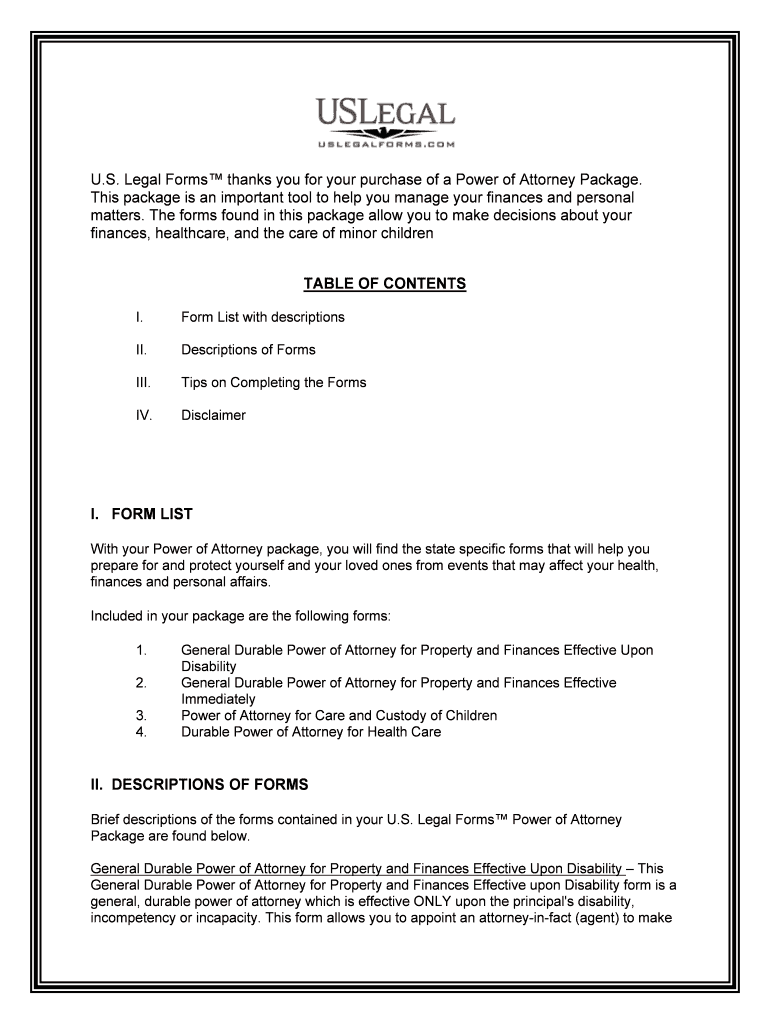
What the Power of Attorney Form Is and when it applies
Why a correct Power of Attorney Form matters
A properly completed Power of Attorney Form establishes clear authority, reduces delays in financial and medical decision making, and prevents disputes over intent. It creates a documented chain of authority that third parties can rely on when verifying the agent's rights to act.

Who typically uses a Power of Attorney Form
Choose the form type—general, limited, or durable—based on the scope and duration of authority you intend to grant.
- Elderly individuals managing retirement accounts, real estate, or medical directives when mobility or cognition declines.
- Business owners delegating signing authority for contracts, banking, or corporate filings during absence or incapacity.
- Attorneys and guardians who need express, documented authority to act on behalf of a client for specific legal matters.
Primary roles involved
Principal — Grantor
The individual who gives authority. The principal must have sufficient legal capacity when executing the form; signing under duress or without capacity may render the POA invalid and subject to challenge.
Agent — Attorney-in-Fact
The person or entity receiving authority. The agent must act according to the principal's instructions and in the principal's best interest, keeping records and avoiding conflicts of interest.
Step-by-step: Completing the Power of Attorney Form
-
01Choose form type: Decide limited, general, or durable authority.
-
02Enter parties: Provide full legal names and contact details.
-
03Define powers: List specific authorities and any restrictions.
-
04Sign and authenticate: Sign with required witnesses and notary as state law requires.
How an executed Power of Attorney works in practice
-
Verification: Third parties confirm signatures, notarization, and effective date.
-
Agent acts: Agent performs authorized transactions within scope.
-
Recordkeeping: Agent should keep receipts and copies for accountability.
-
Termination: POA ends by revocation, expiration, or principal death.
Digital workflow settings for online completion
| Field | Configuration |
|---|---|
| Required Signatures | Mark principal, agent, and witness fields as required. |
| Date Validation | Enforce MM/DD/YYYY format and prevent future dates. |
| Conditional Fields | Show healthcare authority fields only if selected. |
| Authentication | Require email verification or SMS code for agent |
Technical considerations for eSigning and notarization
Ensure the provider meets applicable compliance standards and can produce a tamper-evident signed record that third parties will accept for authentication checks.
- File formats: PDF and DOCX accepted
- Integrations: Works with CRM and cloud storage
- Notarization: Supports RON where available
Common legal risks and consequences
Frequent mistakes to avoid when preparing a POA
- Using ambiguous language that fails to specify which powers are granted and which are excluded, leading to third-party refusal.
- Mismatched names or missing contact details that prevent banks or registries from verifying the signer's identity promptly.
- Omitting a durability clause when incapacity coverage is intended, unintentionally terminating authority when the principal becomes incapacitated.
- Skipping notarization or required witness signatures in states that demand them, causing delays or invalidation.
eSignature pricing snapshot for Power of Attorney workflows
| signNow | DocuSign | Adobe Sign | PandaDoc | HelloSign | |
|---|---|---|---|---|---|
| Starting Price | $8/user/mo | $15/user/mo | $14/user/mo | $19/user/mo | $15/user/mo |
| Free Trial | 7-day free trial | Varies by vendor | Varies by vendor | Varies by vendor | Varies by vendor |
| Bulk Send | Yes | Yes | Yes | Yes | No |
| Audit Trail | Yes | Yes | Yes | Yes | Yes |
| HIPAA Compliant | Yes | Yes | Yes | No | No |
Frequently asked questions about Power of Attorney Forms
-
Can a POA be signed electronically?
Yes. Electronic signatures are generally valid under the ESIGN Act (15 U.S.C. §7001) and UETA in most states, except for specific statutory exceptions; confirm with the receiving third party before eSigning.
-
Is notarization always required?
Not always. Notarization and witness requirements vary by state and by POA type; some states require notarization for real estate or durable powers while others do not.
-
What authentication do third parties expect?
Banks and title companies commonly expect a notarized signature, government ID, or a reliable audit trail showing signer identity and intent before accepting an agent's authority.
-
How do I revoke a Power of Attorney?
Revoke in writing, notify the agent and third parties, and record the revocation with institutions or filing offices as needed; provide copies to parties holding previously relied-on POAs.
-
Can the agent act after the principal dies?
No. A POA generally terminates at the principal's death; estate administration shifts to executors or personal representatives under probate law.
-
How should executed POAs be stored?
Keep originals in a secure location, provide certified copies to banks or title companies, and retain electronic copies with tamper-evident audit trails for the retention period required by applicable law.