Caption
Court name, docket number, and party names exactly as shown on pleadings to ensure the order is filed to the correct case and avoids clerical rejection.
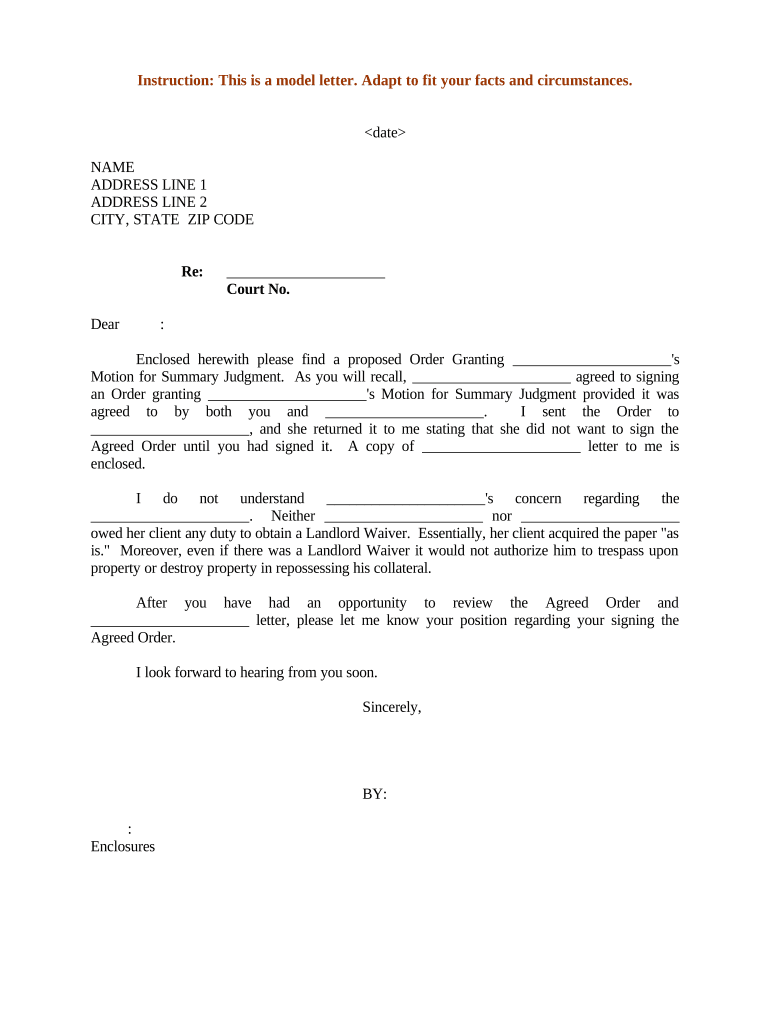
A well-crafted Proposed Order speeds court action, reduces clerical edits, and preserves the submitting party’s requested relief while aligning with procedural law. Electronic submission and a complete certificate of service support enforceability under federal e-signature law (ESIGN, 15 U.S.C. ch. 96) and state electronic transaction statutes (UETA or state ESRA). Ensure the order avoids conflicts with local court rules and listed statutory exceptions to electronic execution.

Common preparers and recipients include litigators, court staff, and agency attorneys who draft and process orders as part of routine case management.
An attorney prepares the Proposed Order, confirms the exact relief sought, ensures compliance with local rules, and certifies service. Attorneys must verify party names, case numbers, and signature blocks match the court docket to prevent rejection.
A clerk reviews formatting and filing method, dockets the order, and manages judge routing. Clerks apply local e-filing rules and may return the order for corrections if it fails to meet court-specific requirements.
Court name, docket number, and party names exactly as shown on pleadings to ensure the order is filed to the correct case and avoids clerical rejection.
A concise title such as 'Proposed Order Granting Motion for Summary Judgment' that identifies the motion or relief the court is being asked to enter.
Brief background or findings of fact where necessary to explain the legal basis for the order without introducing new contested factual matters.
Numbered, plain-language directives that the court will enter, specifying relief, effective dates, and any deadlines or obligations imposed on parties.
A blank signature line with printed judge name, title, and date line formatted per local rule to facilitate prompt signing.
A statement showing how and when opposing parties were served, listing methods used and recipients, to satisfy procedural service requirements.
| Field | Configuration |
|---|---|
| Authentication | Email link or two-factor authentication |
| File Format | PDF/A or searchable PDF |
| Signature Type | Typed, drawn, or cryptographic signature |
| Retention | Audit trail and certificate retained |
Confirm file formats, signer authentication, and retention settings before electronic submission to avoid technical rejection.
| signNow | DocuSign | Adobe Sign | PandaDoc | HelloSign | |
|---|---|---|---|---|---|
| Starting Price | $8/user/mo | $15/user/mo | $14/user/mo | $19/user/mo | $15/user/mo |
| Free Trial | 7-day free trial | Varies by plan | Varies by plan | Varies by plan | Varies by plan |
| Bulk Send | Yes (Business Premium) | Varies by plan | Varies by plan | Varies by plan | Varies by plan |
| Audit Trail | Yes | Yes | Yes | Yes | Yes |
| HIPAA Compliant | Yes (BAA available) | Varies by plan | Varies by plan | Varies by plan | Varies by plan |
| Envelope Cap | No cap | 100 envelopes/user/year | Varies by plan | Varies by plan | Varies by plan |
Often set by local rule; commonly within 7–21 days
Order will state when relief becomes operative
Varies by court workload and chambers procedures
Serve other parties contemporaneously with filing
Follow local emergency motion procedures when necessary
Finalize order language and exhibits for submission.
Confirm all parties received the proposed draft.
File via e-filing or deliver to clerk for docketing.
Obtain judge signature and serve entered order.
Attach supporting declarations, exhibits, and evidence cited in the order to preserve context and admissibility.
Use sworn declarations when factual findings are requested; ensure jurats or notary language meet court rules.
Provide PDF or PDF/A copies per court e-filing standards and avoid password-protected files.
Preserve an audit record showing signer identity, timestamps, and delivery for the court file.