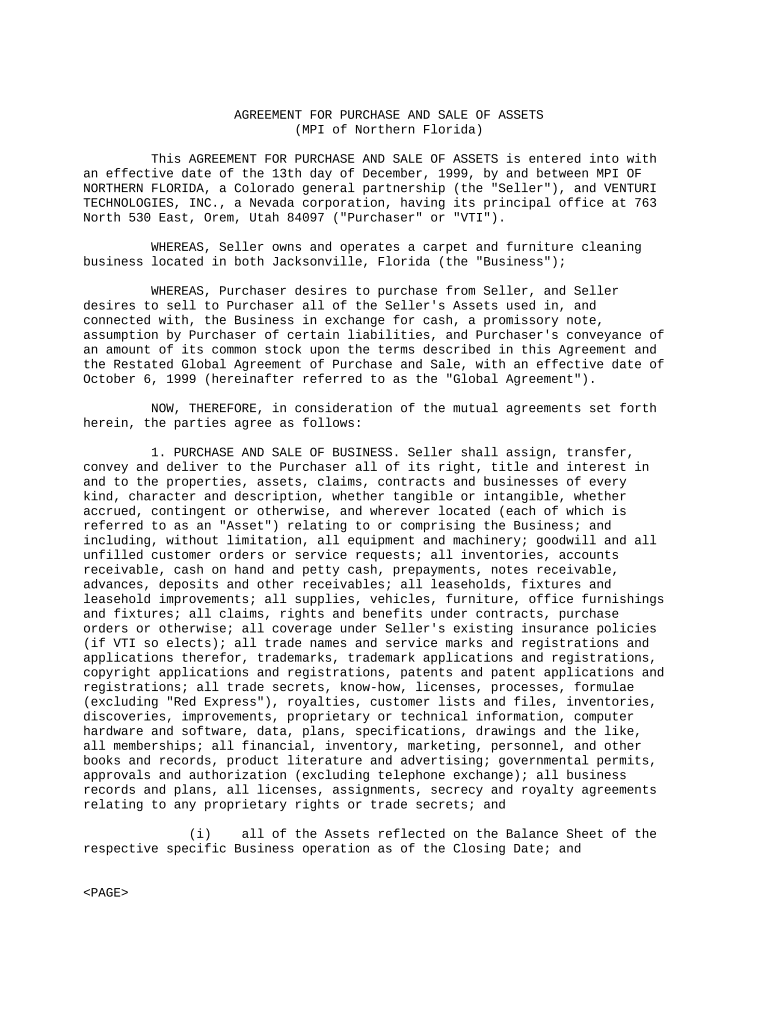
Sample Agreement Form
What the Sample Agreement Form Is and when it’s used
Why a clear Sample Agreement Form matters
A well-structured Sample Agreement Form clarifies rights and obligations, reduces disputes, and streamlines approvals. It creates a consistent record for compliance, auditability, and future reference across operational and legal teams.
Who typically prepares and signs this form
Different teams prepare or sign Sample Agreement Forms depending on use: legal drafts high-risk versions, procurement or sales use standard templates, and HR or operations use employment or contractor variants.
- Legal and contracts teams review liability, indemnity, and governing law language before execution.
- Procurement and finance use the form to set payment terms and invoice schedules.
- External vendors or contractors sign to confirm scope, milestones, and acceptance criteria.
Keep a central owner for the template and a clear approval path to avoid inconsistent clause versions or unauthorized modifications.
Step-by-step: Fill and finalize a Sample Agreement Form
-
01Prepare: Select the correct template and confirm governing state and clause set.
-
02Populate: Fill all required fields and attach exhibits or schedules.
-
03Review: Legal and finance confirm liability, payment, and tax treatment.
-
04Execute: Collect signatures in proper order, notarize if required, and save a certified copy.
Configuring an online workflow for the Sample Agreement Form
| Field | Configuration |
|---|---|
| Signer Order | Define sequential or parallel signing to control approvals. |
| Authentication | Use email or SMS code for basic ID; add KBA or ID verification for higher assurance. |
| Conditional Fields | Show or hide clauses based on checkbox selections to reduce clutter. |
| Audit Trail | Capture timestamps, IP addresses, and actions for evidentiary support. |
Typical e-signing flow for the Sample Agreement Form
-
Upload: Upload the template as PDF or DOCX and verify pagination.
-
Place Fields: Add signature, date, initial, and text fields where required.
-
Send: Enter signer emails or generate a secure signing link to distribute.
-
Complete: Signers authenticate, sign, and receive the final executed copy plus an audit trail.
Delivery channels and technical requirements
Consider the recipient's device, required authentication, and integrations when choosing a distribution method.
- Email Delivery: Standard method; suitable for most signers and preserves an emailed link and audit trail.
- Signing Link: Works for bulk or guest signers; avoid for high-assurance needs without extra authentication.
- API / Integration: Use API to embed signing in systems such as Salesforce, NetSuite, or Google Workspace.
Match the delivery channel to the risk level: high-risk agreements may require stronger signer authentication and direct integration with recordkeeping systems.
Key timing considerations and deadlines
Effective Date:
Defines when obligations start and triggers timelines.
Performance Milestones:
List milestone dates and cure periods for missed deliverables.
Termination Notice:
Specify how many days' notice is required to terminate.
Renewal Window:
Include automatic renewal notice timing if applicable.
Record Retention:
Confirm how long executed copies must be retained for compliance.
Processing milestones from draft to archived record
Draft Approval
Template selection and internal approvals occur before external distribution.
Signature Collection
Electronic or in-person signatures are collected in the defined order.
Verification
Confirm signatures, authentication, and notarization if required.
Archival
Store executed copies and audit trails in a secure repository.
Common mistakes that delay or invalidate agreements
- Leaving blank fields that alter material terms or dates.
- Mismatched party names between signature block and tax records.
- Failing to obtain required notarization or witness signatures.
- Using weak authentication for high-value or HIPAA-related agreements.
Potential legal and financial consequences of errors
Comparison of common eSignature providers for handling Sample Agreement Forms
| signNow | DocuSign | Adobe Sign | PandaDoc | HelloSign | |
|---|---|---|---|---|---|
| Starting Price | $8/user/mo | $15/user/mo | $14/user/mo | $19/user/mo | $15/user/mo |
| Free Trial | 7-day free trial | No | No | Yes, limited | Yes, limited |
| Bulk Send | Yes | Yes | Yes | Yes | No |
| Audit Trail | Yes | Yes | Yes | Yes | Yes |
| Envelope Cap | No cap | 100 envelopes/user/year | Varies by plan | Varies by plan | Varies by plan |
Frequently asked questions about the Sample Agreement Form
-
Can I use an electronic signature?
Yes. Under the federal ESIGN Act (15 U.S.C. §7001) and UETA in most states, electronic signatures are legally valid when intent, consent, attribution, and record retention are satisfied.
-
Do I need a notarized signature?
Not always. Notarization is required for recordable instruments (for example, deeds) or when a state law or internal policy requires it. Verify state requirements before execution.
-
What happens if party names differ?
Mismatched names can lead to unenforceability or tax reporting issues. Ensure names match tax and corporate records and include a corporate resolution if signing on behalf of an entity.
-
Are witness signatures required?
Witness requirements depend on the document type and state. Some states require witnesses for deeds or powers of attorney; most commercial agreements do not require witnesses.
-
How long should I keep the executed form?
Retain executed agreements for the active term plus at least 3 years; certain records such as tax or HIPAA-related documents require longer retention per IRC §6501(a) and 45 CFR §164.530(j).
-
Which authentication level should I use?
Match authentication strength to risk. Use email or SMS for low-risk deals, and add KBA, ID verification, or two-factor authentication for high-value or regulated agreements.