Opening Greeting
Personalize the salutation with the patron's preferred name and express appreciation in a single concise sentence that reflects the tone of your practice.
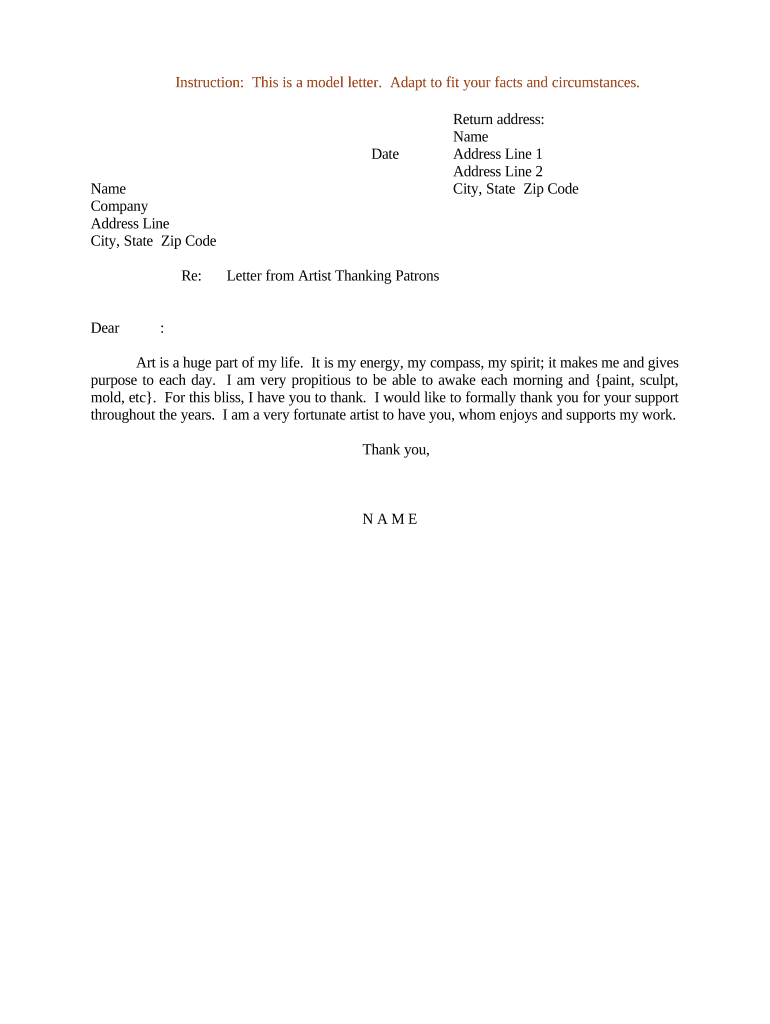
A clear thank-you letter strengthens patron relationships, documents the transaction or donation, and can record any rights granted for images or reproduction. It also creates a written record useful for accounting, tax substantiation, and future communications under ESIGN/UETA frameworks.

Recipients include private collectors, donors, sponsors, and crowd-funding backers who expect a professional acknowledgment and any necessary documentation.
| Field | Configuration |
|---|---|
| Template Name | Use a standard template such as 'Thank-You Letter — Patron' for reuse. |
| Signer Order | Single signer (artist) or parallel signing if multiple acknowledgments are needed. |
| Authentication | Email verification or SMS code to match signer identity. |
| Reminder Schedule | Set one automatic reminder if acknowledgment requires patron confirmation. |
Ensure the chosen platform supports audit trails, export formats, and any compliance requirements relevant to your organization.
Personalize the salutation with the patron's preferred name and express appreciation in a single concise sentence that reflects the tone of your practice.
State the date, event, purchase amount or donation, and the artwork or service provided so the record ties directly to the exchange.
If the patron receives a certificate, shipment, or follow-up material, specify delivery timelines and contact methods to manage expectations.
Record any permissions for reproduction, exhibition, or publicity explicitly; lack of clarity can cause later disputes.
If the payment is a donation or tax-deductible purchase, state whether a separate tax receipt will follow and what documentation is provided.
End with a brief signature block and provide a direct contact for questions or future opportunities to support your work.
Export a flattened PDF that includes the signature and timestamp so the signed document is preserved for archives and sharing.
Include a signing certificate or audit trail that records signer email, IP, timestamp, and authentication method for evidentiary support.
Attach the original invoice or donation receipt to substantiate payment for accounting and tax purposes.
If the letter grants image or publicity rights, include a signed release form to document scope and limitations.
Issue the letter within 7–14 days after the event or transaction to reinforce appreciation.
Ask patrons to confirm receipt within 30 days if follow-up actions or permissions are involved.
Store the executed letter immediately after signing to maintain auditability.
Deliver any formal receipt required for tax purposes within standard fiscal reporting timelines.
Keep email threads and delivery confirmations alongside the signed letter for recordkeeping.
Finalize wording and include transaction specifics before routing.
Obtain the artist's signature and any required patron acknowledgment.
Record delivery and any patron confirmation or responses.
Save the signed file and audit trail to secure storage.
A mid-career painter sends a typed thank-you with itemized sale details
An illustrator thanks backers after a successful campaign
| signNow | DocuSign | Adobe Sign | PandaDoc | HelloSign | |
|---|---|---|---|---|---|
| Starting Price | $8/user/mo | $15/user/mo | $14/user/mo | $19/user/mo | $15/user/mo |
| Free Trial | 7-day free trial | Varies by vendor | Varies by vendor | Varies by vendor | Varies by vendor |
| Bulk Send | Yes | Yes | Yes | Yes | No |
| Audit Trail | Yes | Yes | Yes | Yes | Yes |
| HIPAA Compliant | Yes | Yes | Yes | No | No |
| Envelope Cap | No envelope cap | 100 envelopes/user/year | Varies | Varies | Varies |