Caption
Court name, case number, parties, and attorney contact information to identify the action precisely and enable proper service.
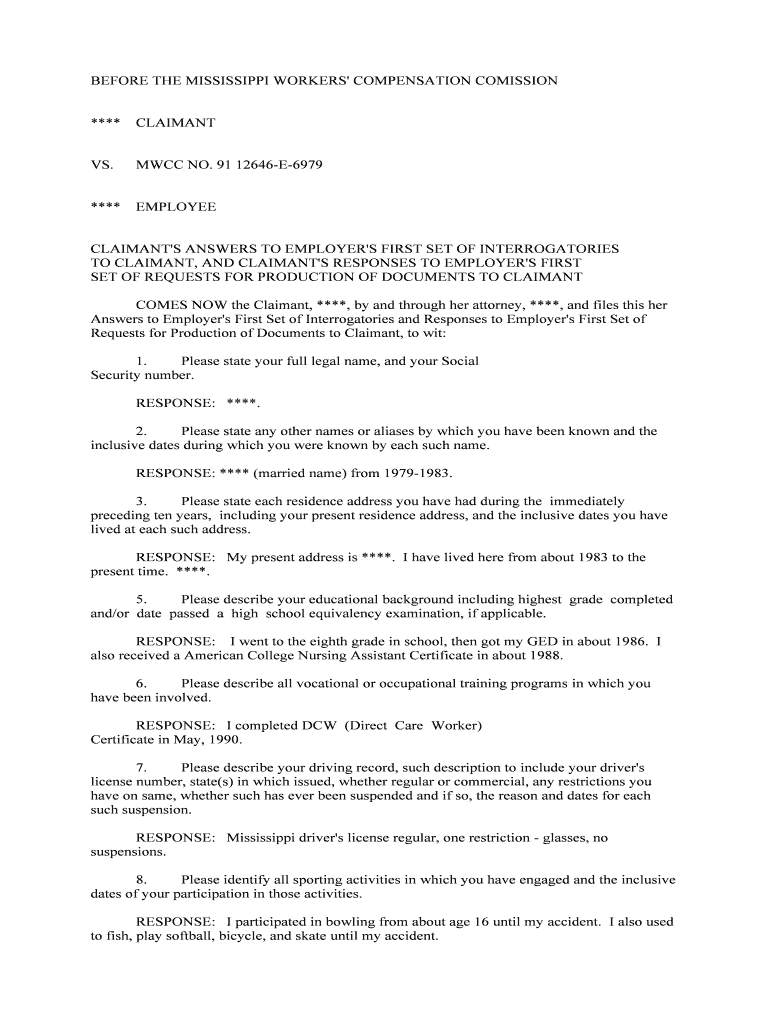
Using a focused Plaintiffs First Set of Interrogatories and Request helps narrow disputed facts, preserve evidence, and obtain documentary proof early in litigation, which supports pleadings, motions, and settlement analysis. Properly framed requests reduce objections and speed case preparation, while the accompanying verification creates an evidentiary record for later use in depositions, motions to compel, or trial.

The form is most often prepared by plaintiffs' counsel or litigation support staff as part of initial fact development and discovery planning.
The respondent will usually be opposing counsel or the defendant, assisted by document custodians and records personnel when producing responsive materials.
Court name, case number, parties, and attorney contact information to identify the action precisely and enable proper service.
Concise definitions for terms, time frames, and custodians to avoid ambiguity and limit room for evasive objections by the responding party.
Directions on how to answer, where to assert objections, how to identify withheld documents, and the format for producing electronically stored information.
Numbered questions seeking facts, witness identities, contentions, computations of damages, and factual bases for defenses.
Specific document requests described with reasonable particularity, including date ranges, custodians, file types, and privilege-log instructions.
A sworn signature block where the responding party affirms the truthfulness and completeness of answers under penalty of perjury or applicable state law.
| Field | Online Setting |
|---|---|
| Template Selection | Choose a litigation discovery template to keep numbering consistent. |
| Signature Field | Add a verification signature and date field for sworn answers. |
| Conditional Fields | Use conditional prompts when requests target specific defendants or timeframes. |
| Authentication | Require signer identification or email verification for service records. |
Confirm file types, authentication, and storage policies before transmitting discovery to avoid compatibility or security problems.
Use platforms that support secure upload, detailed audit logs, and common formats to streamline production and maintain an evidentiary chain without altering original files.
Commonly 30 days to answer under FRCP 33(b)(2).
Often 30 days to produce documents under FRCP 34(b)(2)(A).
Produce privilege log contemporaneously or within the production window.
Duty to supplement responses if new information arises.
File promptly after good-faith conferral if responses are inadequate.
Triggers response countdown and preservation obligations.
Responses or objections are typically due 30 days after service.
Meet promptly to attempt resolution before motion practice.
File after conferral if production or answers remain deficient.
| signNow | DocuSign | Adobe Sign | PandaDoc | HelloSign | |
|---|---|---|---|---|---|
| Starting Price | $8/user/mo | $15/user/mo | $14/user/mo | $19/user/mo | $15/user/mo |
| Free Trial | 7-day free trial | Varies by plan | Varies by plan | Varies by plan | Varies by plan |
| Bulk Send | Yes | Yes | Yes | Yes | No |
| Audit Trail | Yes | Yes | Yes | Yes | Yes |
| HIPAA Compliant | Yes | Yes | Yes | No | No |
| Criteria | Interrogatories | Requests for Production |
|---|---|---|
| Primary Purpose | obtain facts | obtain documents |
| Typical Form | written answers | document copies or inspection |
| Response Format | narrative answers | files, native formats |
| Objections Allowed |
Plaintiff seeks incident reports, medical bills, and witness contact information to support liability and damages.
Plaintiff requests contract versions, communications, and accounting records to establish breach and damages.